
SLIDE 1
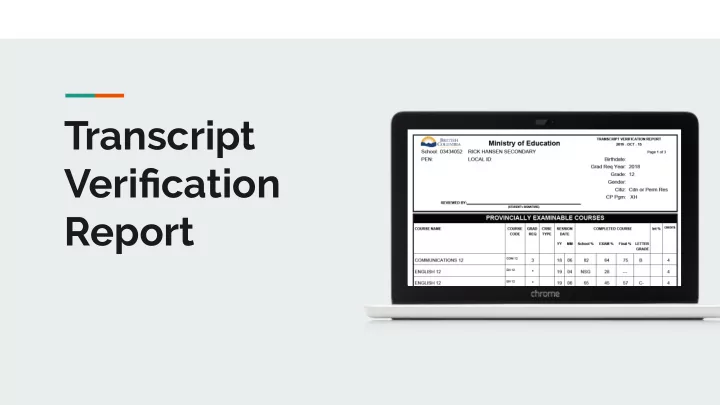
Transcript Verification Report What is your Grade 10, 11, and 12 - - PowerPoint PPT Presentation
Transcript Verification Report What is your Grade 10, 11, and 12 Courses TVR? Unofficial transcript Past and Present Classes Official transcript is based on TVR Official transcript is based on TVR Why is your TVR Important? University,
Grade 10, 11, and 12 Courses Unofficial transcript Past and Present Classes Official transcript is based on TVR
Official transcript is based on TVR University, College, Jobs Demographics must be correct
Transcript Verification Record
Your LEGAL name here
Is this address correct?
Must be legal name
Is this your birthday?
Courses that required a Provincial Exam.
Courses required for graduation. Alpha by Course Name…course code…session…%...c redit…TS...RM
Courses that required a Provincial Exam.
Courses required for graduation. Alpha by Course Name…course code…session…%...c redit…TS...RM
1
They will need your transcript!
You did this last year!
Two ways to send transcript to university: A:
B: Google Student Transcript Services
1. Confirm your registration through email 2. Log into STS using BCeID
Grants you access to scholarships and bursaries Google classroom code: 6n07dc
➔ Check that your LEGAL name and address are correct ➔ Delete multiple listings. For example: ➔ Do not count credits in brackets (4). ➔ Count all credits and put total on bottom right of page 2 ➔ Sign top of page 1: ➔ Hand in before you leave
If you have any questions or concerns, see your counsellor