Toward a Design/Programming Methodology Although you must write - - PowerPoint PPT Presentation

toward a design programming methodology
SMART_READER_LITE
LIVE PREVIEW

Toward a Design/Programming Methodology Although you must write - - PowerPoint PPT Presentation

Toward a Design/Programming Methodology Although you must write code, you shouldnt be thinking about code when you first start thinking about solving a problem Analysis, Design, Implementation, but spiral through them, dont use the


slide-1
SLIDE 1

Duke CPS 108

  • 5. 1

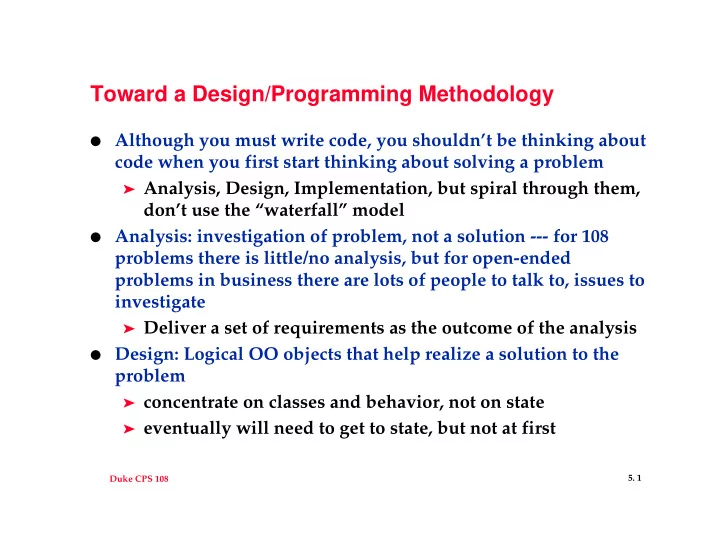
Toward a Design/Programming Methodology

  • Although you must write code, you shouldn’t be thinking about

code when you first start thinking about solving a problem

➤ Analysis, Design, Implementation, but spiral through them,

don’t use the “waterfall” model

  • Analysis: investigation of problem, not a solution --- for 108

problems there is little/no analysis, but for open-ended problems in business there are lots of people to talk to, issues to investigate

➤ Deliver a set of requirements as the outcome of the analysis

  • Design: Logical OO objects that help realize a solution to the

problem

➤ concentrate on classes and behavior, not on state ➤ eventually will need to get to state, but not at first

slide-2
SLIDE 2

Duke CPS 108

  • 5. 2

Use Cases: From Analysis to Design

  • How will someone use the program? What are typical

scenarios?

➤ Users have different roles, outside entities interact with

the program, but also objects within the program interact with other objects

➤ Give scenarios a description and provide a paragraph that

describes the user/system interactions

  • Use cases/scenarios can be done formally or informally, but

you need to think about how the system works

➤ From use case proceed to design of classes ➤ Nouns are classes, verbs are methods/member functions ➤ Brainstorm, throw things out, revisit analysis, get to state

  • nly at the end
slide-3
SLIDE 3

Duke CPS 108

  • 5. 3

Example: WOOFII in action

  • How does user interact with system? Are there any issues in

terms of user expectations of the system? Why?

➤ Fast or small? ➤ Possible additions to the system?

  • Is it worth thinking about this from an OO viewpoint or is

this main, two functions, and that’s it

➤ Suppose you have a class WordsInaFile, can this be used

if specs change to do words in all files in a directory?

  • WordCollection vs. WordsInaFile
  • Operations on WordCollection objects?
  • Should the readFile method sort objects? Why?

Alternatives?

slide-4
SLIDE 4

Duke CPS 108

  • 5. 4

WOOFII classes (and maybe KWIC classes)

  • Similarities/Differences

➤ Is a word a string? ➤ Time vs. space ➤ What about repeated words on a line in both programs

  • Keep in mind

➤ Open/Closed principle, extend but don’t modify ➤ Coupling and Cohesion, each function/class captures one

abstraction, minimal coupling between functions/classes

➤ Test each class outside of the main application ➤ Document design decisions as they happen rather than

after the fact

slide-5
SLIDE 5

Duke CPS 108

  • 5. 5

C++ idioms

  • Consider Date, DirStream, DirEntry, what happens with

➤ x = y; ➤ assignment is memberwise unless operator = overloaded ➤ copy constructor used in passing parameters by value

  • If you need one of: destructor, assignment operator, copy

constructor, you need all of them

➤ heuristic only: managing resources other than memory ➤ preventing objects from being copied ➤ what about non-copyable state, e.g., stream

  • In assignment operator, watch for self-assignment
slide-6
SLIDE 6

Duke CPS 108

  • 5. 6

Assignment and C++

  • Copy constructor used to construct a variable that has never

before existed

➤ no need to check self-assignment ➤ use initializer lists ➤ parameter is const-reference object, sometimes non-const

needed as well

  • Assignment operator gives new value to existing object

➤ check for self-assignment ➤ clean up old resources when allocating new ones ➤ Not used in Foo x = y;

  • Both can be disabled by making methods private
slide-7
SLIDE 7

Duke CPS 108

  • 5. 7

Destructors in C++

  • Destructors clean up resources allocated by an object

➤ Objects/variables on the stack are destructed automatically

when they go out of scope

➤ Objects allocated on the heap are destructed when the

delete operator is called

  • It’s nice not to worry about reclaiming storage, easy to get

wrong

delete p; //if p is NULL? Points to stack object?

➤ Java has automatic garbage collection, your C++ programs

can have this too

  • commercial/free products
  • never delete anything, don’t implement destructors
  • Who is responsible for deletion?

➤ Creator or benefactor? What about singleton?

slide-8
SLIDE 8

Duke CPS 108

  • 5. 8

The code doesn’t run

  • Test classes in isolation, not as part of the complete program

➤ each class should (ideally) have its own test suite ➤ day.cpp, testday.cpp, wagreader.cpp, testwagreader.cpp,...

  • Use the debugger: gdb, ddd

➤ debugger is much faster than edit/compile/debug ➤ important for pointers to find out where the problem is ➤ run, break at, where, step (into), next (statement)

  • Never define a variable, especially a pointer, without giving it

a value

  • Ask questions of prof, TA, UTA, each other
  • Post salient parts of problem, not “my code doesn’t work”