
SLIDE 1
1
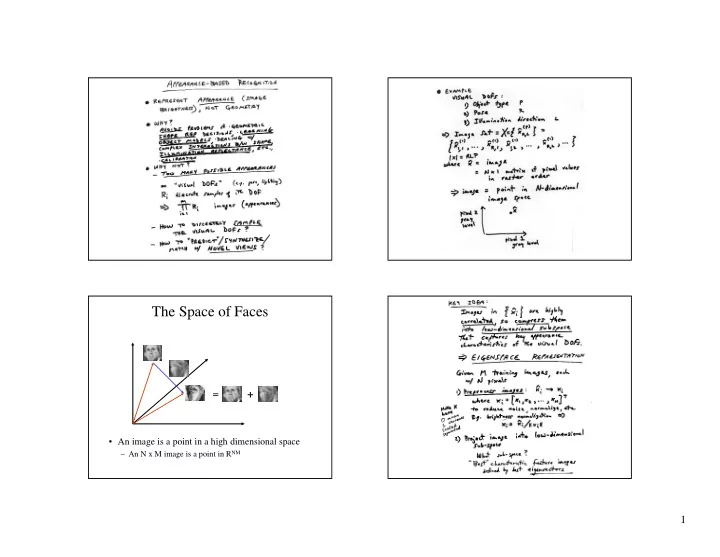
The Space of Faces
- An image is a point in a high dimensional space
The Space of Faces = + An image is a point in a high dimensional - - PowerPoint PPT Presentation
The Space of Faces = + An image is a point in a high dimensional space An N x M image is a point in R NM 1 Linear Subspaces Dimensionality Reduction convert x into v 1 , v 2 coordinates What does the v 2 coordinate measure? - distance
convert x into v1, v2 coordinates What does the v2 coordinate measure? What does the v1 coordinate measure?
How to find v1 and v2 ?
– We can represent the orange points with only their v1 coordinates
– This makes it much cheaper to store and compare points – A bigger deal for higher dimensional problems
Consider the variation along direction v among all of the orange points: What unit vector v minimizes var? What unit vector v maximizes var? Solution: v1 is eigenvector of A with largest eigenvalue v2 is eigenvector of A with smallest eigenvalue
among training vectors x
– represent points on a line, plane, or “hyper-plane”
– Suppose it is K dimensional – We can find the best subspace using PCA – This is like fitting a “hyper-plane” to the set of faces
– Gives a set of vectors v1, v2, v3, ... – Each one of these vectors is a direction in face space
– can be interpreted as fitting a Gaussian, where A is the covariance matrix – this is not a good model for some data
– regression techniques to fit parameters of a model
– LLE: http://www.cs.toronto.edu/~roweis/lle/ – isomap: http://isomap.stanford.edu/ – kernel PCA: http://www.cs.ucsd.edu/classes/fa01/cse291/kernelPCA_article.pdf – For a survey of such methods applied to object recognition
Recognition", IEEE Transactions on Pattern Analysis and Machine Intelligence (PAMI), June 2002 (Vol 24, Issue 6, pps 780-788) http://www.merl.com/papers/TR2002-13/