
SLIDE 1
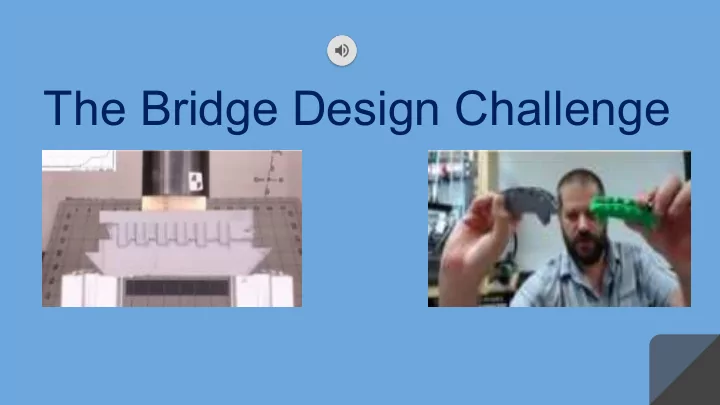
The Bridge Design Challenge Our 3D Printing Group Printer / - - PowerPoint PPT Presentation
The Bridge Design Challenge Our 3D Printing Group Printer / Materials Here are some of the basic necessities for PLA Filament PLA Filament Computer Computer 3D printing. Ender 3 3D Printer Ender 3 3D Printer Print Removal Tools Print
Ender 3 3D Printer Ender 3 3D Printer PLA Filament PLA Filament Flush Cutters Flush Cutters Print Removal Tools Print Removal Tools Computer Computer
Tinkercad Tinkercad Thingiverse Thingiverse Cura Cura
https://www.medicaldevice- network.com/features/3d-printing-in-the-medical- field-applications/
https://www.thingiverse. com/thing:1147252
On the left is a hydraulic press.On right are pictures of our work
This shows different orientation ways you can print on your bed Infill
https://www.tianseoffice.com/blog/how-to-use-infill- percentage-and-pattern-enhance-strength-save-material/ https://help.grabcad.com/article/205- 3d-printing-best-practices?locale=enWall thickness
https://i.materialise.com/en/3d-printing- materi als/abs/design-guide https://cloudconvert.com/m4a-to-mp3 crushing them in a hydraulic press
graphs
bridges and tested them again
Before: Before: After: After:
We would like to thank the following people and organizations for providing us with this incredible opportunity:
Farnsworth with Los Alamos National Laboratory.