
SLIDE 1
1 CMPSC 383 Multi-Agent and Robotic Systems Spring 2017 Janyl Jumadinova In-class Exercise 12–14 November 2019 DUE: Thursday, November 14th
Starting with ROS
- 1. In the terminal, you may need to open your bashrc file: vim ∼/.bashrc and put the fol-
lowing command that sets up ROS environment: source /opt/ros/kinetic/setup.bash. Otherwise, you may need to type: source /opt/ros/kinetic/setup.bash every time you
- pen a new terminal.
- 2. Type $ roscore. roscore is the first thing you should run when using ROS. roscore will start
up: a ROS Master, a ROS Parameter Server, and a rosout logging node.
- 3. Next, you can run rosrun command.
rosrun allows you to run a node. Usage: rosrun <package> <executable>. Open a new terminal window and type: $ rosrun turtlesim turtlesim node
- 4. In separate terminal window run: $ rosrun turtlesim turtle teleop key
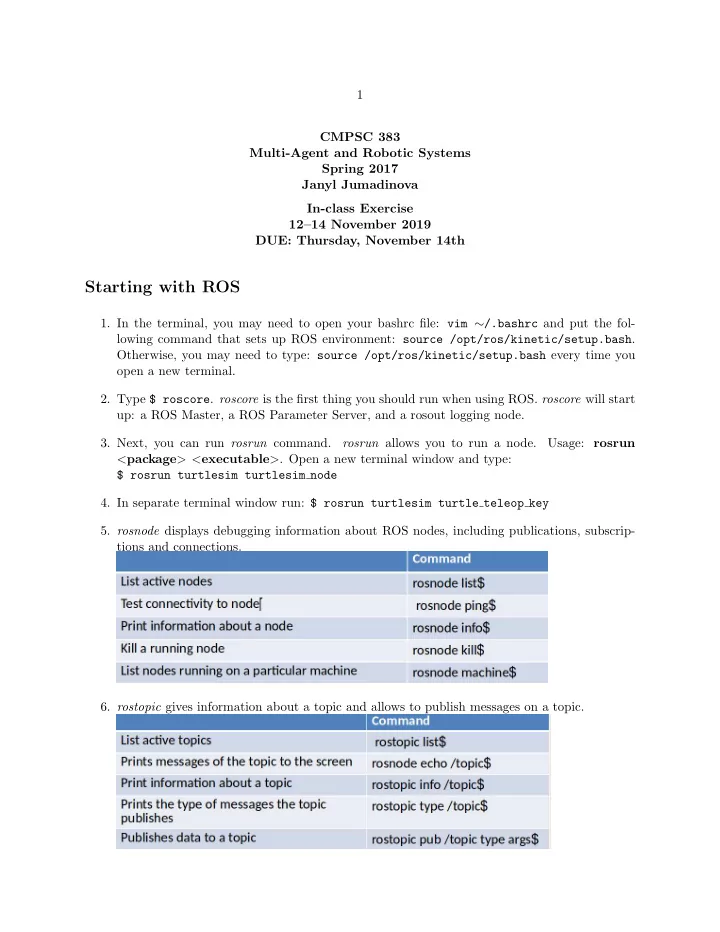
- 5. rosnode displays debugging information about ROS nodes, including publications, subscrip-
tions and connections.
- 6. rostopic gives information about a topic and allows to publish messages on a topic.