Slide 1
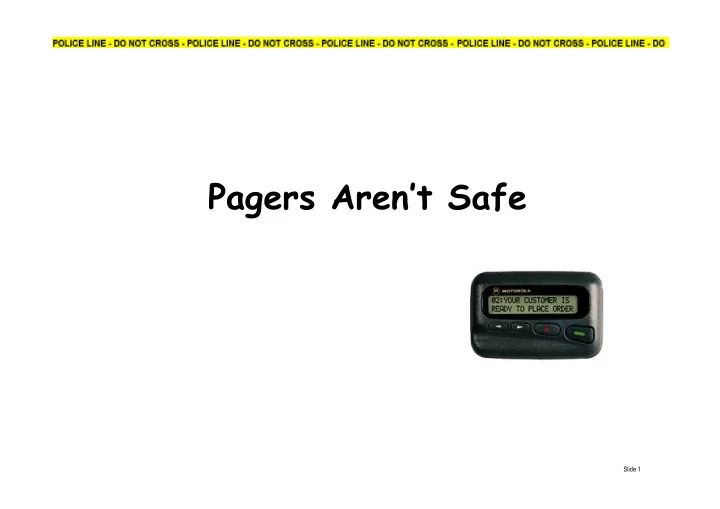
Pagers Arent Safe Slide 1 What is a Pager? Pagers... those - - PowerPoint PPT Presentation
Pagers Arent Safe Slide 1 What is a Pager? Pagers... those ubiquitous "beepers" that always seem to be going off during meetings. Have you ever wondered: how they work how secure are they how easy it would be to
Slide 2
What is a Pager?
Pagers... those ubiquitous "beepers" that always seem to be going off during meetings. Have you ever wondered:
how they work how secure are they how easy it would be to intercept messages what type of information is it safe to send what is the the risk in using them as part of your
SIRT process
Slide 3
How to Intercept Pager Messages
To Intercept pager messages you need:
A hand held radio receiver to pickup the pager
signals
A hardware decoder to demodulate the signal i.e.
convert the audio signal to a data signal
Software to function like your pager software and
decoding the pager transmissions so you can monitor who is getting paged. Lots of detailed instructions on the web i.e.
http://www.hackcanada.com/2600/articles/2600_16-4_p24.txt
Slide 4
The Radio Receiver
The scanner must be able to pick up the frequencies used to transmit pager messages. In the UK these are: 138.150 – 153.275 454.675 – 466.075
- An example scanner is the Yupiteru
MVT-7100 Cost - £215.00
Slide 5
Hardware Decoder
Building a hardware decoder is not difficult and instructions are easily
- btained on the internet.
If your soldering skills are rusty you can purchase
- ne from
http://www.pervisell.com/
Cost - £19.99
Slide 6
Decoding software
Software to decode pager messages is available on the internet. Some of the easiest to use are: PD - POCSAG Decoder
http://www.bearnet.demon.co.uk/pocsag/
Winflex
http://members.es.tripod.de/COMpSEEK/buscas.htm
POC32
http://home.nikocity.de/go/poc32/
Cost - Free
Slide 7
Putting it all together
Time taken to set-up system, install software, and learn how to use it: 90 minutes Cost £234.99 (Excluding PC)
Slide 8
Slide 9