
SLIDE 1
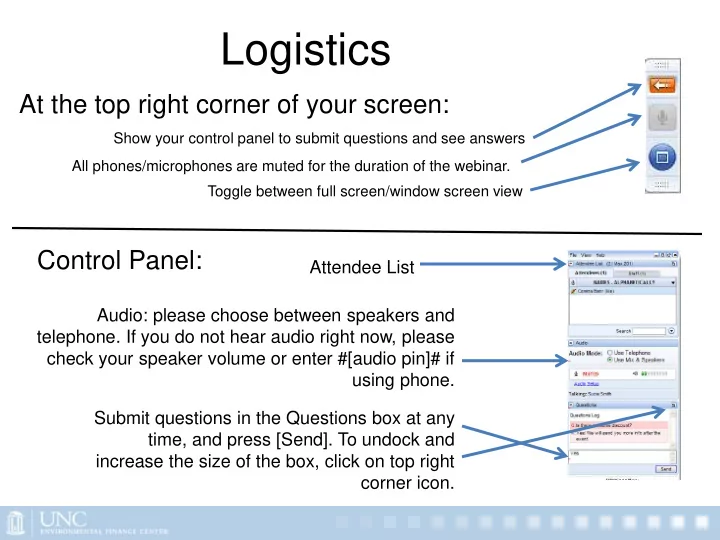
Show your control panel to submit questions and see answers Toggle between full screen/window screen view
At the top right corner of your screen: Control Panel:
Audio: please choose between speakers and
- telephone. If you do not hear audio right now, please
check your speaker volume or enter #[audio pin]# if using phone. Submit questions in the Questions box at any time, and press [Send]. To undock and increase the size of the box, click on top right corner icon.
Logistics
All phones/microphones are muted for the duration of the webinar.
Attendee List