Logistics Embedded Systems and Kinetic Art Class meets Wednesdays - - PDF document

logistics
SMART_READER_LITE
LIVE PREVIEW

Logistics Embedded Systems and Kinetic Art Class meets Wednesdays - - PDF document

Logistics Embedded Systems and Kinetic Art Class meets Wednesdays from 3:05-6:05 CS5968: Erik Brunvand Well start meeting in MEB 3133 School of Computing At some point we may also meet in the New Media Wing on the south side of


slide-1
SLIDE 1

1

Embedded Systems and Kinetic Art

CS5968: Erik Brunvand School of Computing FA3800: Paul Stout Department of Art and Art History

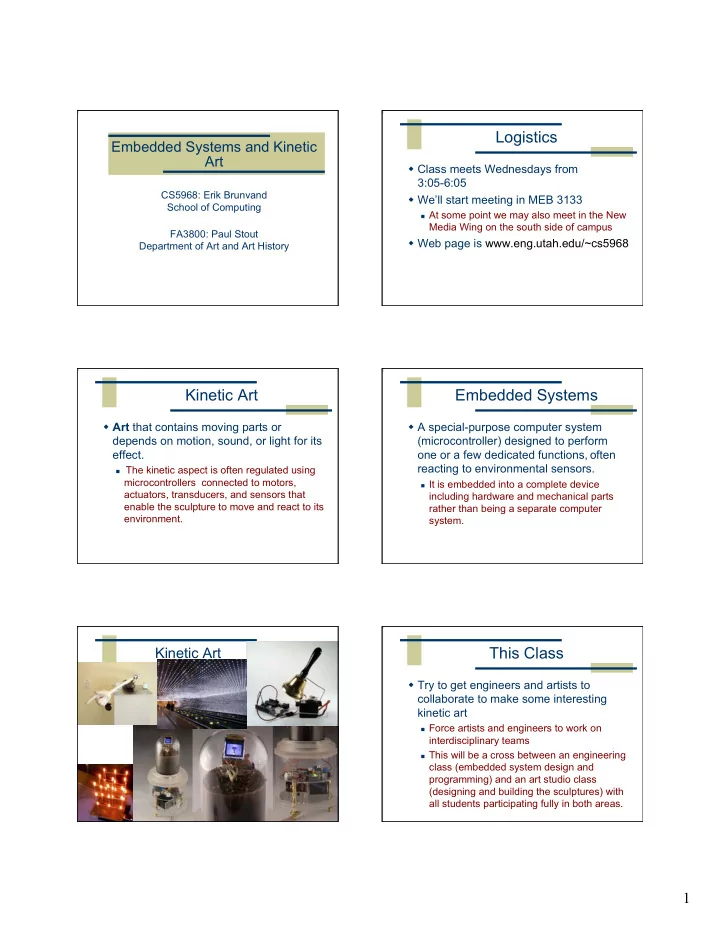
Logistics

 Class meets Wednesdays from 3:05-6:05  We’ll start meeting in MEB 3133

 At some point we may also meet in the New

Media Wing on the south side of campus

 Web page is www.eng.utah.edu/~cs5968

Kinetic Art

 Art that contains moving parts or depends on motion, sound, or light for its effect.

 The kinetic aspect is often regulated using

microcontrollers connected to motors, actuators, transducers, and sensors that enable the sculpture to move and react to its environment.

Embedded Systems

 A special-purpose computer system (microcontroller) designed to perform

  • ne or a few dedicated functions, often

reacting to environmental sensors.

 It is embedded into a complete device

including hardware and mechanical parts rather than being a separate computer system.

Kinetic Art

This Class

 Try to get engineers and artists to collaborate to make some interesting kinetic art

 Force artists and engineers to work on

interdisciplinary teams

 This will be a cross between an engineering

class (embedded system design and programming) and an art studio class (designing and building the sculptures) with all students participating fully in both areas.

slide-2
SLIDE 2

2

How will it Work?

 Good question! It’s an experiment from both sides...

 Start with some background study  Some hand’s-on labs with the microcontroller  try out different sensors, actuators, etc.  Teams will eventually design a project together  Class critiques, refinement, final build  Exhibit of the results in December

Mechanics Motion Control

 Various types of motors

 DC motors  stepper motors

 Servos

 stepper-style actuators controlled by pulse

width modulation (PWM)

Types of Motors Servos

slide-3
SLIDE 3

3

Electronics

 You’ll need to learn a little electronics

 Make sure you don’t blow things up  It’s not hard, but you’ll need to think a little

 Ohm’s Law, etc.

Outputs

 Cause an action to happen

 motors and servos cause movement  Also light, sound, etc.

Light Producing Hardware

Light bulbs strobes light emitting diodes (LEDs)

LEDs Chips to drive LEDs

 Direct control from the microcontroller  Serial data to external controller ICs

 some with PWM on each channel

 External LED matrix controllers  Various ways to drive and control lots of LEDs...

Sound

Speakers Piezo buzzers Full audio vs. PWM buzzing

slide-4
SLIDE 4

4

Sound

ISD Digital/Analog solid state recording chip

Sensors

 Sense what’s going on in the world  Inputs to your controller

 light sensors  movement detectors  rangefinders  temperature sensors  position sensors

Photocell Passive infrared (PIR) Sonar rangefinder Circuit “glue”

 These electrical components need a little tender loving care

 so you don’t blow them up  so the range of values they see or produce

is scaled properly

 so they get the right voltages  Can’t be sloppy about this!

slide-5
SLIDE 5

5

Resistors Capacitors Diodes and LEDs Transistors Assembling Components Assembly (soldering)

slide-6
SLIDE 6

6

Assembly (breadboard prototyping) Power supplies, batteries, etc.

Switching power supply

Batteries, power supplies, etc. Microcontroller

 The “brains” that coordinates the kinetics

 Small computers  Typically with special support for sensors

and actuators

 Analog-digital converters on inputs  pulse-width modulation on outputs

Arduino

slide-7
SLIDE 7

7

Arduino Community

 Open source physical computing platform

 “open source” hardware  open source software environment  physical computing means sensing and

controlling the physical world

 Community

 Examples wiki (the “playground”)  Forums with helpful people

Arduino Arduino

USB Interface External Power ATmega328 Analog Inputs Digital I/O pins tx/rx LEDs Test LED

  • n pin 13

power LED Reset

Arduino

 Based on the AVR ATmega328 chip

 8 bit microcontroller (RISC architecture)  32k flash for programs  2k RAM, 2k EEPROM, 32 registers  14 digital outputs (pwm on 6)  6 analog inputs  Built-in boot loader  Powered by USB

  • r by external power
slide-8
SLIDE 8

8

ATmega328P

8-bit RISC CPU – 16MHz 32 registers 32k Flash, 2k SRAM, 1k EEPROM 3 8-bit I/O ports 6 ADC inputs 2 8-bit timers 1 16-bit timer USART SPI/TWI serial interfaces

Programming Arduino

 Open-source programming environment  Arduino language is based on C

 Actually, it *is* C/C++  Hiding under the hood

is gcc-avr

 But, the Ardiuino

environment has lots

  • f nice features to

make programming less scary...

More Arduino Info?

 www.arduino.cc/

 Main Arduino project web site

 www.arduino.cc/playground/Main/HomePage

 “playground” wiki with lots of users and examples

 www.freeduino.org/

 “The world famous index of Arduino and Freeduino

knowledge”

 www.eng.utah.edu/~cs5968

 our class web site

slide-9
SLIDE 9

9

Resources for this class

 We have a small grant that can be used to buy supplies for the class

 Arduino boards  sensors of various different types  motors and servos  LEDs and LED controllers

 You should expect to have to buy a few more parts on your own to complete your project though...

 We can use this electronics lab, and perhaps wood

and metal shop facilities in Art

Next Week

 We’ll do a hand’s-on session with the Arduino boards

 Bring a laptop if you have one  We’ll write some very simple programs  Interface to some very simple sensors/LEDs

Next Steps?

 Assignment 1 for next week

 Look for examples of arts/tech collaborations  Find a few examples that you find interesting  Make a short powerpoint/keynote

presentation on what you found (5-10min)

 Show it to the class next week