
SLIDE 1
Slide 1
Iowa’s AYP Alternate Assessments
2014-2015
Dynamic Learning Maps (DLM) ELA & Math
___________________________________ ___________________________________ ___________________________________ ___________________________________ ___________________________________ ___________________________________ ___________________________________ Slide 2
Iowa’s AYP Alternate Assessments
2014-2015
- Learning Goal
- Understand how to administer the DLM ELA & Math
Alternate Assessments Requirements and Expectations
- Year Long
- Fall Assessment Window- Phase B
- Success Criteria
- Know and apply resources that support the assessment
process
___________________________________ ___________________________________ ___________________________________ ___________________________________ ___________________________________ ___________________________________ ___________________________________ Slide 3
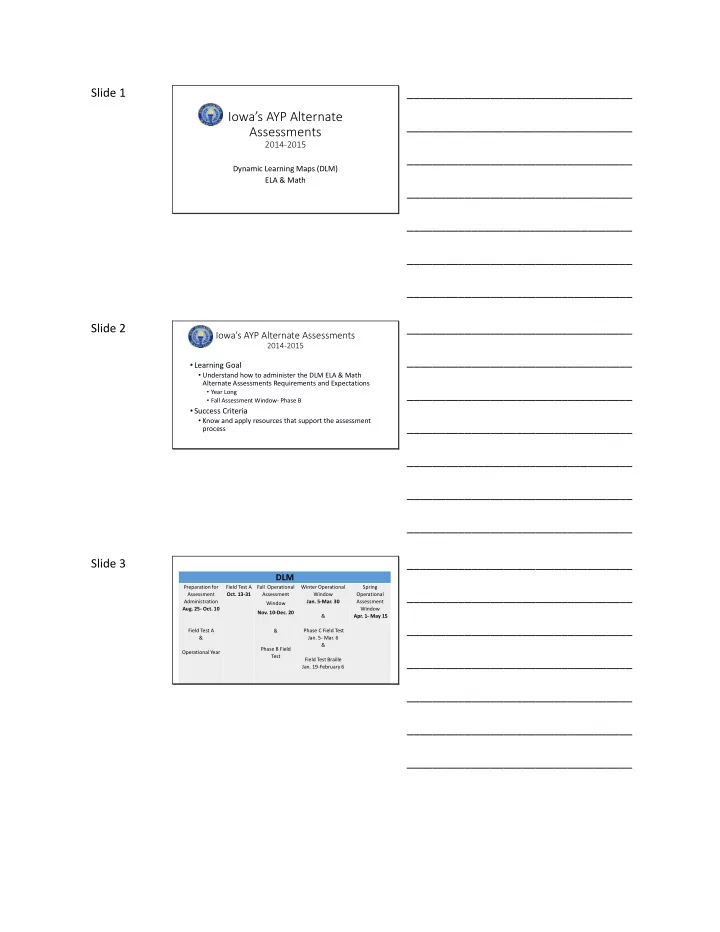
DLM
Preparation for Assessment Administration
- Aug. 25- Oct. 10
Field Test A & Operational Year Field Test A
- Oct. 13-31
Fall Operational Assessment Window
- Nov. 10-Dec. 20
& Phase B Field Test Winter Operational Window
- Jan. 5-Mar. 30
& Phase C Field Test
- Jan. 5- Mar. 6
& Field Test Braille
- Jan. 19-February 6
Spring Operational Assessment Window
- Apr. 1- May 15