
SLIDE 1
CM40212 HTTP/SMTP Primer
Terminal access
The examples are best run from a unix (linux) machine:
- From the windows desktop open Putty
- Connect to lcpu.bath.ac.uk
- Log in with your BUCS username and password.
Simple HTTP 1.0 get
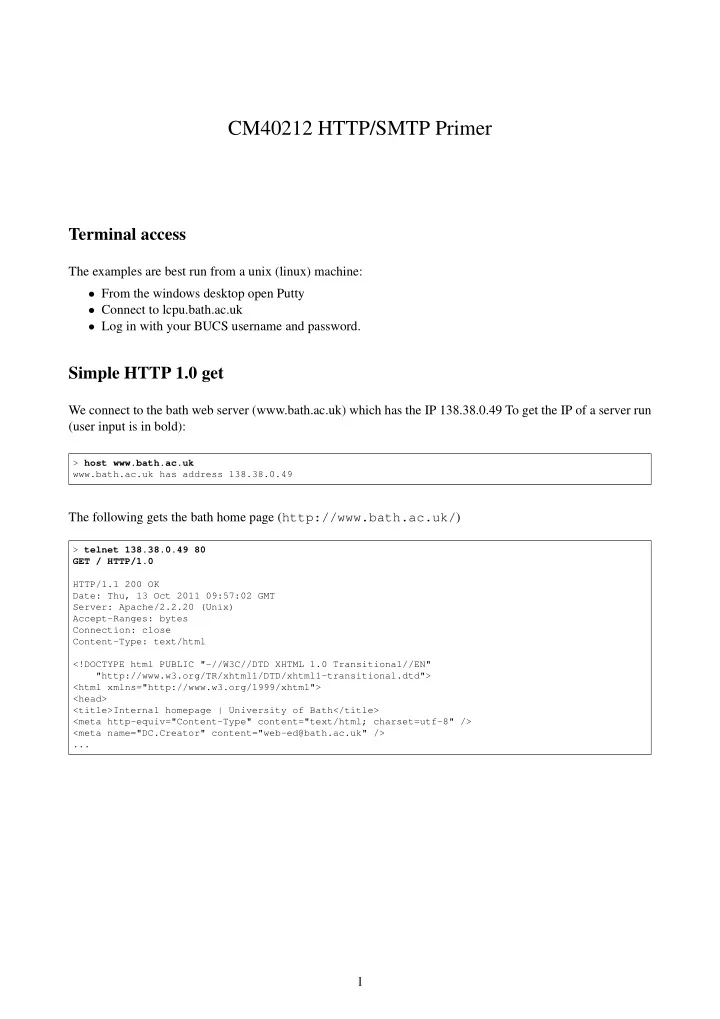
We connect to the bath web server (www.bath.ac.uk) which has the IP 138.38.0.49 To get the IP of a server run (user input is in bold):
> host www.bath.ac.uk www.bath.ac.uk has address 138.38.0.49
The following gets the bath home page (http://www.bath.ac.uk/)
> telnet 138.38.0.49 80 GET / HTTP/1.0 HTTP/1.1 200 OK Date: Thu, 13 Oct 2011 09:57:02 GMT Server: Apache/2.2.20 (Unix) Accept-Ranges: bytes Connection: close Content-Type: text/html <!DOCTYPE html PUBLIC "-//W3C//DTD XHTML 1.0 Transitional//EN" "http://www.w3.org/TR/xhtml1/DTD/xhtml1-transitional.dtd"> <html xmlns="http://www.w3.org/1999/xhtml"> <head> <title>Internal homepage | University of Bath</title> <meta http-equiv="Content-Type" content="text/html; charset=utf-8" /> <meta name="DC.Creator" content="web-ed@bath.ac.uk" /> ...