SLIDE 1
1
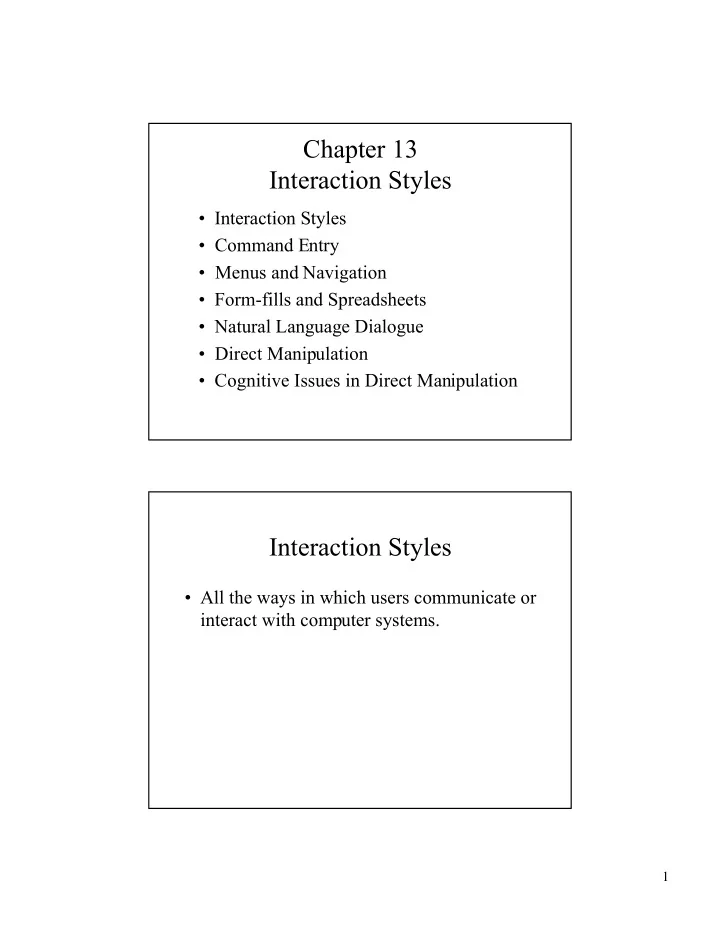
Chapter 13 Interaction Styles
¥ Interaction Styles ¥ Command Entry ¥ Menus and Navigation ¥ Form-fills and Spreadsheets ¥ Natural Language Dialogue ¥ Direct Manipulation ¥ Cognitive Issues in Direct Manipulation
Interaction Styles
¥ All the ways in which users communicate or interact with computer systems.
SLIDE 2 2
Command Entry
¥ Style which requires a user to enter commands at a given prompt.
Ð Command- a way of expressing instructions to a computer directly.
¥ Example: MS-DOS C:\>_
Menus and Navigation
¥ Menu- A set of options displayed on the screen where the selection and execution of
- ne or more options results a change in the
- interface. Two types are:
Ð Pull-down- Menu dragged down from a title. Ð Pop-up- Menu that appears when you click on an icon or designated area of the screen.
SLIDE 3
3
Menus and Navigation
Login Move Shrink Open Close Shape Hardcopy Logout Pull-Down Menu Pop-up Menu Pie Menu
Form-fills and Spreadsheets
¥ Form fills allow users to enter information into preset areas.
Ð Example-Online order forms
¥ Spreadsheets appear similar to their paper counterpart, but allow much more functionality.
Ð Example-Microsoft Excel
SLIDE 4 4
Natural Language Dialogue
¥ Allows users to communicate more directly with computer systems. ¥ Although natural language systems are not yet possible, expert systems using a subset
- f natural language do exist.
Direct Manipulation
¥ Describes systems with the following four features:
Ð Visibility of objects Ð Rapid, reversible, incremental actions Ð Replacement of command language syntax
¥ Example: Window Explorer, other click-and-drag applications.
SLIDE 5
5
Direct Manipulation
¥ Benefits
Ð Novices can learn quickly Ð Experienced users can work faster Ð Intermittent users can retain concepts Ð Users can see if their actions are achieving their goals Ð Users experience less anxiety and gain confidence
Cognitive Issues and Direct Manipulation
¥ Cognitive study of direct manipulation led to a discrepancy between the gulf of execution and the gulf of evaluation.
Ð Gulf of Execution- The distance between the userÕs goals and the means of achieving them through the system. Ð Gulf of Evaluation- The distance between the systemÕs behavior and the userÕs goals.
SLIDE 6 6
Cognitive Issues in Direct Manipulation
Physical System Goals
Gulf of Execution Gulf of Evaluation
Cognitive Issues in Direct Manipulation
¥ Bridging the Gulf of Execution
Ð Users- Changing the way they currently think and carry out a task toward the way the system requires it to be done. Ð Designers- Designing the input characteristics to match the users psychological capabilities.
SLIDE 7 7
Cognitive Issues in Direct Manipulation
¥ Bridging the Gulf of Evaluation
Ð Users- Changing their interpretation of the system image and evaluating it with respect to their goals. Ð Designers- Changing the output characteristics
Cognitive Issues in Direct Manipulation
¥ Semantic Directness- Relation between what the user wants to express and the meaning of the expressions available at the interface. ¥ Articulatory Directness- Relation between expression meanings and their physical form.
SLIDE 8
8
Cognitive Issues in Direct Manipulation
¥ Other design principles being studied in relation to direct manipulation:
Ð Affordances
¥ Perceptual, sequential, and sound.
Ð Constraints
¥ Physical, semantic, and logical.
Ð Mappings Ð Feedback