
SLIDE 1
STATE TEACHERS RETIREMENT SYSTEM OF OHIO Account Adjustments and Backpostings Webinar employer_education@strsoh.org 1
EMPLOYER
EDUCATION Account Adjustments and Backpostings
50-386, 10/20/E
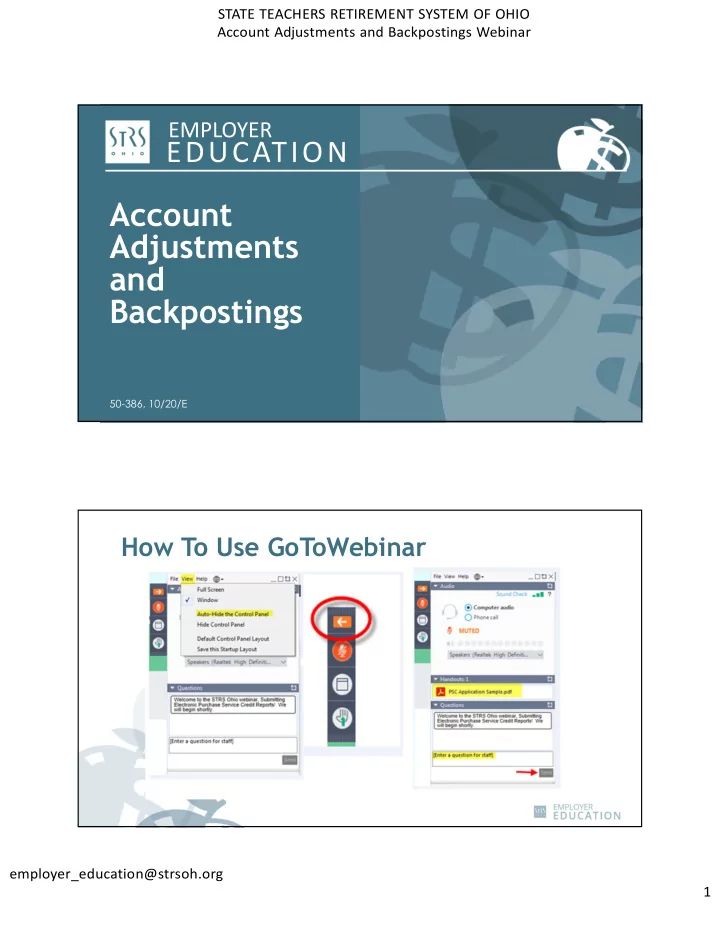
Account Adjustments and Backpostings 50-386, 10/20/E How To Use - - PDF document
STATE TEACHERS RETIREMENT SYSTEM OF OHIO Account Adjustments and Backpostings Webinar EMPLOYER EDUCATION Account Adjustments and Backpostings 50-386, 10/20/E How To Use GoToWebinar employer_education@strsoh.org 1 STATE TEACHERS
STATE TEACHERS RETIREMENT SYSTEM OF OHIO Account Adjustments and Backpostings Webinar employer_education@strsoh.org 1
50-386, 10/20/E
STATE TEACHERS RETIREMENT SYSTEM OF OHIO Account Adjustments and Backpostings Webinar employer_education@strsoh.org 2
Is the correction the result of a settlement agreement or grievance? Yes Yes Send a copy of the settlement agreement or grievance to STRS Ohio at report@strsoh.org for review and determination
No No No Submit a payroll adjustment (either in your own system or ESS) using the current date and be sure to withhold and report at the contribution rate in effect at the time the money was earned. Is the correction for the current fiscal year? Yes Submit a backposting using the same pay date that the payroll adjustment was
Instructions or the tutorial for step-by- step assistance.) Does the correction create a credit? Remit payment to STRS Ohio for the correction amount. Also submit an online cash remittance (unless paying through direct debit). Notify your payroll representative if you prefer to receive a refund check (if greater than $25) or wish to apply the credit toward your next payroll payment.
STATE TEACHERS RETIREMENT SYSTEM OF OHIO Account Adjustments and Backpostings Webinar employer_education@strsoh.org 3
Is the correction the result of a settlement agreement or grievance? Yes Send a copy of the settlement agreement or grievance to STRS Ohio at report@strsoh.org for review and determination
No Submit a payroll adjustment (either in your own system or ESS) using the current date and be sure to withhold and report at the contribution rate in effect at the time the money was earned.
Is the correction the result of a settlement agreement or grievance? Yes Send a copy of the settlement agreement or grievance to STRS Ohio at report@strsoh.org for review and determination
No Submit a payroll adjustment (either in your own system or ESS) using the current date and be sure to withhold and report at the contribution rate in effect at the time the money was earned.
STATE TEACHERS RETIREMENT SYSTEM OF OHIO Account Adjustments and Backpostings Webinar employer_education@strsoh.org 4
Is the correction the result of a settlement agreement or grievance? Yes Send a copy of the settlement agreement or grievance to STRS Ohio at report@strsoh.org for review and determination
No Submit a payroll adjustment (either in your own system or ESS) using the current date and be sure to withhold and report at the contribution rate in effect at the time the money was earned.
STATE TEACHERS RETIREMENT SYSTEM OF OHIO Account Adjustments and Backpostings Webinar employer_education@strsoh.org 5
Is the correction the result of a settlement agreement or grievance? Yes Send a copy of the settlement agreement or grievance to STRS Ohio at report@strsoh.org for review and determination
No No Submit a payroll adjustment (either in your own system or ESS) using the current date and be sure to withhold and report at the contribution rate in effect at the time the money was earned. Is the correction for the current fiscal year? Yes Submit a backposting using the same pay date that the payroll adjustment was
Instructions or the tutorial for step-by- step assistance.) Does the correction create a credit?
Is the correction the result of a settlement agreement or grievance? Yes Send a copy of the settlement agreement or grievance to STRS Ohio at report@strsoh.org for review and determination
No No Submit a payroll adjustment (either in your own system or ESS) using the current date and be sure to withhold and report at the contribution rate in effect at the time the money was earned. Is the correction for the current fiscal year? Yes Submit a backposting using the same pay date that the payroll adjustment was
Instructions or the tutorial for step-by- step assistance.) Does the correction create a credit?
STATE TEACHERS RETIREMENT SYSTEM OF OHIO Account Adjustments and Backpostings Webinar employer_education@strsoh.org 6
Is the correction the result of a settlement agreement or grievance? Yes Yes Send a copy of the settlement agreement or grievance to STRS Ohio at report@strsoh.org for review and determination
No No No Submit a payroll adjustment (either in your own system or ESS) using the current date and be sure to withhold and report at the contribution rate in effect at the time the money was earned. Is the correction for the current fiscal year? Yes Submit a backposting using the same pay date that the payroll adjustment was
Instructions or the tutorial for step-by- step assistance.) Does the correction create a credit? Remit payment to STRS Ohio for the correction amount. Also submit an online cash remittance (unless paying through direct debit). Notify your payroll representative if you prefer to receive a refund check (if greater than $25) or wish to apply the credit toward your next payroll payment.
STATE TEACHERS RETIREMENT SYSTEM OF OHIO Account Adjustments and Backpostings Webinar employer_education@strsoh.org 7
Is the correction the result of a settlement agreement or grievance? Yes Yes Send a copy of the settlement agreement or grievance to STRS Ohio at report@strsoh.org for review and determination
No No No Submit a payroll adjustment (either in your own system or ESS) using the current date and be sure to withhold and report at the contribution rate in effect at the time the money was earned. Is the correction for the current fiscal year? Yes Submit a backposting using the same pay date that the payroll adjustment was
Instructions or the tutorial for step-by- step assistance.) Does the correction create a credit? Remit payment to STRS Ohio for the correction amount. Also submit an online cash remittance (unless paying through direct debit). Notify your payroll representative if you prefer to receive a refund check (if greater than $25) or wish to apply the credit toward your next payroll payment.
STATE TEACHERS RETIREMENT SYSTEM OF OHIO Account Adjustments and Backpostings Webinar employer_education@strsoh.org 8
STATE TEACHERS RETIREMENT SYSTEM OF OHIO Account Adjustments and Backpostings Webinar employer_education@strsoh.org 9