
SLIDE 1
About the UNIVAC
- S. Lafferty Rev. 0
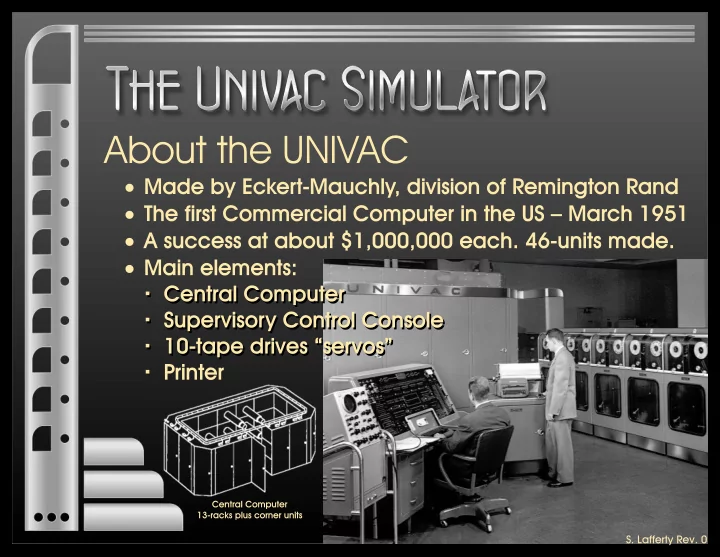
About the UNIVAC S. Lafferty Rev. 0 About the UNIVAC (continued) - - PowerPoint PPT Presentation
About the UNIVAC S. Lafferty Rev. 0 About the UNIVAC (continued) Dr. Ingermans UNIVAC Simulator UNIVAC Memory and CPU Instruction Set Simulator Features and Demo Single stepping, Q&T stop with override, Breakpoint stop ,
Single stepping, Q&T stop with override, Breakpoint stop “,” instruction/NOP , “50” - print with switchable skip/stop, Fill - print memory location CC
· Text has “Uniprinter button” whereas the button is labeled Console Printer. · “Select servo “-“ by clicking the selection next to that.” Should be the “option button next to that.” · “to move this instruction rCR” should read “...to rCR”. · “or just click on “Run” apparently means “...on Continuous”. · “repeatedly click on the “Single Step button” may mean “... on the One Step button” or “...on the One Instruction button”.