1 Directory & File Structure code/filesys/ Holds - - PDF document

1
SMART_READER_LITE
LIVE PREVIEW

1 Directory & File Structure code/filesys/ Holds - - PDF document

Nachos Tutorial Courtesy: University of Waterloo Outline Directory & File Structure Threads & Synchronization Unix vs. Kernel vs. User Programs MIPS Simulator & Nachos Address Spaces & Executables


slide-1
SLIDE 1

1

Nachos Tutorial

Courtesy: University of Waterloo

Outline

  • Directory & File Structure
  • Threads & Synchronization
  • Unix vs. Kernel vs. User Programs
  • MIPS Simulator & Nachos
  • Address Spaces & Executables
  • Common Problems

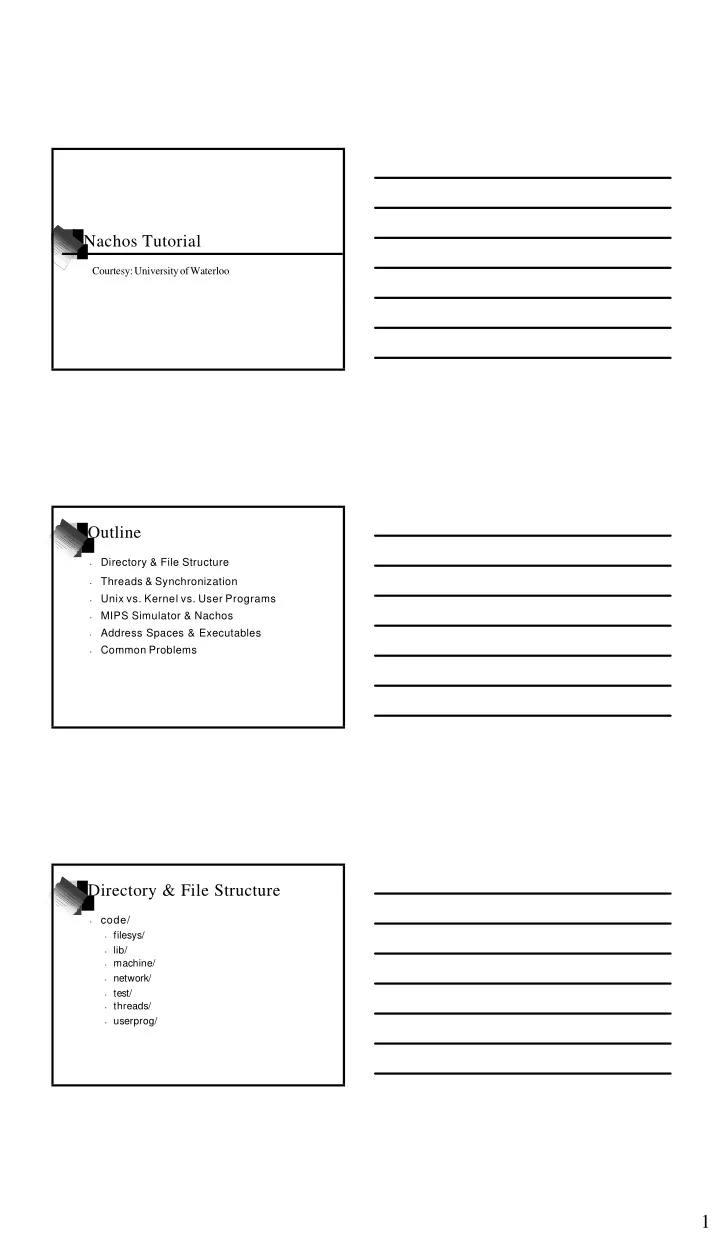
Directory & File Structure

  • code/
  • filesys/
  • lib/
  • machine/
  • network/
  • test/
  • threads/
  • userprog/
slide-2
SLIDE 2

2

Directory & File Structure

  • code/filesys/
  • Holds implementation of both stub and real file
system

Directory & File Structure

  • code/lib/
  • Holds the class library and debug routines.
  • Learn and make good use of the Nachos class
library (list, hash table, etc.) and debug facilities.
  • Avoid the STL (Standard Template Library) as it
incurs too much disk space.

Directory & File Structure

  • code/machine/
  • Holds the MIPS simulator that Nachos uses to
execute user programs
  • Do NOT change anything in this directory
  • Allowed to change a few constants such as the
NumPhysPages (in machine.h)
  • Familiarizing yourself with the simulator and the
flow of control will help in debugging and design
slide-3
SLIDE 3

3

Directory & File Structure

  • code/network/
  • Holds the networking code for Nachos
  • Doesn’t interfere with the working of Nachos
  • The networking code does create one thread call
“postal worker” that is always dormant

Directory & File Structure

  • code/test/
  • Holds all the test cases and the environment to
build new test cases.
  • Follow the format in Makefile to make new tests
PROGRAMS = . . . <test> <test>.o: <test>.c $(CC) $(CFLAGS) -c <test>.c <test>: <test>.o start.o $(LD) $(LDFLAGS) start.o <test>.o <test>.coff: $(COFF2NOFF) <test> .coff <test>

Directory & File Structure

  • code/threads/
  • Holds the threading and related routines for
Nachos.
  • No changes needed in here unless you really want
to change the threading internals, or are modifying the scheduler
  • Good idea to familiarize yourself with the
threading and synchronization in Nachos
slide-4
SLIDE 4

4

Directory & File Structure

  • code/userprog/
  • Holds the beginnings of user program support and
system calls handling
  • This is the only non functional portion of the
Nachos directory structure.

Threads & Synchronization

  • Nachos contains a complete threading library
  • Nachos contains a complete synchronization
library.
  • The scheduler is already in place and uses
simple FCFS scheduling.
  • Use of provided synchronization primitives
will implicitly control threads and scheduling.
  • No need to explicitly control thread execution
and scheduling

Threads & Synchronization

  • Try to solve problems using the thread
abilities before writing a new solution
  • Use the synchronization classes as much as
possible.
  • Example (Join):
Process A (in Join()): Semaphore* s = new Semaphore(“AJoinsB”); S->P(); // A blocks on Process B (in Exit()): Semaphore* s = GetSemaphore(“AJoinsB”); S->V(); // wake up A

Threads & Synchronization

slide-5
SLIDE 5

5

Threads & Synchronization

  • Thread Miscellany
  • Threads do not interrupt at any point in time (not
preemptive).
  • Thread switching happens at various places as a
result of calling certain functions
  • A while(1); will stop Nachos
  • Stack space for threads is limited so don’t define
local variables like char bigString[20000];
  • Concurrency & Synchronization issues are a BIG
deal.

Unix vs. Kernel vs. User Programs

  • The kernel runs inside of a Unix process
  • The simulator runs alongside the kernel
inside the Unix process
  • The user program run inside the simulator
  • The are many things called the same thing
that are different depending on where they are (i.e. stacks, registers, threads, processes)
  • It is easy to get mixed up about these things

Unix vs. Kernel vs. User Programs

slide-6
SLIDE 6

6

MIPS Simulator & Nachos

  • The simulator is in control of Nachos from the
beginning (from Machine::Run)
  • Kernel code only gets executed as a result of
a few specific events
  • Interrupts cause the simulator to call the
appropriate interrupt handler
  • Exceptions cause the simulator to call the
exception handler
  • System Calls cause the simulator to call the
exception handler

MIPS Simulator & Nachos

  • Interrupts
  • Interrupts are generated by the simulated
hardware in response to particular external events
  • These include the disk I/O, console I/O and timers
  • The interrupt mechanism is completely automatic
and you have no control over it
  • For instance when a timer interrupt happens the
kernel will yield the current thread and then the scheduler will automatically schedule the next thread to run (see timer.cc and alarm.cc)

MIPS Simulator & Nachos

  • Exceptions and System Calls
  • Exceptions are things like divide by zero and page
faults which need to be handled
  • System Calls are requests from user programs for
the kernel to perform a desired action
  • The entry point is ExceptionHandler() in
exception.cc
  • Once ExceptionHandler returns the simulator is in
control again
slide-7
SLIDE 7

7

MIPS Simulator & Nachos

  • Running the Simulator
  • The simulator is started by calling Machine::Run
  • This should be done only once per process
  • The simulator is self contained and only uses the
registers, memory and page tables (or TLB)
  • During a context switch the register swapping is
handled by the thread
  • During a context switch the page table (or TLB)
information needs to be updated (the beginnings are in addrspace.cc)

Address Spaces & Executables

  • Address Spaces
  • The current address space implementation is very
basic
  • Need to extend this to support nonlinear frame
mapping and allocating memory
  • Need to add support for translating and reading
to/from an address space
  • Take care when modifying the address space to
include all the sections of the NOFF file and the stack

Address Spaces & Executables

  • Executables
  • Nachos uses an executable format called NOFF
  • NOFF files consist of a few sections:
.code
  • The program inst ruct ions t hat t he simulat or will execut e
.initdata
  • The init ialized dat a t hat holds predef ined variable values
.uninitdata
  • The uninit ialized dat a. The is t he only sect ion w here t he
values are not read from t he file. I nit ialize t o zero. .rdata
  • The r ead-only data in the executable. This is comprised
mainly of literal strings (i.e. char* temp = “Kevin”; )
slide-8
SLIDE 8

8

Address Spaces & Executables

  • Creating Address Spaces
  • When creating address spaces, deal with every
section of the NOFF file explicitly
  • Don’t forget the required stack space
  • Make sure to mark the pages that are to be read
  • nly as such
  • Deal with pages that contain more than one
section (i.e. pages with half code and half data)
  • Create the page table for the process and
efficiently allocate the required memory for that process

Common Problems

  • New & Delete
  • New & Delete can cause crashes because of
invalid memory accesses that occurred at other locations
  • Hard to track down source
  • Example (fictitious):
// in one function char* temp = new char[10]; temp[11] = ‘a’; // incorrect, but works . . . // in another function further down char* temp2 = new char[10]; // causes segfault

Common Problems

  • Creating a new thread
  • Once a thread is created it is automatically
scheduled
  • The new thread can start running at any time
  • Cannot pass a member function to the
Thread::Fork routine.
  • Incorrect Solution:
Thread* t = new Thread; Process* p = new Process; t->Fork(Process::Start, p); // compiler error
slide-9
SLIDE 9

9

Common Problems

  • Creating a new thread (cont.)
  • Correct solution:
void ProcessStart(void* arg) { Process* p = (Process*) arg; p->Start(); } . . . Thread* t = new Thread; Process* p = new Process; t->Fork(ProcessStart, (void*)p);

Common Problems

  • Segmentation Faults (and Bus Errors)
fred@mud: ~ > ./test Segmentation Fault (core dumped) fred@mud: ~ > gdb test (gdb) run Program received signal SIGSEGV, Segmentation fault. 0xef6a4734 in strlen () from /usr/lib/libc.so.1 (gdb) bt #0 0xef6a4734 in strlen () from /usr/lib/libc.so.1 #1 0xef6da65c in _doprnt () from /usr/lib/libc.so.1 #2 0xef6e37b8 in printf () from /usr/lib/libc.so.1 #3 0x1095c in func1 () at test.c:6 #4 0x10970 in func2 () at test.c:11 #5 0x10984 in main () at test.c:16 (gdb)

Common Problems

  • Translation
  • The translation routines in the machine class are a
good start but not general purpose.
  • These routine are designed for single byte/integer
  • In designing translation routines consider larger
translations for reading and writing
  • In particular consider cross page conditions and
dealing with null terminated strings
  • Also watch out for the endianness change
between MIPS & Kernel
slide-10
SLIDE 10

10

Conclusion

This was only a brief introduction to Nachos Understanding Nachos internals will help a great deal in debugging and designing Get started on Assignment 1 ASAP A well designed Assignment 1 will reduce the workload needed for future assignments