Va Variables When creating a variable in Python, no type is - - PowerPoint PPT Presentation

va variables
SMART_READER_LITE
LIVE PREVIEW

Va Variables When creating a variable in Python, no type is - - PowerPoint PPT Presentation

1/29/20 Va Variables When creating a variable in Python, no type is provided x = 20 s = You think youve lost your love pi = 3.14159 So what happens if I do this (after the statements above)? x = pi CS 224


slide-1
SLIDE 1

1/29/20 1

Class #02: Variables, Expressions, and Statements

CS 224 Introduction to Python Spring 2020

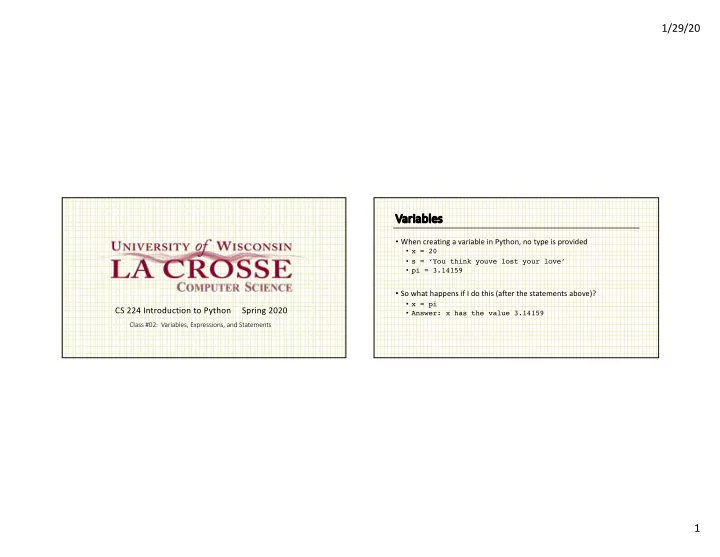
Va Variables

  • When creating a variable in Python, no type is provided
  • x = 20
  • s = ‘You think youve lost your love’
  • pi = 3.14159
  • So what happens if I do this (after the statements above)?
  • x = pi
  • Answer: x has the value 3.14159
slide-2
SLIDE 2

1/29/20 2

Ty Types

  • Python has types – what determines the type of an object?
  • Duck typing
  • if it walks like a duck and quacks like a duck…
  • So on previous slide, x was an int until we reassigned it. Then it

became a float.

  • type(x) reports the type of variable x

Bu Built-in in types

  • boolean
  • values True and False (note capitalization)
  • Numeric types: int, float, long, complex
  • Sequence types: str, list, tuple
  • set
  • dict
slide-3
SLIDE 3

1/29/20 3

Tr Truth values

  • Any object can be used in a Boolean expression
  • The following evaluate to False
  • None
  • False
  • empty sequences: ’’, [], ()
  • empty dictionary: {}

Ty Type Casting

  • Syntax: new_type(object)

x = 3.14159 y = 20 s = ‘20’ int(x) float(y) str(x) 3 20.0 ‘3.14159’

slide-4
SLIDE 4

1/29/20 4

Ty Type Casting continued

x = 3.14159 y = 20 s = ‘20’ t = ‘111’ int(s) int(y) str(x) int(t, 2) int(t, 8) 20 error ‘3.14159’ 7 73

Operator Precedence

  • No surprises
  • parentheses
  • exponentiation
  • multiplication/division
  • addition/subtraction
  • “I don’t work very hard to remember rules for other operators. If I

can’t tell by looking at the expression, I use parentheses to make it

  • bvious.”
slide-5
SLIDE 5

1/29/20 5

String Operators

  • We will see string methods later. Here are a couple of useful
  • perators.
  • + string concatenation
  • s1 = ‘This is ‘
  • s2 = ‘a test.’
  • print s1 + s2
  • * string repeat
  • s = ‘spam ‘
  • print s * 4 + ‘eggs, bacon, and spam’