Using Mobile Devices Meeting 2012 with RIS Workflow Richard Bulmer - - PowerPoint PPT Presentation

using mobile devices
SMART_READER_LITE
LIVE PREVIEW

Using Mobile Devices Meeting 2012 with RIS Workflow Richard Bulmer - - PowerPoint PPT Presentation

UK Imaging Informatics Spring Using Mobile Devices Meeting 2012 with RIS Workflow Richard Bulmer 1 Is there a need for mobile devices with RIS? Pros Ease of use Portability Being able to reduce paper/paperless department workflow


slide-1
SLIDE 1

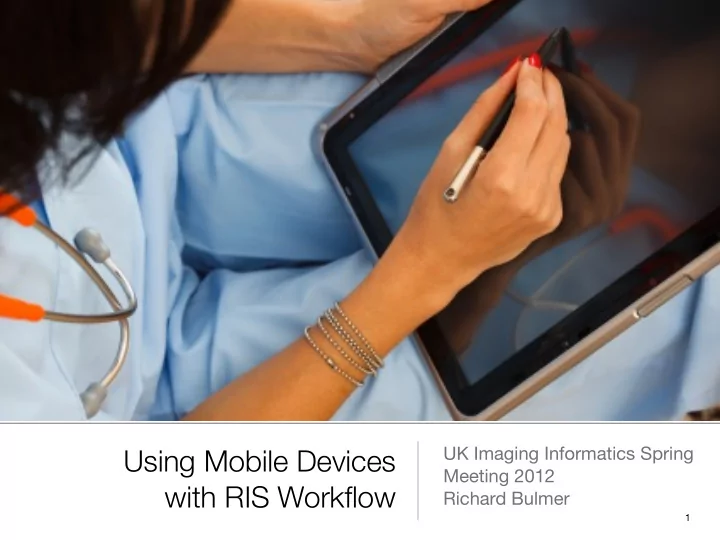
Using Mobile Devices with RIS Workflow

UK Imaging Informatics Spring Meeting 2012 Richard Bulmer

1
slide-2
SLIDE 2

Is there a need for mobile devices with RIS?

Pros

  • Ease of use
  • Portability
  • Being able to reduce paper/paperless department workflow
  • Justification of request / checking patient ID
  • Reduces need for paper request forms/consent/safety questionnaires
  • Have access to multiple systems such as PACS to look up previous

studies

2

slide-3
SLIDE 3

Is there a need for mobile devices with RIS?

Cons

  • Possible high cost
  • Easy to lose/stolen/break
  • Data security
  • Incompatibility across different systems
  • Performance and reliability
  • Infection control issues?
  • Requirement for wireless network with high availability

3

slide-4
SLIDE 4

Mobile devices and security

  • Need to be mindful of security issues but should be able

to work with mobile device management to facilitate encryption

  • Zero cached data when accessing systems should be

utilised to minimise issues

  • Possible use of wireless tracking of device may alert to

unauthorised movement of device

4

slide-5
SLIDE 5

Requirements

  • Patient check-in
  • Patient consent
  • Pregnancy status/safety questionnaire completion
  • Possible appointment booking directly for patients

5

slide-6
SLIDE 6

Requirements

  • Portable access to RIS on wards for portable exams such

as X-Ray or Ultrasound

  • Portering facilities
  • Possible reporting directly into RIS using DD/VR during

list.

  • Accessing other IT systems through the one device

6

slide-7
SLIDE 7

Patient Check In

  • Attending Patients
  • checking Patient ID
  • checking clinical details
  • Facilitates paperless workflow

7

slide-8
SLIDE 8

Pregnancy form/safety questionnaire/electronic consent completion

  • Electronic consent could be completed
  • Using a digital pen/stylus the patient could sign the LMP /

MRI safety questionnaire

  • Ability for Radiographers to sign to show they have

checked ID and justified the examination

8

slide-9
SLIDE 9

Access to RIS from other areas of the Hospital

  • For portable imaging studies such as portable X-Rays or

Ultrasound scans

  • Possible use in theatre to book in the case or amend the

details of the case during the procedure

  • Access to other systems allows Radiographers to check

previous imaging prior to exam.

9

slide-10
SLIDE 10

Portering and patient transport issues

  • Portable access to RIS to improve efficiency of Imaging

porters.

  • Access to RIS while out and about round the hospital

means that porters can be more proactive if a patient is not available rather than having to come back to department to check RIS.

  • Communication through RIS to the porters/back to

departmental staff around change in patient's status/ availability.

10

slide-11
SLIDE 11

Possible Reporting facilities in an Ultrasound Session - during the list

  • More and more applications around to provide voice

recognition and thus reports could be directly reported into RIS during the list.

  • Access to PACS and RIS in a handheld device as space

in Imaging Rooms is at a premium.

  • Access to the various systems 'at the bedside' rather than

a remote computer in the corner of the room

11

slide-12
SLIDE 12

Possible access to other features

  • Appointment booking with the patient
  • Possible patient satisfaction surveys
  • Possible VOIP uses - allows staff access to telephony

systems to contact referrers?

12

slide-13
SLIDE 13

Any questions?

13