
SLIDE 1
23.1
Unit 23
Summary
23.2
A BRIEF SUMMARY
Review of some key concepts from the first half of the semester
23.3
A Few Big Ideas 1
- Software interacts with hardware by setting, clearing,
and reading bits in specific registers
- Because we do not know when HW events will occur
we use interrupts and/or polling to check for HW events
– Take care; speed matters! One physical event may be seen as multiple events to a fast software loop; or you may miss an event completely if your software responds too slowly – We must write our software with this in mind
23.4
A Few Big Ideas 2
- Any algorithm can be implemented
in software or hardware
- Hardware will:
– Be faster and use less power – Convert input combinations to desired
- utput combinations using
combinational logic that often includes muxes, adders, decoders, and comparators – Use sequential logic, namely a register, to capture and save state or various data variables on a clock edge for processing in subsequent clocks
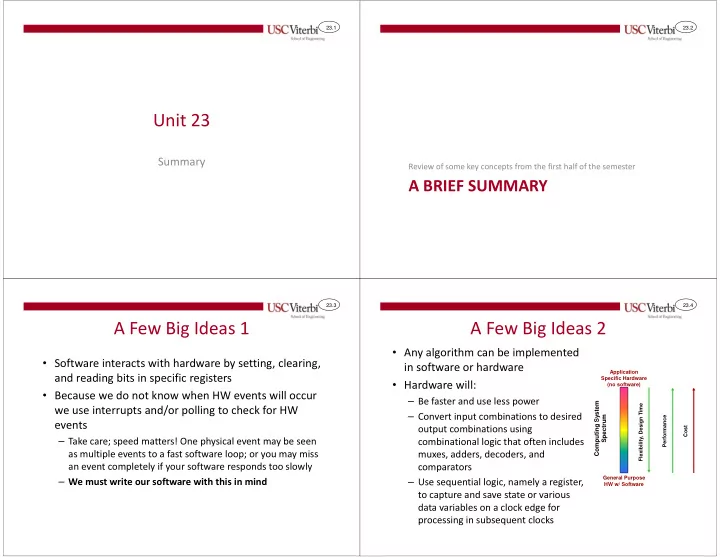
Computing System Spectrum
Application Specific Hardware (no software) General Purpose HW w/ Software Flexibility, Design Time Performance Cost