
SLIDE 1
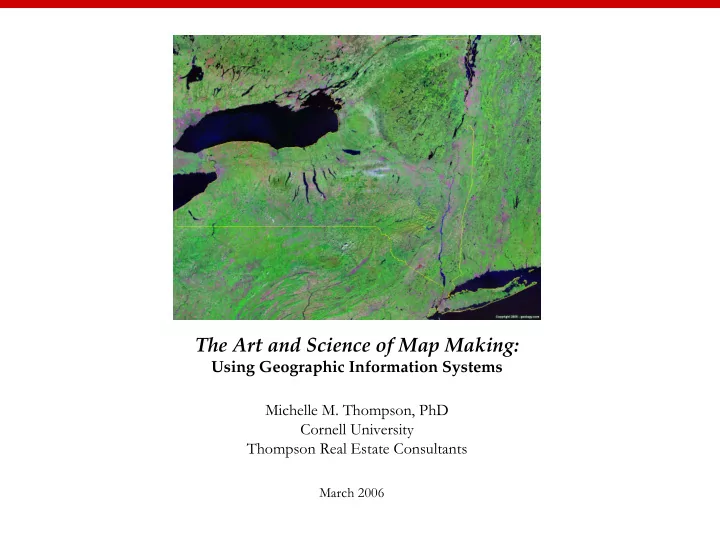
The Art and Science of Map Making:
Using Geographic Information Systems Michelle M. Thompson, PhD Cornell University Thompson Real Estate Consultants
March 2006
The Art and Science of Map Making: Using Geographic Information - - PowerPoint PPT Presentation
The Art and Science of Map Making: Using Geographic Information Systems Michelle M. Thompson, PhD Cornell University Thompson Real Estate Consultants March 2006 The Art and Science of Map Making: Using Geographic Information Systems
The Art and Science of Map Making:
Using Geographic Information Systems Michelle M. Thompson, PhD Cornell University Thompson Real Estate Consultants
March 2006
The Art and Science of Map Making: Using Geographic Information Systems
Workshop Agenda 11:30am – 1:30pm Introductions The Art & Science of Map Making Exercise 1: ArcMap, The Basics Exercise 2: Life on the Edge (optional) Roundtable: Applying GIS to the Disciplines Workshop Evaluation & ArcGIS9.1 license
Source: Environmental Systems Research Institute
Art, English, Government, Language, Health, History, Mathematics, Physical Education, Science
http://gis.montgomerycountymd.gov/gistmpl.asp?url=/Content/gis/projects/thearts.asp
The Montgomery County Arts and Humanities Council requested DTS-GIS to develop location service applications to search for places of public art and to find performing art facilities. During the first phase of the project, two layers (public art and performing arts) will be added to the County's places of interest (PLOI) database. Web visitors will soon be able to find a art/cultural site, access an interactive location map, and generate travel directions.
Site Front
http://www.socialexplorer.com
GIS@CornellListserve CUGIS-L@cornell.edu Cornell Atlas http://atlas.geo.cornell.edu/ Cornell Ornithology http://www.birdsource.org Cornell Geospatial Data Information Repository http://cugir.mannlib.cornell.edu/ Olin Library: Map & Geospatial Information Collection http://www.library.cornell.edu/olinuris/ref/maps/map.htm
http://rockyweb.cr.usgs.gov/outreach/giseduc.html
http://www.esri.com/industries/k-12/education/teaching.html http://www.nap.edu/catalog/11019.html ‘read for free’
My Computer > C:\MapWorld9\Mod2 > click on ‘Region2.mxd’ which will automatically open up ArcGIS9.1. If you need to re-open ArcGIS go to:Start > All Programs > Class files > ArcGIS > ArcMap c:\MapWorld9