SY306 Web and Databases for Cyber Operations Set #16: Sessions - - PDF document

sy306 web and databases for cyber operations
SMART_READER_LITE
LIVE PREVIEW

SY306 Web and Databases for Cyber Operations Set #16: Sessions - - PDF document

SY306 Web and Databases for Cyber Operations Set #16: Sessions http://cgi.tutorial.codepoint.net/session Logging In Correctly Unique session IDs identify your client No other client who has connected to the website should have the same


slide-1
SLIDE 1

1

SY306 Web and Databases for Cyber Operations

Set #16: Sessions

http://cgi.tutorial.codepoint.net/session

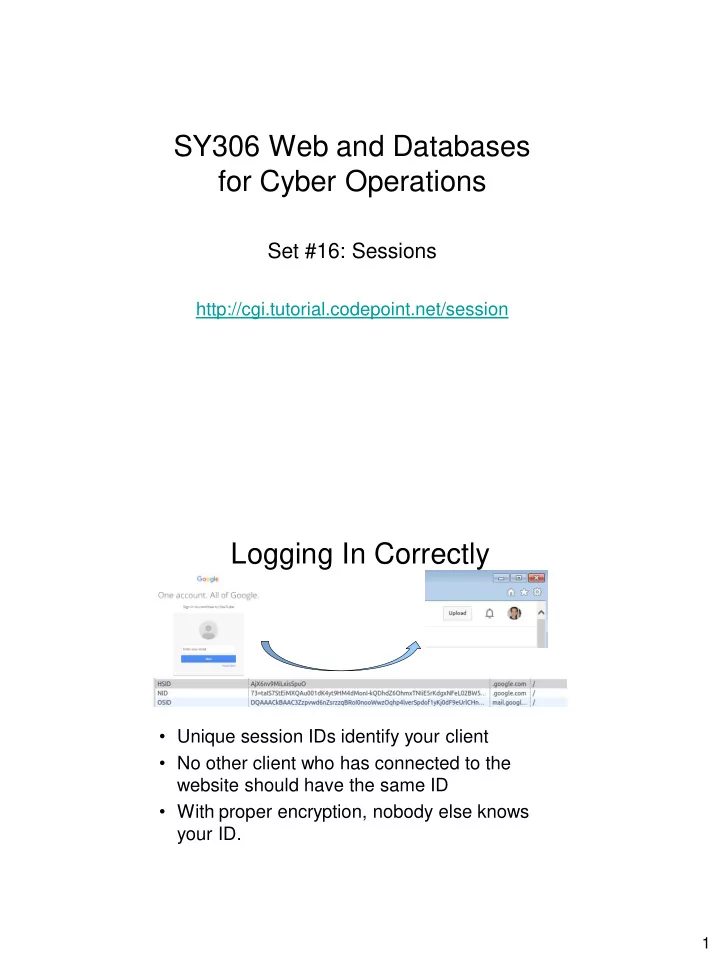
Logging In Correctly

  • Unique session IDs identify your client
  • No other client who has connected to the

website should have the same ID

  • With proper encryption, nobody else knows

your ID.

slide-2
SLIDE 2

2

Sessions

  • Server-side version of cookies
  • Keep track of a user’s state on website
  • Session data – stored in file or db
  • Session id – use cookies, hidden field or

URL

Authentication

  • Get username/password from user
  • Check in file/db that correct combination

– Never store plain text passwords

  • Hash
  • Salt
  • Iterate hashing
  • Set session variable
  • Later see if session variable is set – if

yes, it means “authenticated” user

slide-3
SLIDE 3

3

Implementing Sessions – Create

sid = readCookie(‘sid’) if not sid: sid = createUniqueSid() createCookie(‘sid’,sid,secondstoexpiration) session_file = '/tmp/sess_' + sid session = shelve.open(session_file)

Sessions – Session Variables

session[‘lastvisit’]=repr(time.time()) lastvisit = session[‘lastvisit’] if lastvisit: #print welcome back message del session[‘lastvisit’] session.clear()

slide-4
SLIDE 4

4

Sessions – Save and Destroy

session.close() deleteCookie(‘sid’) session.clear() session.close() session_file = '/tmp/sess_' + sid

  • s.remove(session_file)

Session management

  • Session token should be random
  • Cookie

– No expiration date set - so expires at end of browsing session – secure – only send over https – HttpOnly – cannot be accessed from JS