SY306 Web and Databases for Cyber Operations SlideSet #7: Regular - - PDF document

sy306 web and databases for cyber operations
SMART_READER_LITE
LIVE PREVIEW

SY306 Web and Databases for Cyber Operations SlideSet #7: Regular - - PDF document

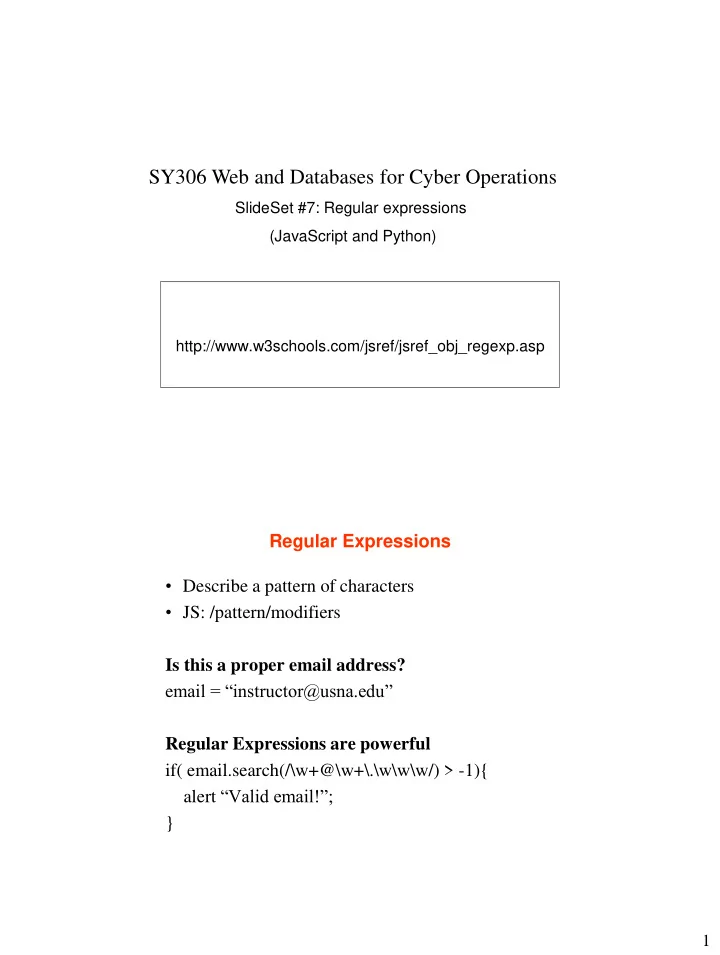
SY306 Web and Databases for Cyber Operations SlideSet #7: Regular expressions (JavaScript and Python) http://www.w3schools.com/jsref/jsref_obj_regexp.asp Regular Expressions Describe a pattern of characters JS: /pattern/modifiers Is


slide-1
SLIDE 1

1

http://www.w3schools.com/jsref/jsref_obj_regexp.asp

SY306 Web and Databases for Cyber Operations

SlideSet #7: Regular expressions (JavaScript and Python)

Regular Expressions

  • Describe a pattern of characters
  • JS: /pattern/modifiers

Is this a proper email address? email = “instructor@usna.edu” Regular Expressions are powerful if( email.search(/\w+@\w+\.\w\w\w/) > -1){ alert “Valid email!”; }

slide-2
SLIDE 2

2

Some Regular Expression Quantifiers and Metacharactes

Quantifier/Symbol Matches {X} {X,Y} {X,} + * ? ^ $ \b \w \d \s \S [abc] .

Modifiers

  • /pattern/modifiers
  • Modifiers

– i – g – m – x (Python)

slide-3
SLIDE 3

3

Regular Expressions – JavaScript Examples

…<script> var myString = "Now is is the time"; alert ("Test string is '" + myString + "'"); if (myString.search(/Now/) > -1) alert ('Search 1 success'); searchPos = myString.search(/^Now/); if (searchPos > -1) alert ('Search 2 success'); searchRes = /Now$/.test(myString); if (searchRes) alert ('Search 3 success'); pattern = /\b(\w+OW)\b/i; searchRes = pattern.test(myString); if (searchRes) alert ('Search 4 success'); pattern = /\b(\w+)\s(\1)\b/ searchMatch = pattern.exec(myString) if (searchMatch) alert ('Search 5 success and returned array of size ' + searchMatch.length + ' with content ' + searchMatch) </script> … set7_reExample.html

Regular Expressions – Python Examples

#!/usr/bin/env python3 import re myString = "Now is is the time"; print ("Test string is ‘” + myString + “'"); if re.search(r’Now’, myString) : print (‘Search 1 success’) searchObj = re.search(r’^Now’, myString) if searchObj: print (‘Search 2 success’) searchObj = re.search(r’Now$’, myString) if searchObj: print (‘Search 3 success’) searchObj = re.search(r’ \b ( \w+ ow ) \b’, myString, re.X) if searchObj: print (‘Search 4 success: ’ + searchObj.group(1)) searchObj = re.search(r’ \b ( \w+ ) \s ( \1)\b’, myString, re.X) if searchObj: print (‘Search 5 success: ’ + searchObj.group(1) + “ ” + searchObj.group(2)) set7_reExample.py
slide-4
SLIDE 4

4

Search and Replace

  • JS: newstring = oldstring.replace(pattern,

replacement)

  • Python: newstring = re.sub(pattern, replacement,
  • ldstring, max=0)
  • Example (replace aa with bb):
  • line = “This string has aa here and aa here”
  • JS: newline = line.replace(/aa/g,”bb”)
  • Python: newline = re.sub(r’aa’, ’bb’, line)

Exercise #1

  • Write the expression to replace one or more newline

characters in a string with “&&”.

  • Make it work for both Unix (\n) and Windows (\r\n)
slide-5
SLIDE 5

5

Uses for Regular Expressions

  • Input validation
  • Input sanitization