
2/15/2011 1
Gursharan Singh Tatla
professorgstatla@gmail.com
Scheduling Algorithms
15-Feb-2011 1 www.eazynotes.com
Scheduling Algorithms
CPU Scheduling algorithms deal with the problem
- f deciding which process in ready queue should
be allocated to CPU.
Following are the commonly used scheduling
algorithms:
15-Feb-2011 2 www.eazynotes.com
Scheduling Algorithms
15-Feb-2011 www.eazynotes.com 3
First-Come-First-Served (FCFS) Shortest Job First (SJF) Priority Scheduling Round-Robin Scheduling (RR) Multi-Level Queue Scheduling (MLQ) Multi-Level Feedback Queue Scheduling (MFQ)
First-Come-First-Served Scheduling (FCFS)
15-Feb-2011 www.eazynotes.com 4
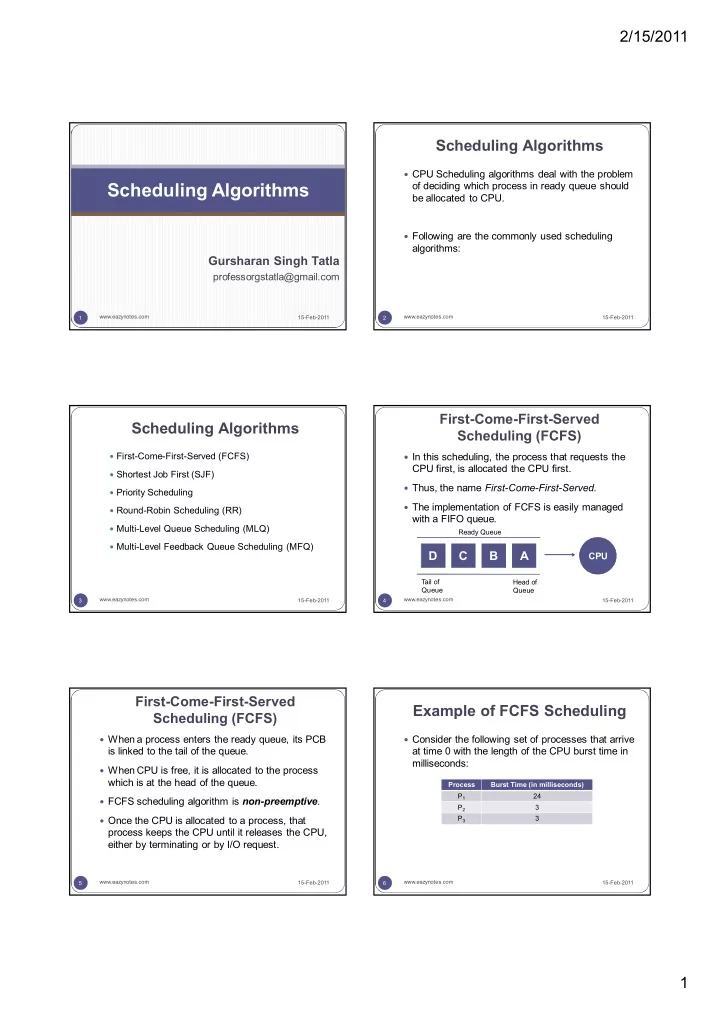
In this scheduling, the process that requests the
CPU first, is allocated the CPU first.
Thus, the name First-Come-First-Served. The implementation of FCFS is easily managed
with a FIFO queue.
D C B A
CPU
T ail of Queue Head of Queue Ready Queue
15-Feb-2011 www.eazynotes.com 5
When a process enters the ready queue, its PCB
is linked to the tail of the queue.
When CPU is free, it is allocated to the process
which is at the head of the queue.
FCFS scheduling algorithm is non-preemptive. Once the CPU is allocated to a process, that
process keeps the CPU until it releases the CPU, either by terminating or by I/O request.
First-Come-First-Served Scheduling (FCFS)
Example of FCFS Scheduling
15-Feb-2011 www.eazynotes.com 6
Consider the following set of processes that arrive
at time 0 with the length of the CPU burst time in milliseconds:
Process Burst Time (in milliseconds) P1 24 P2 3 P3 3