Save (S) Duplicate (D) (This page can be quite slow to load!) - - PowerPoint PPT Presentation

save s duplicate d
SMART_READER_LITE
LIVE PREVIEW

Save (S) Duplicate (D) (This page can be quite slow to load!) - - PowerPoint PPT Presentation

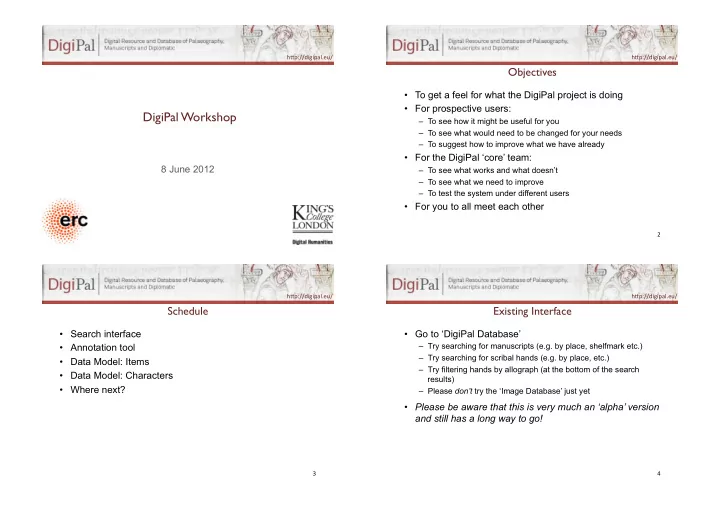
h"p://digipal.eu/. h"p://digipal.eu/. Objectives ! To get a feel for what the DigiPal project is doing For prospective users: DigiPal Workshop ! To see how it might be useful for you To see what would need to be changed


slide-1
SLIDE 1

h"p://digipal.eu/.

DigiPal Workshop!

8 June 2012

h"p://digipal.eu/.

Objectives!

  • To get a feel for what the DigiPal project is doing
  • For prospective users:

– To see how it might be useful for you – To see what would need to be changed for your needs – To suggest how to improve what we have already

  • For the DigiPal ‘core’ team:

– To see what works and what doesn’t – To see what we need to improve – To test the system under different users

  • For you to all meet each other

2. h"p://digipal.eu/.

Schedule!

  • Search interface
  • Annotation tool
  • Data Model: Items
  • Data Model: Characters
  • Where next?

3. h"p://digipal.eu/.

Existing Interface!

  • Go to ‘DigiPal Database’

– Try searching for manuscripts (e.g. by place, shelfmark etc.) – Try searching for scribal hands (e.g. by place, etc.) – Try filtering hands by allograph (at the bottom of the search results) – Please don’t try the ‘Image Database’ just yet

  • Please be aware that this is very much an ‘alpha’ version

and still has a long way to go!

4.

slide-2
SLIDE 2

h"p://digipal.eu/.

Existing Interface!

  • Have a look at the Image Database

(This page can be quite slow to load!)

– Clicking on images brings up the full-size image – Clicking on the captions brings up the Image Annotation Tool

  • Be careful: the image annotation tool is connected

directly to the live database, so any changes will be permanent! If you accidentally change something then reload the page immediately.

5. h"p://digipal.eu/.

Annotation Tool!

  • Save (S)
  • Zoom (Z)
  • Drag (W)
  • Select (F)
  • Rectangle (R)
  • Polygon (P)
  • Duplicate (D)
  • Transform (T) [I.e.

adjust sides]

  • Modify (M) [I.e.

adjust corners]

  • Delete (backspace)

6. h"p://digipal.eu/.

Items!

  • Item: ‘A single exemplar of a [text]’ (FRBR).

Corresponds to a physical object (book, tablet, etc.)

  • G.50: Cambridge, Corpus Christi College 162, pp. 1–

138, 161–564 Homilies (most by Ælfric)

  • G.54: Cambridge, Corpus Christi College 178, pp. 1–

270 [with CCCC 162, pp. 139–160] Ælfric, Hexameron, …

  • G.55: Cambridge, Corpus Christi College 178, pp.

287–457 Regula S. Benedicti

7. h"p://digipal.eu/.

Items!

  • Item: ‘A single exemplar of a [text]’ (FRBR).

Corresponds to a physical object (book, tablet, etc.)

  • Historical Item: a complete object as it existed at an arbitrary

historical point in time (a book, a tablet, etc.). Usually corresponds to a catalogue entry (Ker, Gneuss, Sawyer…).

  • Current Item: a complete object as it exists today.

Usually corresponds to a single shelfmark/accession number.

  • Item part: one or more parts of an item (e.g. set of folios,

fragment of a manuscript, fragment of a tablet). Item parts should be as inclusive as possible to allow mapping from a historical item to a current item.

8.

slide-3
SLIDE 3

h"p://digipal.eu/.

CurrentItem) ItemPart) HistoricalItem) G.54:) Hexameron) G.55:)Rule)of) St)Benedict) pp.)1–270) pp.)287–457) pp.)1–138,) 161–564)

CCCC)178) CCCC)162))

G.50:) Homilies)) pp.)139–160)

9. h"p://digipal.eu/.

Pages) ItemPart) Hands) Added) Homily) pp.)1–138,) 161–564)

p.)24) p.)563)

Main) Hand)

10. h"p://digipal.eu/.

Components and Features!

  • Each allograph/idiograph/graph is made up of a set of

common components.

  • Each component can have one or more features.
  • E.g. b has an ascender and a bowl;

– An ascender can be long or short; wedged, clubbed, flat-topped forked or tapering; straight or curved; etc. – A bowl can be round or square; etc.

  • NB that this applies at all levels:

E.g. Insular b normally has wedged ascenders (allograph), but a given scribe may habitually write it with forked ascenders (idiograph), but one particular case might be clubbed (graph).

11. h"p://digipal.eu/.

‘Letters’!

  • Characters (sign): More or less a set of letters in the abstract,

but also includes punctuation and abbreviations. So a, b, c

  • etc. but also full stop, question mark, accent mark (´), etc. NB

that nothing is said about what the character looks like, so a and a are the same character.

(But what about a and A?)

  • Allographs: A set of recognised variant ways of writing the

same character (e.g. a and a, or Caroline and Insular d).

(But how do we define ‘recognised’?)

  • Idiographs: A set of variant ways that a particular individual

has of writing a given allograph.

  • Graphs: A set of physical letters on the page.

12.

slide-4
SLIDE 4

h"p://digipal.eu/.

Question: Does this model generalise beyond handwriting?!

  • ‘Abstract’ -> Border
  • ‘Allo’ -> Foliate border, interlace border, …
  • ‘Idio’ -> One artist’s way of doing foliate borders
  • ‘Concrete’ -> A particular instance of a foliate border by

that artist

  • Does this make any sense at all??

13.