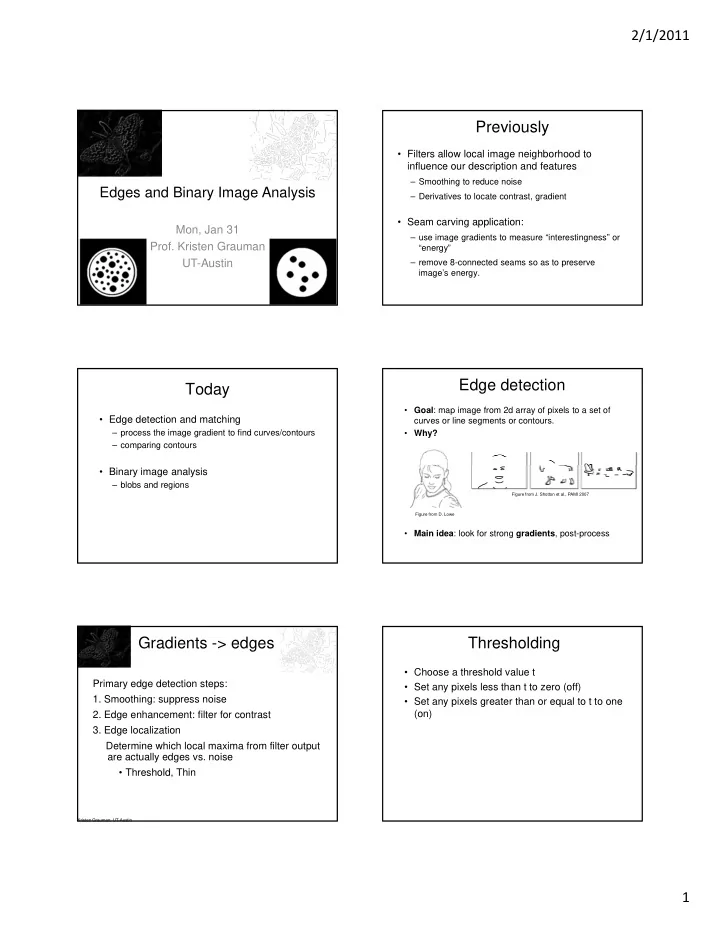

SLIDE 1
2/1/2011 1
Edges and Binary Image Analysis
Mon, Jan 31
- Prof. Kristen Grauman
UT-Austin
Previously
- Filters allow local image neighborhood to
influence our description and features
– Smoothing to reduce noise – Derivatives to locate contrast, gradient
- Seam carving application:
– use image gradients to measure “interestingness” or “energy” – remove 8-connected seams so as to preserve image’s energy.
Today
- Edge detection and matching
– process the image gradient to find curves/contours – comparing contours
- Binary image analysis
– blobs and regions
Edge detection
- Goal: map image from 2d array of pixels to a set of
curves or line segments or contours.
- Why?
- Main idea: look for strong gradients, post-process
Figure from J. Shotton et al., PAMI 2007 Figure from D. Lowe
Gradients -> edges
Primary edge detection steps:
- 1. Smoothing: suppress noise
- 2. Edge enhancement: filter for contrast
- 3. Edge localization
Determine which local maxima from filter output are actually edges vs. noise
- Threshold, Thin
Kristen Grauman, UT-Austin
Thresholding
- Choose a threshold value t
- Set any pixels less than t to zero (off)
- Set any pixels greater than or equal to t to one