SLIDE 1
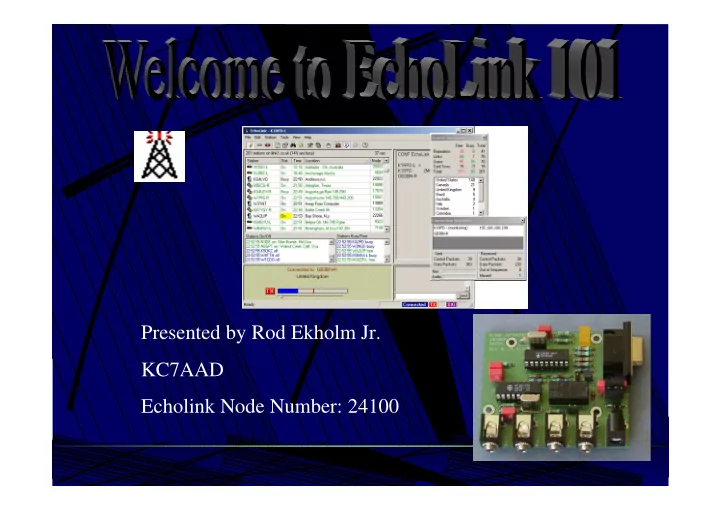
Presented by Rod Ekholm Jr. KC7AAD Echolink Node Number: 24100
SLIDE 2
Seminar Objectives
Understanding of VoIP (Voice over IP) Relativity to Amateur Radio Uses of Echolink System Other alternatives using VoIP Technology Hardware Requirements Using Echolink Resources
SLIDE 3 Voice over IP
- Encryption and Decryption to and from Analog and Digital
Audio - Codec
- Ability to transfer audio over IP to specified IP Address
- Seemless transition of codec – AD/DA
- Vox or COS/COR
SLIDE 4
The Future of Amateur Radio
CW – Morse Code AM – Amplitude Modulation FM – Frequency Modulation SSB – Single Side Band Digital – Packet, Pactor, Amtor, RTTY, PSK31, … VoIP – Voice over IP
SLIDE 5 Alternatives to Echolink
Sound Card Microphone Speakers Sound Card COM Port Mic Input Speaker Output Computer Interface Radio Interface EchoLink Windows Based Sound Card Parrallel Port Mic Input Speaker Output Computer Interface ONLY!! IRLP Linux / UNIX Based Sound Card COM Port Mic Input Speaker Output Computer Interface Radio Interface EQSO Windows Based IP Based Software VoIP System
SLIDE 6
EchoLink
Friendly Windows GUI Easy configuration for RF Link or Computer user Usable from Computer OR Radio No Special hardware required VOX PTT No AGC Not able to Connect and Disconnect to and from Multiple stations ( RF Configuration )
SLIDE 7
IRLP
COS / COR Activated PTT Indicator LED’s for visual indicators May be more stable the other OS’s Having to learn new OS Have to have 24/7 connection
SLIDE 8
EQSO
Multiple Chat Rooms. Don’t have to be licensed ham to use. Password Protected Rooms. RF Links available. Can run more than 1 VoIP application at once.
SLIDE 9
Interfaces
SLIDE 10
Echolink Interfaces
SLIDE 11
Connectors
PIC Chip for Updates
- Nothing too Complex
- Nothing Hidden!
SLIDE 12
Microphone connectors
- RJ-45 Modular Connector
- Switches on front panel
for ON/OFF
presentation
SLIDE 13
- Uses Standard Connectors for Interfacing
- Small breadboard area for redesigning
- Uses readily available components
- Indicator Lights for Status of Operation
SLIDE 14
Status Lights for Indication of Activity Small design for Easy installation into housing Inputs and Outputs for External devices
SLIDE 15 Setup
Familiar Look to
Easy navigation through Menus or Toolbar Icons Help files as well as newsgroups for support
SLIDE 16
Controls to help make audio seemless Point vales given to ensure proper settings every time.
SLIDE 17
SLIDE 18
SLIDE 19
SLIDE 20 For more info:
Rod Ekholm Jr. Rod Ekholm Jr. KC7AAD KC7AAD
Kc7aad@compfun.net http://www.compfun.net/kc7aad
Echolink Node Number 24100 444.125MHz ( 100.0 Hz PL )
(509) 468 (509) 468 (509) 468-
7057 7057 Presentation By: Presentation By: Presentation By: Rod Ekholm Jr. Rod Ekholm Jr. Rod Ekholm Jr. – – – KC7AAD KC7AAD KC7AAD October 2002 October 2002 October 2002