
SLIDE 1
Pebble
INTRODUCTION AND HANDS-ON
Introduction to the Pebble smartwatch. Installation of the SDK and base operations with Python.
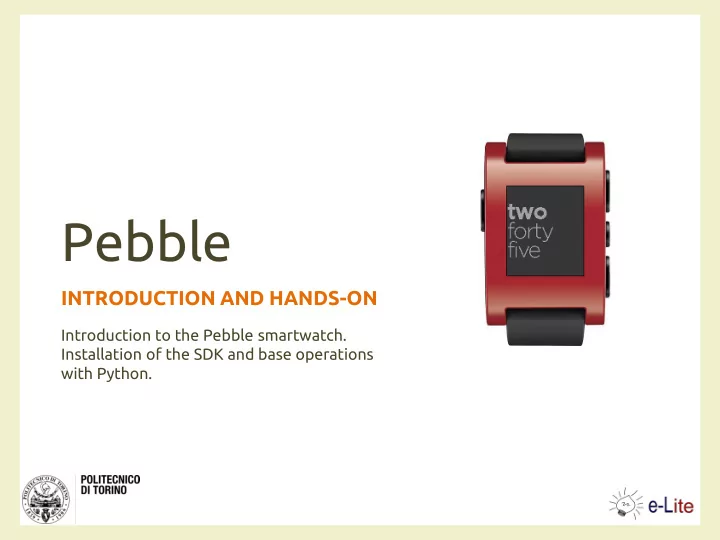
Pebble INTRODUCTION AND HANDS-ON Introduction to the Pebble - - PowerPoint PPT Presentation
Pebble INTRODUCTION AND HANDS-ON Introduction to the Pebble smartwatch. Installation of the SDK and base operations with Python. Im the Pebble A smartwatch http://getpebble.com Project funded on Kickstarter, initially on May,
INTRODUCTION AND HANDS-ON
Introduction to the Pebble smartwatch. Installation of the SDK and base operations with Python.
– http://getpebble.com
– on May, 2012
– works with iOS and Android – uses Bluetooth for communication
– SDK – Pebble appstore
4/16/2014 Pebble 2
– 52mm L, 36 mm W, 11.5mm T
– 1.26’’, 144 x 168 pixel – LED backlight and scratch resistant
– 3D accelerometer – e-compass capable (with a future software update) – ambient light sensor
4/16/2014 Pebble 3
– registration is required – version 2.x (2.0.2, currently) – for Linux and Mac, only
– optionally, for interacting via JavaScript
– http://developer.pebble.com/2/
4/16/2014 Pebble 4
tool
– interacts with a Pebble from a computer – written in Python
a Pebble via Bluetooth
– works with Linux (Debian and derivatives) and Mac OS X
be connected to a Pebble
4/16/2014 Pebble 5
– for Linux: https://developer.getpebble.com/2/getting- started/linux – for Mac OS X: https://developer.getpebble.com/2/getting- started/macosx
2.0.2/tools/pebble” to the PYTHONPATH
– e.g., by creating a symbolic link named pebblelibs in /usr/lib/python2.7/, by configuring it in Eclipse, or…
4/16/2014 Pebble 6
pip install)
– freetype-py==1.0 – twisted==12.0.0 – autobahn==0.5.14 – websocket-client == 0.12.0 – sh == 1.08 – pyserial>=2.6 – pypng == 0.0.16
4/16/2014 Pebble 7
– install libopenobex1-dev and python-bluez via apt-get
– install PyObjC via pip install
– pip install git+http://github.com/pebble/lightblue- 0.4#egg=lightblue-0.4
Bluetooth to a serial port
4/16/2014 Pebble 8
Interact with a Pebble via command line
4/16/2014 Pebble 9
4/16/2014 Pebble 10
– https://developer.getpebble.com/2/getting- started/pebble-tool
– pebble ping --pebble_id BT_MAC_Address – pebble screenshot --pebble_id BT_MAC_Address
4/16/2014 Pebble 11
Send a ping and a textual notification to the Pebble
4/16/2014 Pebble 12
4/16/2014 Pebble 13
Control a music server with the Pebble Music app
4/16/2014 Pebble 14
4/16/2014 Pebble 15
– http://github.com/AmI-2014/Python-Pebble
4/16/2014 Pebble 16
01PRD AMBIENT INTELLIGENCE: TECHNOLOGY AND DESIGN
Luigi De Russis luigi.derussis@polito.it
NonCommercial-ShareAlike Unported (CC BY-NC-SA 3,0)” License.
– to Share - to copy, distribute and transmit the work – to Remix - to adapt the work
– Attribution - You must attribute the work in the manner specified by the author or licensor (but not in any way that suggests that they endorse you
– Noncommercial - You may not use this work for commercial purposes. – Share Alike - If you alter, transform, or build upon this work, you may distribute the resulting work only under the same or similar license to this
http://creativecommons.org/license/by-nc-sa/3.0/
4/16/2014 Pebble 18