Parametric design of a Magnet with Catia Christopher Siedler - - PowerPoint PPT Presentation

parametric design of a magnet with catia
SMART_READER_LITE
LIVE PREVIEW

Parametric design of a Magnet with Catia Christopher Siedler - - PowerPoint PPT Presentation

Parametric design of a Magnet with Catia Christopher Siedler Christopher Siedler 25.11.2010 Parametric design of a Magnet 1 Content: Example Reasons to use parameterized models The parameterized Quadrupole magnet: Lamella


slide-1
SLIDE 1

Parametric design of a Magnet with Catia

Christopher Siedler

25.11.2010 Christopher Siedler Parametric design of a Magnet 1
slide-2
SLIDE 2

Content:

  • Example
  • Reasons to use parameterized models
  • The parameterized Quadrupole magnet:
  • Lamella and excel sheet
  • Yoke, Coil
  • Assembly, Drawings
  • Useful scripts
  • More complex coil
  • Export to Opera

25.11.2010 Christopher Siedler Parametric design of a Magnet 2

Videos:

  • Yoke & Coil adapt to new

parameters

  • A script based Coil
  • Export to Opera
slide-3
SLIDE 3

Example as introduction :

25.11.2010 Christopher Siedler Parametric design of a Magnet 3

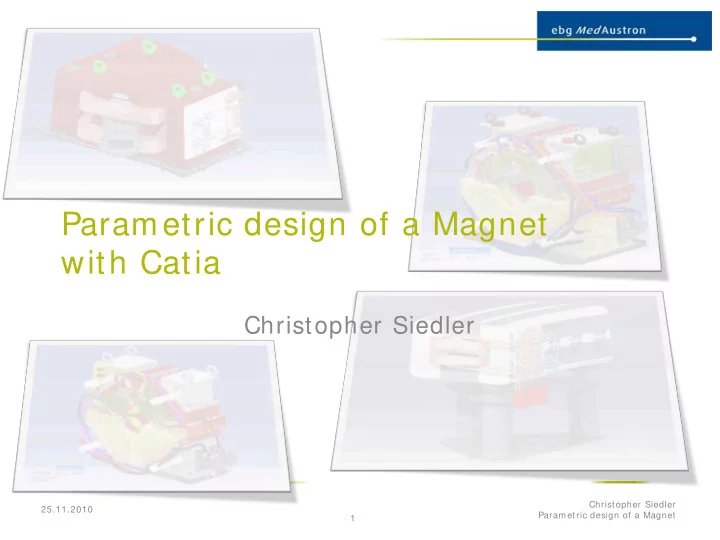
This 4 magnets where created with the same parameterized model. The yoke and the coil adapted 100% automatically. Only “fancy stuff” like the cabling and the connection box was added afterwards.

slide-4
SLIDE 4

Reasons to use parameterized models:

  • Time:

You need more time for the first model. But afterward the timesaving is enormous

  • Flexibility:

Something changes always during designing

  • Networking:

use the same model for CAD and FE with a script to export it.

25.11.2010 Christopher Siedler Parametric design of a Magnet 4

slide-5
SLIDE 5

The parameterized Quadrupole magnet:

  • When the lamella is defined by the magnet

designers, this could be the input information:

25.11.2010 Christopher Siedler Parametric design of a Magnet 5

slide-6
SLIDE 6

The parameterized Quadrupole magnet:

  • The Values need to be stored in one Excel sheet:

One line equals one magnet configuration. ALL values are stored in this sheet. No info will be entered in Catia!

25.11.2010 Christopher Siedler Parametric design of a Magnet 6

slide-7
SLIDE 7

The parameterized Quadrupole magnet:

  • OR:

Define (parts of the) yoke by the required aperture and coil:

25.11.2010 Christopher Siedler Parametric design of a Magnet 7

slide-8
SLIDE 8

The parameterized Quadrupole magnet:

  • The finished Yoke:

25.11.2010 Christopher Siedler Parametric design of a Magnet 8

slide-9
SLIDE 9

The parameterized Quadrupole magnet:

  • The Coil:

It’s not necessary to define it’s size or shape. It adapts automatically to the Yoke. Only the wire size, cooling hole and the number of turns is needed.

25.11.2010 Christopher Siedler Parametric design of a Magnet 9

slide-10
SLIDE 10

The parameterized Quadrupole magnet:

  • Coil and Yoke adapt to changes:

(see Movie 1)

25.11.2010 Christopher Siedler Parametric design of a Magnet 10

slide-11
SLIDE 11

The parameterized Quadrupole magnet:

  • Assembly:

25.11.2010 Christopher Siedler Parametric design of a Magnet 11

Also adapting:

  • Support, Crane hooks
  • Shim
  • Protection Cover
  • (Coil Connectors)

Limits of the model:

  • Cabling and cooling circuits.
  • Alignment System
  • Special stuff (like K-Mod Coil)
slide-12
SLIDE 12

The parameterized Quadrupole magnet:

  • Drawings:

adapt also automatically (with limits) early drawings make error checks, colaboration and controlling easier.

25.11.2010 Christopher Siedler Parametric design of a Magnet 12

slide-13
SLIDE 13

Useful scripts:

  • Coil wires generated by a Script:

The parameterized model is limited in complexity. It is possible to generate more advanced coils with a script. In this case the script takes automatically the parameters of the part as input. After a change of the geometry it’s only necessary to start the script again.

25.11.2010 Christopher Siedler Parametric design of a Magnet 13

Movie 2

slide-14
SLIDE 14

Useful scripts:

  • Export a simplified Version to OPERA:
  • It’s possible to export automatically only the for FE

required parts into iges files.

25.11.2010 Christopher Siedler Parametric design of a Magnet 14

  • Only the required details

(Sub body copied as result with link)

  • Spitted in parts as

needed for FE

(Shim / Pole / Return Yoke)

  • Automatically saved as

iges

Movie 3

slide-15
SLIDE 15

Useful scripts:

  • Export a simplified Version to OPERA:

25.11.2010 Christopher Siedler Parametric design of a Magnet 15

slide-16
SLIDE 16

Thanks:

Questions? Contact:

Christopher Siedler BE-OP-MED (MedAustron) csiedler@cern.ch

25.11.2010 Christopher Siedler Parametric design of a Magnet 16