
1
NAV NAV
Project Update
By: Meghan Allen and Peter McLachlan
2
NAV Objectives
Develop a tool for network visualization Focus on common protocols:
- TCP/IP
- UDP/IP
- ICMP
Within these protocols focus on common
services
Focus on log files for now Intention is not to re-implement functionality
in existing packet sniffers and protocol analyzers but to provide higher level information at-a-glance
3
Scenario 1 – Enterprise Usage
Security professionals need tools to help
them manage the large volumes of traffic accessing their site
They may be interested in seeing traffic
access patterns, getting feedback on how heavily their site is being utilized, or doing post-mortem analysis
The tool must allow for extensive filtering to
display reduced data sets as well as provide means to ‘pop out’ important information
4
Scenario 2 – Home use
Many home users now have high speed access, often
this access is shared
Viewing internet access and bandwidth usage is a
good way of detecting virus or spy-ware activity
Users may also wonder “where is all my bandwidth
going?” – our user interview demonstrated this need as the user was concerned when their bandwidth was being consumed by P2P applications run by their children
ISP’s are increasingly implementing bandwidth caps –
it is useful for users to visually see how much bandwidth they are using, when they are using it, and what services are consuming the most bandwidth
5
NAV Solution
6
Implementation
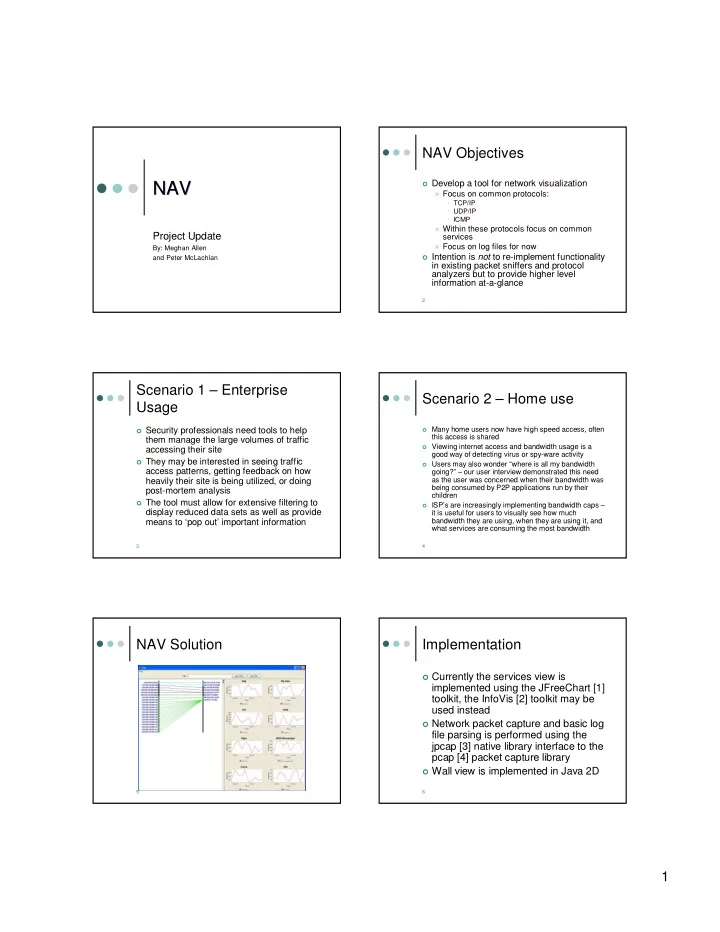
Currently the services view is
implemented using the JFreeChart [1] toolkit, the InfoVis [2] toolkit may be used instead
Network packet capture and basic log
file parsing is performed using the jpcap [3] native library interface to the pcap [4] packet capture library
Wall view is implemented in Java 2D