More Python features l Key items from chapter 7: Deeper while loop - - PowerPoint PPT Presentation

more python features
SMART_READER_LITE
LIVE PREVIEW

More Python features l Key items from chapter 7: Deeper while loop - - PowerPoint PPT Presentation

Mostly skipping chapters 7 and 8, but worth reading anyway! More Python features l Key items from chapter 7: Deeper while loop discussion (see pp. 243-247, and review chapter 5 notes (more control structures) Additional file


slide-1
SLIDE 1

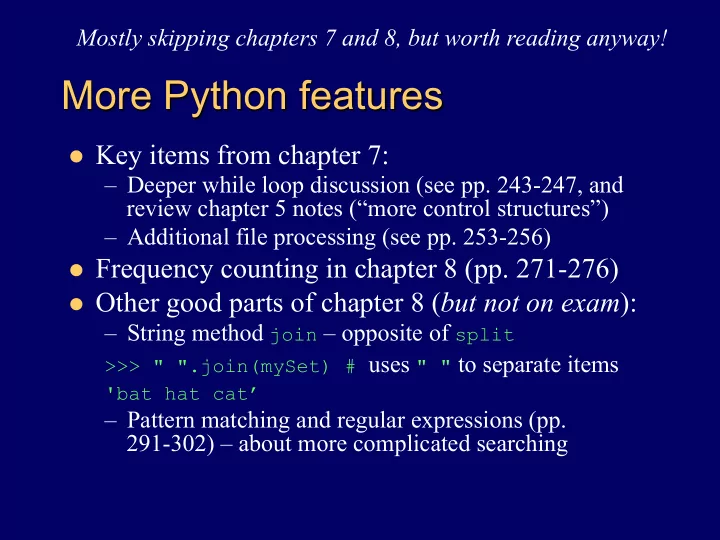
More Python features

l Key items from chapter 7:

– Deeper while loop discussion (see pp. 243-247, and review chapter 5 notes (“more control structures”) – Additional file processing (see pp. 253-256)

l Frequency counting in chapter 8 (pp. 271-276) l Other good parts of chapter 8 (but not on exam):

– String method join – opposite of split

>>> " ".join(mySet) # uses " " to separate items 'bat hat cat’

– Pattern matching and regular expressions (pp. 291-302) – about more complicated searching Mostly skipping chapters 7 and 8, but worth reading anyway!

slide-2
SLIDE 2

Recursive functions

l Definition: functions that call themselves,

directly or indirectly

l But proper recursive functions also stop! def factorial(n): # return n! = n(n-1)(n-2)…1 if n > 1: # recursive step: call self for n-1 return n * factorial(n-1) return 1 # base case: stop recursion if n < 2

– Must have (at least) one base case, and the recursive step must converge on a base case

l Otherwise “infinite recursion”

l See/try first two functions in .../demos/

recursive.py

Starting chapter 9 (just covering through p. 315 though)

slide-3
SLIDE 3

Recursive drawing examples

l Listing 9.2 (also in recursive.py) – uses

drawSquare function from chapter 2

def nestedBox(aTurtle,side): if side >= 1: # recursive step drawSquare(aTurtle,side) # A nestedBox(aTurtle,side-5) # B # base case: do nothing (side too small to draw) – Note: switch lines A and B – will draw smallest first

l Draw tick marks on a ruler (recursive.py again) l Listing 9.4 – draw nested triangles

– Note demo introduces command line argument too

l Listing 9.3 (and exercises 9.11-9.13) – draw tree

slide-4
SLIDE 4

OOP and Python classes

l Essence of object-oriented programming:

– An object is an instance of a class – The class defines what data an object knows, and what operations an object can carry out

l Instance data – what an object knows: its state l Methods – what an object can do

l Objects of Python’s class Turtle for example:

– Instance data include color, heading, position – Methods include forward, backward, penup

Introducing chapter 10 (won’t be on exam)

slide-5
SLIDE 5

Example: class Planet

l In Python – a class’s constructor defines

what an object of the class will know

class Planet: def __init__(self, iname, irad, im, idist): self.name = iname self.radius = irad self.mass = im self.distance = idist ...

l A Planet object will know its own name,

radius, mass, and distance from the sun

slide-6
SLIDE 6

Constructing a Planet object

l Creating an object invokes the constructor

>>> myplanet = Planet('X25’,45,198,1000)

myplanet name

Methods

__init__ __init_ _ def radius mass distance State X25 198 45 1000

slide-7
SLIDE 7

Adding some Planet methods

l Accessor methods to access the data values def getName(self): return self.name

– Also getRadius, getMass, getDistance

l Mutator methods to change the data values def setName(self, newname): self.name = newname

– Also setRadius, setMass, setDistance

l Special method for converting Python object to str def __str__(self): return self.name

class Planet

slide-8
SLIDE 8

A more complete Planet object

_ _init__def _ _str__def

getVolume def getSurfaceArea def getDensity def getName def getRadius def getMass def getDistance def myhome name

Methods

radius mass distance

State

__init_ _ getRadius getMass Earth 5.97e24 6371 152097701 __str_ _ getVolume getSurfaceArea getDensity getName getDistance

slide-9
SLIDE 9

OOP example: Modeling a solar system

Animated solar system - Planet, Sun and SolarSystem classes, plus a function to create and animate the parts