
SLIDE 1
08/10/2020 1
1
Meeting subtitles
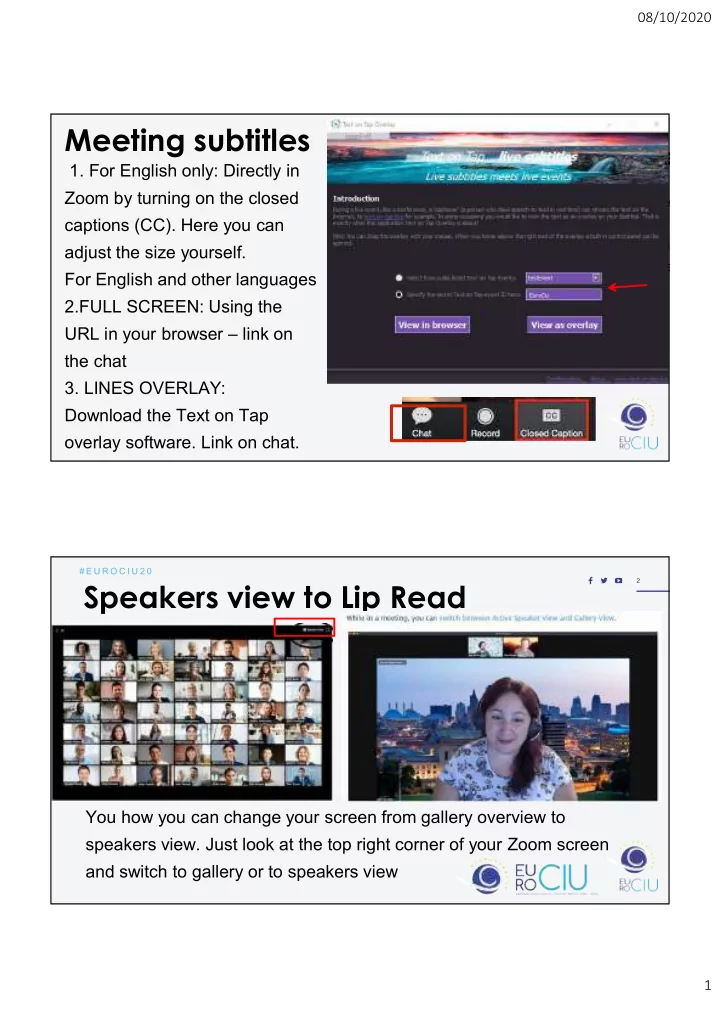
- 1. For English only: Directly in
Zoom by turning on the closed captions (CC). Here you can adjust the size yourself. For English and other languages 2.FULL SCREEN: Using the URL in your browser – link on the chat
- 3. LINES OVERLAY:
Download the Text on Tap
- verlay software. Link on chat.
2
# E U R O C I U 2 0
Speakers view to Lip Read
You how you can change your screen from gallery overview to speakers view. Just look at the top right corner of your Zoom screen and switch to gallery or to speakers view