Key points HCI For Pen Based Computing UI Metrics Cont. Task - - PDF document

key points hci for pen based computing
SMART_READER_LITE
LIVE PREVIEW

Key points HCI For Pen Based Computing UI Metrics Cont. Task - - PDF document

Key points HCI For Pen Based Computing UI Metrics Cont. Task completion time Accuracy Fluidity Richard Anderson Robustness CSE 481 B Feedback Winter 2007 Correctability Basic tasks Composite Tasks Targeting


slide-1
SLIDE 1

1

HCI For Pen Based Computing Cont.

Richard Anderson CSE 481 B Winter 2007

Key points

UI Metrics

Task completion time Accuracy Fluidity Robustness Feedback Correctability

Basic tasks

Targeting Tracing Mode indication

Composite Tasks

Selection Free form input Domain based input

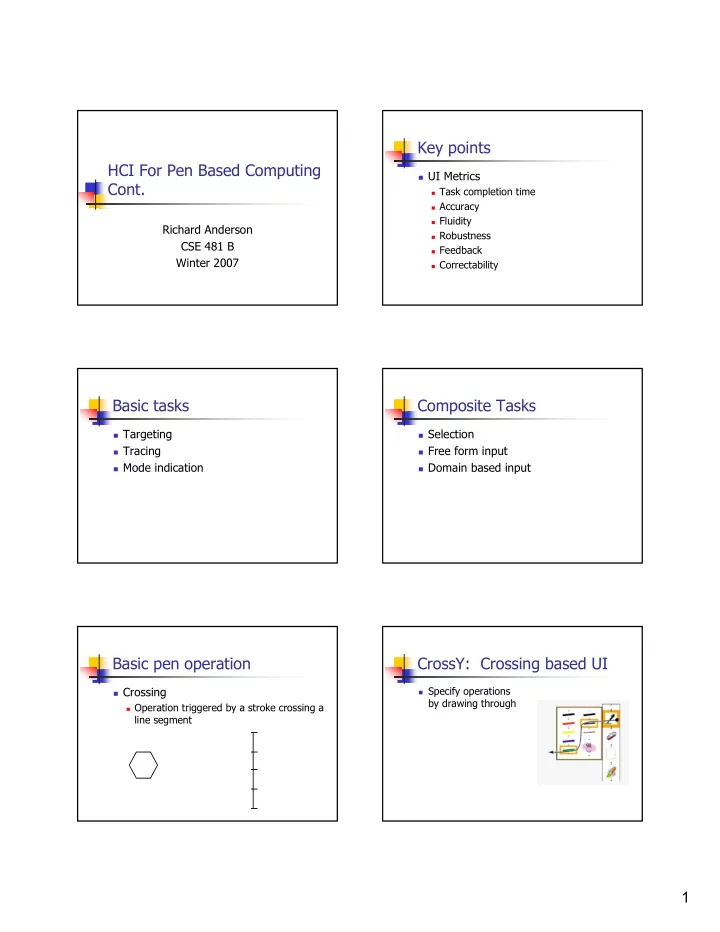
Basic pen operation

Crossing

Operation triggered by a stroke crossing a

line segment

CrossY: Crossing based UI

Specify operations

by drawing through

slide-2
SLIDE 2

2

Hierarchical crossing

Principle – multiple commands without

lifting the pen

Flow Menu

Use movement through octants for

control information

Item Text Shape Item Move Zoom Highlight Custom 400% 200% 100% 66.6% 50% 800% 25% Custom 400% 200% 100% 66.6% 50% 800% 25% 75.0 100.0

Abstract writing

Enter text with specialized, stroke based

recognition

Optimized for automatic recognition Not human readable Character based or word based

Cirrus (Georgia Tech)

interaction education

Quikwrite [Perlin, NYU]

c a r p

Write helloworld

slide-3
SLIDE 3

3

Graffiti (Palm) More Graffiti

Mostly single stroke Close to standard alphabet (learnability) Write only Location written for additional meaning

Selection problem

Identify one or more graphical elements

from a domain

Mechanisms

Bounding Region Geometric defined by stroke Distance from cursor

If the red circle is a selection tool, what is selected? Bubble cursor

Selection radius depends on object

proximity

slide-4
SLIDE 4

4

Recognition UIs

UIs based on attaching meaning to ink

Gestures Diagram recognition Handwriting recognition

Free form Constrained recognition

Gestures

Commands issued with a single stroke May be drawn or invisible Support from SDK

Register gestures to be recognized

UI Issues

Similar to keyboard short cuts

Speed up for experts Hard to learn / remember

Gestures

Ambiguity

Distinction between gestures Distinction between gesture and other ink

Robustness

Handling misrecognized gestures

False positive False negative

Gesture initiated actions should be undoable

Diagram recognition

Challenges to recognition

Even simple shapes are hard! Variation in drawing Ink artifacts

Text recognition

We will have a great lecture later in the

course!

Basic approach

Collect a huge amount of data Use data to train neural net

Handwriting Recognition: Identify the following words
slide-5
SLIDE 5

5

Recognition results Recognition scenarios

What level of error is tolerable How is feedback provided to the user

  • n recognition

How does the user specify corrections?

Other details

Hands, obstructions, orientation

Obstructions and handedness

Hand blocks the

screen

Accommodate left

and right handedness

Menu direction Context menus

Difficulties at the

edge of the screen

Screen orientation

Landscape vs. Portrait

mode

Surprisingly big

difference in feel of applications

Tablet PC requires rapid

  • rientations switch

Many standard desktop

apps not designed for portrait mode

Thursday Presentations

Key points

Project scoping Technical Challenges being addressed Schedule and plans

slide-6
SLIDE 6

6

Logistics

Presentation Order

D, C, B, A

Submit PPTs and Screenshots