Introduction Object-Oriented Programming and Design: using Java as - - PDF document

introduction
SMART_READER_LITE
LIVE PREVIEW

Introduction Object-Oriented Programming and Design: using Java as - - PDF document

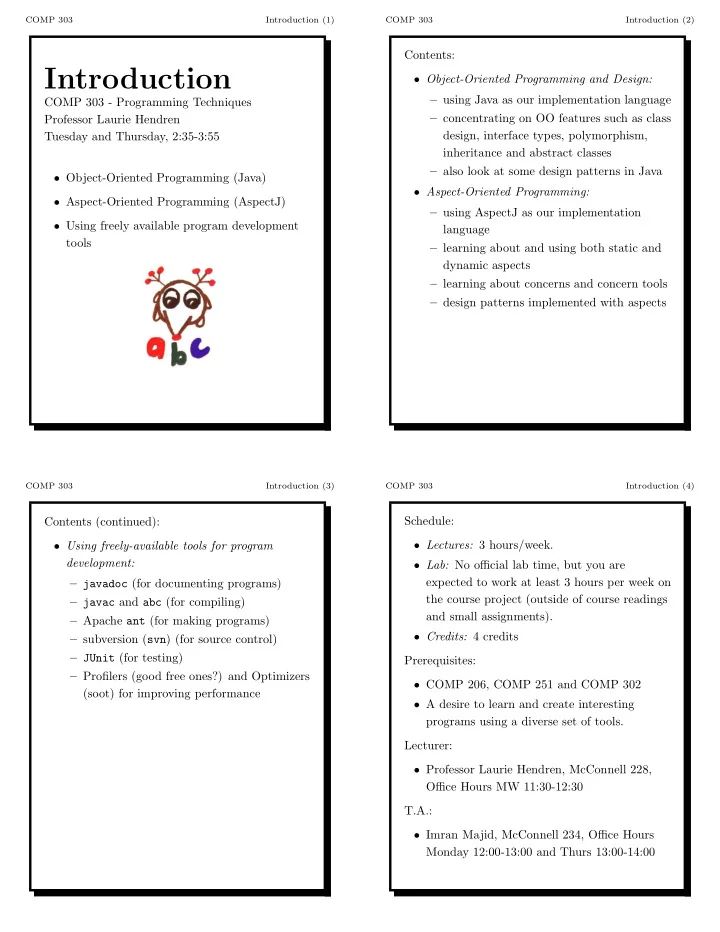
COMP 303 Introduction (1) COMP 303 Introduction (2) Contents: Introduction Object-Oriented Programming and Design: using Java as our implementation language COMP 303 - Programming Techniques concentrating on OO features such as


slide-1
SLIDE 1

COMP 303 Introduction (1)

Introduction

COMP 303 - Programming Techniques Professor Laurie Hendren Tuesday and Thursday, 2:35-3:55

  • Object-Oriented Programming (Java)
  • Aspect-Oriented Programming (AspectJ)
  • Using freely available program development

tools

COMP 303 Introduction (2)

Contents:

  • Object-Oriented Programming and Design:

– using Java as our implementation language – concentrating on OO features such as class design, interface types, polymorphism, inheritance and abstract classes – also look at some design patterns in Java

  • Aspect-Oriented Programming:

– using AspectJ as our implementation language – learning about and using both static and dynamic aspects – learning about concerns and concern tools – design patterns implemented with aspects

COMP 303 Introduction (3)

Contents (continued):

  • Using freely-available tools for program

development: – javadoc (for documenting programs) – javac and abc (for compiling) – Apache ant (for making programs) – subversion (svn) (for source control) – JUnit (for testing) – Profilers (good free ones?) and Optimizers (soot) for improving performance

COMP 303 Introduction (4)

Schedule:

  • Lectures: 3 hours/week.
  • Lab: No official lab time, but you are

expected to work at least 3 hours per week on the course project (outside of course readings and small assignments).

  • Credits: 4 credits

Prerequisites:

  • COMP 206, COMP 251 and COMP 302
  • A desire to learn and create interesting

programs using a diverse set of tools. Lecturer:

  • Professor Laurie Hendren, McConnell 228,

Office Hours MW 11:30-12:30 T.A.:

  • Imran Majid, McConnell 234, Office Hours

Monday 12:00-13:00 and Thurs 13:00-14:00

slide-2
SLIDE 2

COMP 303 Introduction (5)

Marking Scheme:

  • 10% midterm, 30% final exam, 60%

assignments and project

  • the 60% for assignments and projects will be

divided approximately as follows: – 15% for assignments (designed to practice lecture material), – 40% for course project - will be split into several milestones, – 5% points for meeting milestone and assignment deadlines,

COMP 303 Introduction (6)

Academic Integrity:

  • McGill University values academic integrity.

Therefore all students must understand the meaning and consequences of cheating, plagiarism and other academic offences under the Code of Student Conduct and Disciplinary Procedures.

  • In terms of this course, part of your

responsibility is to ensure that you put the name of the author on all code that is

  • submitted. By putting your name on the code

you are indicating that it is completely your

  • wn work. If you use some third-party code

you must have permission to use it and you must clearly indicate the source of the code.

COMP 303 Introduction (7)

Course material:

  • Readings;
  • slides for the lectures; and
  • extensive documentation on the course

WWW pages.

  • Readings will be itemized in the

week-by-week schedule on the course web page and should be done in a timely manner.

COMP 303 Introduction (8)

The book, Object-oriented design and patterns, by Cay Horstmann:

  • is available at Paragraphe bookstore on

McGill-College Ave;

  • follows the course very closely for the first

half of the course;

  • is a very modern and practical approach to

OO programming using Java;

  • is not too fatr;
  • emphasizes the use of freely available tools;
  • has considerable web content including all the

source code for programs presented in the book and answers to all the odd-numbered exercises.

slide-3
SLIDE 3

COMP 303 Introduction (9)

The slides:

  • are quite detailed; and
  • will complement the readings.
  • Whenever possible hard copies will be

provided, otherwise links to printable versions will be given on the web page.

  • Some lectures may be given using the

blackboard in which case you must take notes. The WWW pages:

  • aim to contain all information;
  • provide on-line documentation; and
  • will be updated frequently.

COMP 303 Introduction (10)

Reasons to take this course:

  • learn a practical approach to developing OO

applications;

  • use a variety of freely-available tools;
  • learn state-of-the art aspect-oriented

language, AspectJ;

  • build an interesting project over the course of

the term;

  • useful for higher-level courses which involve

projects;

  • complements COMP 304; and
  • to have fun.

Why don’t more people take COMP 303?

COMP 303 Introduction (11)

Why we use Java as our Object-oriented language:

10) you already know basic Java from previous courses; 9) run-time errors like null pointer exceptions are easy to locate; 8) it is strongly typed, so many errors are caught at compile time; 7) you can use the large Java libraray (collections, SWING); 6) Java bytecode is portable and can be executed without recompilation; 5) Java supports a variety of simple

  • bject-orientation concepts;

4) we want to use AspectJ and it’s an extension of Java; 3) many free tools available for Java; 2) performance of Java has improved greatly and is now reasonable; 1) you can say that you have implemented a large project in Java.

COMP 303 Introduction (12)

Why we use AspectJ as our Aspect-oriented language:

10) it is currently the most common ”standard” for AOP; 9) it supports both static and dynamic aspects; 8) there are some books emerging; 7) we have experience with AspectJ at McGill; 6) we have access to two AspectJ compilers (abc has been built as a joint Oxford/McGill) project; 5) AspectJ has already been used at Oxford an

  • ther places in a course;

4) we have already studied Java; 3) some Java tools also work with AspectJ; 2) we understand performance of AspectJ; 1) you can say that you have implemented a large project in AspectJ.

slide-4
SLIDE 4

COMP 303 Introduction (13)

The course project:

  • Our project is based on the ICFP

(International Conference on Functional Programming) Programming Contest.

  • The competition was to design an ant that

could gather more food than all other competing ants.

  • We will have five main milestones:

– OO Design and javadoc skeleton of a command-line based simulator. – Complete implementation of command-line based simulator. – GUI Visualizer for a simulation. – Driver program that runs a tournament for a collection of ants. – Your ant and associated tools for creating the ant.

  • We will use OO and AOP technology to

develop as clean, extensible and efficient solutions as possible.

COMP 303 Introduction (14)

Our first tool: javadoc Java (and AspectJ) Programmers should use javadoc comments in their source code. Some typical javadoc comments look like: /** * This is the typical format of a simple * documentation comment that spans * three lines. */ To save space you can put a comment on one line: /** This comment takes up only one line. */

COMP 303 Introduction (15)

Put your comments right before class, field or method declarations. /** * This is the class comment for the * class Whatever. */ import com.sun; // BAD PLACE FOR IMPORT public class Whatever { }

COMP 303 Introduction (16)

Javadoc comments are written in HTML and can refer to predefined tags.

/** * This is a <b>doc</b> comment. * @see java.lang.Object */ Tag Introduced in JDK/SDK @author 1.0 {@docRoot} 1.3 @deprecated 1.0 @exception 1.0 {@inheritDoc} 1.4 {@link} 1.2 {@linkplain} 1.4 @param 1.0 @return 1.0 @see 1.0 @serial 1.2 @serialData 1.2 @serialField 1.2 @since 1.1 @throws 1.2 {@value} 1.4 @version

slide-5
SLIDE 5

COMP 303 Introduction (17)

You can generate browsable html using a command like: javadoc -d /home/html -sourcepath /home/src -subpackages java -exclude java.net:java.lang

  • d where to store the generated html files
  • sourcepath where to search when using

package names or subpackages

  • subpackages generates documentation for all

subpackages listed, also recursively

  • exclude exclude all listed packages and their

subpackages

COMP 303 Introduction (18)

  • Why use javadoc?

– It makes very readable documentation. – It provides other users of your code to easily browse and understand your code. – Javadoc comments are integrated into some development tools like Eclipse, making them very useful when developing code using libraries which have associated javadoc comments.

  • In this course you are required to put javadoc

comments in your code, for every class, method parameter and return value.

  • Part of your project mark will be on the

quality of the comments your generated javadoc html.

COMP 303 Introduction (19)

First week: TODO

  • Buy the book.
  • Read the course outline carefully.
  • Do the reading given on the web page for

Week 1.

  • Make sure you have a running Java 1.4 and

javadoc.

  • Take one of your old programs and modify it

so that it: – uses the programming style conventions in section 1.14 of your text – contains javadoc comments for each class, method and field – use the javadoc tool to generate the html for the comments – use a browser to browse the comments

  • Try exercise 1.27. The solution is available at

the course text web site (link on the course web site).