
CSCE 970 Lecture 4: Convolutional Neural Networks Stephen Scott and Vinod Variyam Introduction Outline Convolutions CNNs
CSCE 970 Lecture 4: Convolutional Neural Networks
Stephen Scott and Vinod Variyam sscott@cse.unl.edu
1 / 15 CSCE 970 Lecture 4: Convolutional Neural Networks Stephen Scott and Vinod Variyam Introduction Outline Convolutions CNNs
Introduction
Good for data with a grid-like topology
Image data Time-series data We’ll focus on images
Based on the use of convolutions and pooling
Feature extraction Invariance to transformations
Parallels with biological primary visual cortex
Arrangement as a spatial map Use of simple cells for low-level detection Use of complex cells for invariance to transformations
2 / 15 CSCE 970 Lecture 4: Convolutional Neural Networks Stephen Scott and Vinod Variyam Introduction Outline Convolutions CNNs
Outline
Convolutions CNNs Pooling Variations Completing the network
3 / 15 CSCE 970 Lecture 4: Convolutional Neural Networks Stephen Scott and Vinod Variyam Introduction Outline Convolutions
Examples Use in Feature Extraction
CNNs
Convolutions
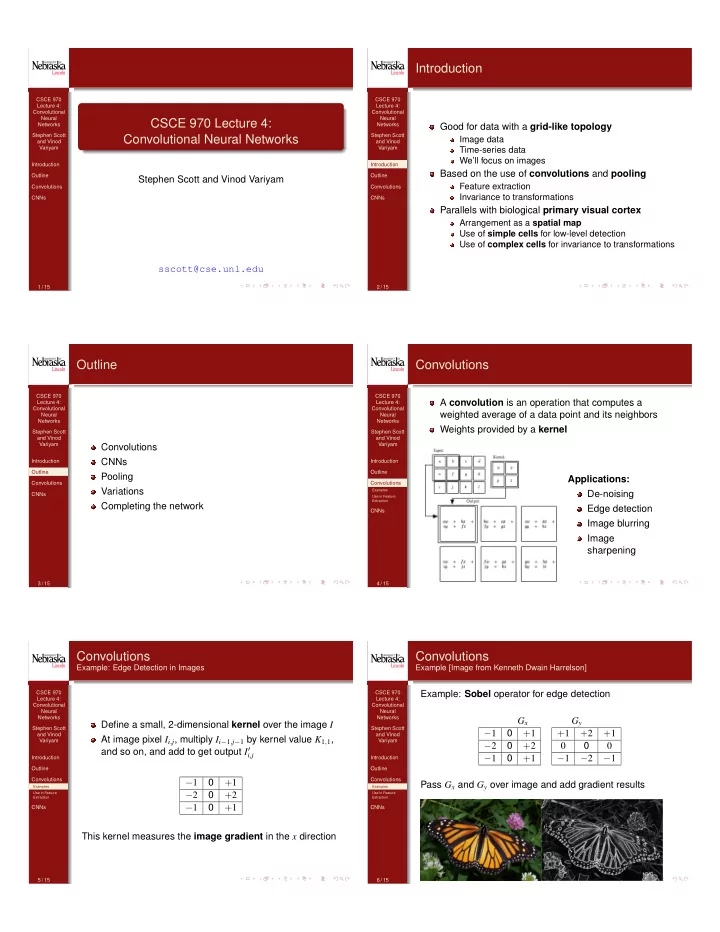
A convolution is an operation that computes a weighted average of a data point and its neighbors Weights provided by a kernel Applications: De-noising Edge detection Image blurring Image sharpening
4 / 15 CSCE 970 Lecture 4: Convolutional Neural Networks Stephen Scott and Vinod Variyam Introduction Outline Convolutions
Examples Use in Feature Extraction
CNNs
Convolutions
Example: Edge Detection in Images
Define a small, 2-dimensional kernel over the image I At image pixel Ii,j, multiply Ii1,j1 by kernel value K1,1, and so on, and add to get output I0
i,j
−1 +1 −2 +2 −1 +1 This kernel measures the image gradient in the x direction
5 / 15 CSCE 970 Lecture 4: Convolutional Neural Networks Stephen Scott and Vinod Variyam Introduction Outline Convolutions
Examples Use in Feature Extraction
CNNs
Convolutions
Example [Image from Kenneth Dwain Harrelson]
Example: Sobel operator for edge detection Gx Gy −1 +1 −2 +2 −1 +1 +1 +2 +1 −1 −2 −1 Pass Gx and Gy over image and add gradient results
6 / 15