ICET ' 17 Procedure to Upload and share the You Tube video Step 1: - - PDF document

icet 17 procedure to upload and share the you tube video
SMART_READER_LITE
LIVE PREVIEW

ICET ' 17 Procedure to Upload and share the You Tube video Step 1: - - PDF document

ICET ' 17 Procedure to Upload and share the You Tube video Step 1: Make a video by recording of your presentation through and camera (can use mobile camera, you can use your laptop or desktop for presentation and ask someone to record the video


slide-1
SLIDE 1

ICET'17 Procedure to Upload and share the You Tube video

Step 1: Make a video by recording of your presentation through and camera (can use mobile camera, you can use your laptop or desktop for presentation and ask someone to record the video through mobile, presenting through project is not necessary)or you can use screen recorders to do

  • it. Software in the below link http://filehippo.com/search?q=screen+recorder

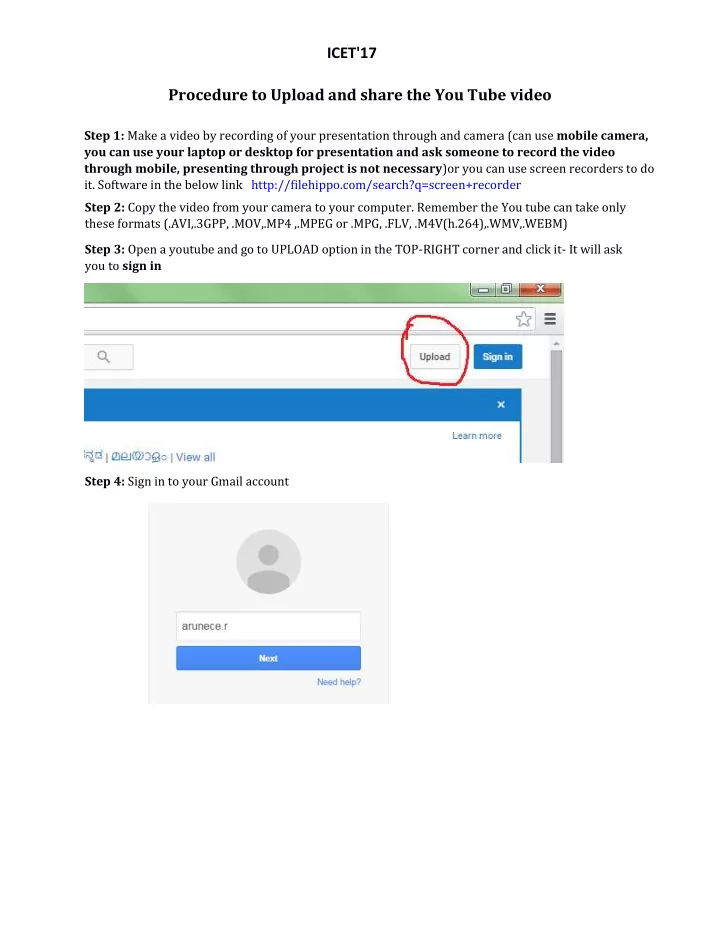
Step 2: Copy the video from your camera to your computer. Remember the You tube can take only these formats (.AVI,.3GPP, .MOV,.MP4 ,.MPEG or .MPG, .FLV, .M4V(h.264),.WMV,.WEBM) Step 3: Open a youtube and go to UPLOAD option in the TOP-RIGHT corner and click it- It will ask you to sign in Step 4: Sign in to your Gmail account

slide-2
SLIDE 2

ICET'17

Step 5: After signing it the page shows this screen below Step 6: change the Public option to Private and mention the conference mail id (icet@myseee.org) as shown in the below image .. So that your video will be shared only to US Step 7: click the link in the center and upload your video

slide-3
SLIDE 3

I2C2'17

Step 8: After Uploading Kindly enter the information on your presetation topic in the title box as well as description Step 9: After Uploading process been completed this final screen will appear