How to Develop Managing Yourself Remotely a Strategic Plan Time - - PDF document

how to develop managing yourself remotely a strategic
SMART_READER_LITE
LIVE PREVIEW

How to Develop Managing Yourself Remotely a Strategic Plan Time - - PDF document

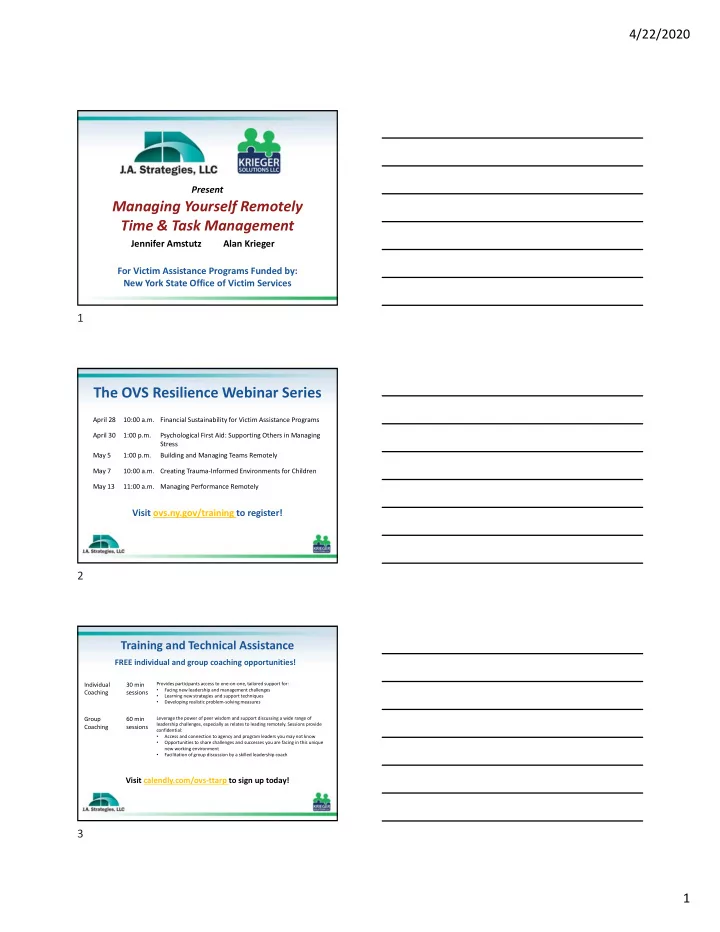
4/22/2020 Present Present How to Develop Managing Yourself Remotely a Strategic Plan Time & Task Management Jennifer Amstutz Alan Krieger Jennifer Amstutz Alan Krieger Provided by New York State Office of Victim Services For Victim


slide-1
SLIDE 1

4/22/2020 1

How to Develop a Strategic Plan

Present Alan Krieger Jennifer Amstutz

Provided by New York State Office of Victim Services

Managing Yourself Remotely Time & Task Management

Present Alan Krieger Jennifer Amstutz For Victim Assistance Programs Funded by: New York State Office of Victim Services

The OVS Resilience Webinar Series

Visit ovs.ny.gov/training to register!

April 28 10:00 a.m. Financial Sustainability for Victim Assistance Programs April 30 1:00 p.m. Psychological First Aid: Supporting Others in Managing Stress May 5 1:00 p.m. Building and Managing Teams Remotely May 7 10:00 a.m. Creating Trauma‐Informed Environments for Children May 13 11:00 a.m. Managing Performance Remotely

Training and Technical Assistance

Visit calendly.com/ovs‐ttarp to sign up today! FREE individual and group coaching opportunities!

Individual Coaching 30 min sessions

Provides participants access to one‐on‐one, tailored support for:

  • Facing new leadership and management challenges
  • Learning new strategies and support techniques
  • Developing realistic problem‐solving measures

Group Coaching 60 min sessions

Leverage the power of peer wisdom and support discussing a wide range of leadership challenges, especially as relates to leading remotely. Sessions provide confidential:

  • Access and connection to agency and program leaders you may not know
  • Opportunities to share challenges and successes you are facing in this unique

new working environment

  • Facilitation of group discussion by a skilled leadership coach

FREE individual and group coaching opportunities!

1 2 3

slide-2
SLIDE 2

4/22/2020 2

If you move your cursor on the screen the menu below will pop up and the icon for the chat box is the blue one in the center with the balloon in it. Chat box is below Send chat to “all panelists”

– Create a better and more comfortable workspace – Establish a process for defining work time – Create a daily schedule based on energy levels – Prioritize and protect important tasks – Track and monitor your use of time – Reduce interruptions and time stealers

Workshop Objectives:

Poll: What are your biggest time management challenges right now?

Select up to 3:

– Interruptions from others in my home – Interruptions from staff/supervisor – Getting distracted (news, social media, mail) – Difficulty being focused for a full day – Technology breakdowns (or learning curve) – Too many scheduled meetings (Zoom and phone calls) – Other – type in the chat box

4 5 6

slide-3
SLIDE 3

4/22/2020 3

Walk around and take a look/listen: –Noise –Distractions –Other’s needs –The view

Create a Workspace that Works!

Create a Workspace that Works!

  • Designate a specific work zone
  • Use nature and lighting to brighten your space
  • Be organized
  • Ventilation
  • Make comfort a priority

In addition to the earlier tips about setting up your workspace, comfort is important. These include:

– A chair with good support – A computer that fits

  • Monitor should be at eye level (+/‐)
  • Fore arms at right angle
  • Knees should be at right angles

– Consider a stand‐up workstation if preferred – Move!

Ergonomics

7 8 9

slide-4
SLIDE 4

4/22/2020 4

Clearly Define Your Work Time

  • Transitioning into work mode
  • Daily Schedule
  • Wrap‐up Routine
  • SIGN‐OFF

Stop, Think and Share

What have you done to create your workspace? What have you done to create your workspace? How do you transition to work? How do you transition to work?

Be intentional, take into account: –Others’ schedule in your home –Your team’s typical schedule –How team schedule changed with working remotely –Clients’ needs or needs of collaborating agencies

Creating a Daily Schedule

10 11 12

slide-5
SLIDE 5

4/22/2020 5

From that: From that:

  • Identify times needed to collaborate
  • Identify when office is not accessible

… Then, think about … Then, think about

  • your natural energy rhythm (bio‐rhythm)

Early Morning Late Moring Early Afternoon Late Afternoon

Physical and/or Mental Energy

LOW HIGH HIGH FADING

Work Environment Conducive to Productivity

LOW HIGH LOW MEDIUM

From That:

Rate your environment for concentration and your natural energy rhythm (bio‐rhythm)

Early Morning Late Moring Early Afternoon Late Afternoon

Physical and/or Mental Energy

LOW HIGH HIGH FADING

Work Environment Conducive to Productivity

LOW HIGH LOW MEDIUM

Rate your environment for concentration and your natural energy rhythm (bio‐rhythm)

13 14 15

slide-6
SLIDE 6

4/22/2020 6

Then look at your workflow.

–What work / tasks are needed from you during your high energy times? –If routine, shift to low energy times or find someone to trade with Make the most of your high energy times –Make a list of your important tasks. –Review your list. Which require deep concentration? –Schedule these during high production times.

Urgent vs important – Learn to say no, so you can say yes to something that will make a bigger difference. – Be available enough, but not all the time! – Keep your eye on your goals, mission, core values.

Prioritizing

Failure by other people to plan well doesn’t necessarily create an emergency for you. Failure by other people to plan well doesn’t necessarily create an emergency for you.

16 17 18

slide-7
SLIDE 7

4/22/2020 7

  • What worked?
  • What didn’t get done?
  • What got in the way?

Look for patterns of interruptions, distractors,

  • r roadblocks.

Monitor Your To Do List

Notes/Reminders: Carryover Tasks: Time Planned Activity Actual Activity Comments Observations:

Daily Time Planner / Log

Notes/Reminders: Carryover Tasks: Time Planned Activity Actual Activity Comments Task 1 Task 2 Task 3 Observations:

Daily Time Planner / Log

19 20 21

slide-8
SLIDE 8

4/22/2020 8

Notes/Reminders: Carryover Tasks: Time Planned Activity Actual Activity Comments 9 a.m. Task 1 9:15 Task 2 9:45 Task 3 Observations:

Daily Time Planner / Log

Dealing with interruptions and time stealers Working remotely, people can’t see you So proactively, let people know: – when you are available for a drop in (lower energy time) – how they can best drop in:

  • By appointment – preferred times
  • “Office hours” via Zoom

Protecting Your Time

Dealing with interruptions and time stealers –“Batch” issues –Shorten meetings by creating agendas –Learn to say “no” or “not now” –Arrange coverage so crises don’t interrupt –Limit multi‐tasking ‐‐ stay focused –Turn off auto‐notification on your email

Protecting Your Time

22 23 24

slide-9
SLIDE 9

4/22/2020 9

  • Training and Technical Assistance at NO COST to OVS

funded VAPS

  • Training, coaching and consulting can all occur

remotely

  • For more information: https://ovs.ny.gov/training‐

technical‐assistance‐request

The OVS Resilience Webinar Series

Visit ovs.ny.gov/training to register!

April 28 10:00 a.m. Financial Sustainability for Victim Assistance Programs April 30 1:00 p.m. Psychological First Aid: Supporting Others in Managing Stress May 5 1:00 p.m. Building and Managing Teams Remotely May 7 10:00 a.m. Creating Trauma‐Informed Environments for Children May 13 11:00 a.m. Managing Performance Remotely

Individual and Group Coaching

  • No project application required
  • Group coaching

– Gain peer support and share peer wisdom – Groups of no more than 6 leaders

  • Individual Coaching

– Independent “ear” during crisis times – Explore new strategies and problem‐solving ideas For more info: See links on OVS training center & TTAR pages To sign up: calendly.com/ovs‐ttarp

25 26 27

slide-10
SLIDE 10

4/22/2020 10

Or Email us later:

  • jennifer@JAStrategies.com
  • alan@KriegerSolutions.com

Questions & Concerns?

Type them into the Chat Box

Alan Krieger Jennifer Amstutz &

Thank You

for your time and participation!

28 29