
SLIDE 1
Tim Williams October 2019
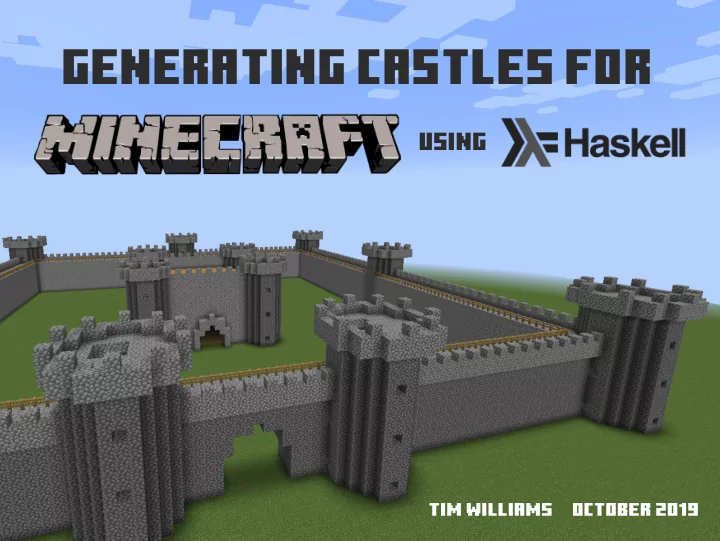
Generating castles for using Tim Williams October 2019 - - PowerPoint PPT Presentation
Generating castles for using Tim Williams October 2019 "mcfunction" fjles and "setblock" commands. complex structures from simple ones. expressiveness and abstractions. The basic idea A Domain-specifjc language
Tim Williams October 2019
"mcfunction" fjles and "setblock" commands.
complex structures from simple ones.
expressiveness and abstractions.
match the problem domain.
functions and 3D Cartesian coordinates.
cobblestone, water).
data Block = Block { _blockCoord :: Coord , _blockKind :: String } data Coord = Coord { _x :: Int, _y :: Int, _z :: Int } deriving (Ord, Eq) makeLenses ''Coord makeLenses ''Block
blocks.
newtype Blocks = Blocks { unBlocks :: [Block] } deriving (Semigroup, Monoid, Show) mkBlocks :: [Coord] -> Blocks mkBlocks = Blocks . map (\c -> Block c cobblestone)
zero :: Blocks zero = Blocks [Block (Coord 0 0 0) air Nothing]
We set the kind of block using an infjx # operator:
infixr 8 # (#) :: Blocks -> Kind -> Blocks (#) blocks k = mapKind (const k) blocks mapKind :: (Kind -> Kind) -> Blocks -> Blocks mapKind f = mapBlocks $ over blockKind f mapBlocks :: (Block -> Block) -> Blocks -> Blocks mapBlocks f = Blocks . map f . unBlocks
using the underlying list instances.
zero <> (zero # cobblestone) -- results in a cobblestone block at (0,0,0) (zero # cobblestone) <> zero -- results in nothing (an air block) at (0,0,0)
dimension needs only one parameter.
type Dimension = Lens' Coord Int view :: Lens' a b -> a -> b
set :: Lens' a b -> b
To build composite structures, we use combinators that provide us with repetition and layout:
repeat :: (Blocks -> Blocks) -> Int -> Blocks -> Blocks repeat f n = mconcat . take n . iterate f
replicate :: Dimension -> Int -> Int -> Blocks -> Blocks replicate d s = repeat (move d s)
move :: Dimension -> Int -> Blocks -> Blocks move d i = mapBlocks $ over (blockCoord . d) (+i)
translate :: Int -> Int -> Int -> Blocks -> Blocks translate x' y' z' = move x x' . move y y' . move z z'
line :: Dimension -> Int -> Blocks line d n = replicate d 1 n zero # cobblestone
wall :: Dimension -> Int -> Int -> Blocks wall d w h = replicate y 1 h $ line d w
floor' :: Int -> Int -> Blocks floor' lx lz = replicate x 1 lx . replicate z 1 lz $ zero # oak_planks wall x 9 4
circle :: Dimension -> Dimension -> Int -> Int -> Blocks circle d d' r steps = mkBlocks [ set d x . set d' z $ Coord 0 0 0 | s <- [1..steps] , let phi = 2*pi*fromIntegral s / fromIntegral steps ::Double z = round $ fromIntegral r * cos phi x = round $ fromIntegral r * sin phi ]
cylinder :: Dimension -> Dimension -> Dimension -> Int -> Int -> Int
cylinder d d' dl r h steps = replicate dl 1 h (circle d d' r steps) cylinder x z y 10 40 500
cone :: Int -> Int -> Int -> Blocks cone r h steps = mconcat [ move y y' $ circle x z r' steps | y' <- [0..h] , let r' = round $ fromIntegral (r*(h-y')) / (fromIntegral h::Double) ] cone 20 20 1000
spiral :: Int -> Int -> Int -> Int -> Blocks spiral r h revs steps = mkBlocks [ Coord x y z | s <- [1..steps] , let phi = 2*pi*fromIntegral (revs*s) / fromIntegral steps ::Double z = round $ fromIntegral r * cos phi x = round $ fromIntegral r * sin phi y = round $ fromIntegral (h*s) / (fromIntegral steps::Double) ]
spiralStairs :: Int -> Int -> Int -> Int -> Int
spiralStairs r t h revs steps = mconcat [ spiral (r-i) h revs steps | i <- [0..t-1] ] spiralStairs 10 12 80 6 1000
A grid layout combinator is particularly useful, especially for castles.
grid :: Int -> [[Blocks]] -> Blocks grid spacing = f z . map (f x) where f :: Dimension -> [Blocks] -> Blocks f d = foldr (\a b -> a <> move d spacing b) mempty
Finally, we need a "render" function for generating the command fjle:
data CoordKind = Relative | Absolute render :: FilePath -> String -> String -> CoordKind -> Blocks -> IO () render minecraftDir levelName functionName coordKind (prune -> blocks) = ...
aforementioned components.
make more concrete specifjc variants, e.g. circularFloor.
components, e.g. the style of turret.
parameterised, e.g. widths, lengths, radii.
englishCastle :: Blocks englishCastle = mconcat [ castleWall 100{-width-} 10{-height-} , grid 50 {-spacing-} [ [ t, t, t] , [ t, k, t] , [ t, g, t] ] ] where t = circularTurret 4{-radius-} 15{-height-} 20 t' = circularTurret 3{-radius-} 15{-height-} 20 k = castleKeep t' 24{-width-} 15{-height-} g = move x (-12) t <> move x 12 t -- gatehouse entrance
The slides for this talk will be available at: http://www.timphilipwilliams.com/slides/minecraft.pdf The original blog post with source code: http://www.timphilipwilliams.com/posts/2019-07-25- minecraft.html For anyone that wants to collaborate, the combinators have been donated to this project: https://github.com/stepcut/minecraft-data