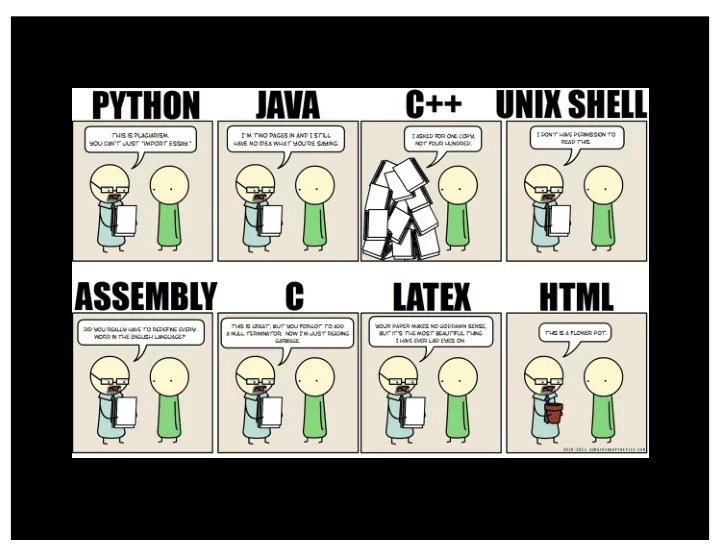
SLIDE 1
SLIDE 2
SLIDE 3 CS 152: Programming Language Paradigms
San José State University
SLIDE 4 Donald Knuth Looks nice!
SLIDE 5 Donald Knuth Ick! Bad fonts.
The Art of Computer Programming 1977 edition
SLIDE 6
In 1977, Knuth published a 2nd version. Knuth did not like the fonts… …but he did not think it was important.
SLIDE 7
To solve his problem, Knuth created TeX
HAH! That was a joke.
SLIDE 8 The birth of TeX
- Precisely controls the interface
- f content.
- literate programming
–logic is in natural language –code is interspersed
SLIDE 9 LaTeX
In 1985, Leslie Lamport released Lamport TeX
Leslie Lamport
SLIDE 10 Interesting aspects
- Domain specific language (DSL)
- Separation of concerns
–Formatting kept separately from content (mostly)
SLIDE 11 \documentclass{article} \title{Hello World} \begin{document} \maketitle \end{document}
Specifies document type
SLIDE 12
\documentclass{article} \title{Hello World} \begin{document} \maketitle \end{document} Generates a title from information.
SLIDE 13 Sections & Labels
\section{Section One} \label{sec:one} \subsection{A subsection} ... (sometime later) Back in Section~\ref{sec:one} …
SLIDE 14 References are tedious to
SLIDE 15 BibTeX
- Reference details in .bib file
- In .tex file
–\cite command adds references –Place bibliography with \bibliographystyle{plainurl}\ bibliography{biblio}
biblio.bib has references
SLIDE 16 BibTeX
- Reference details in .bib file
- In .tex file
–\cite command adds references –Place bibliography with \bibliographystyle{plainurl}\ bibliography{biblio}
plainurl specifies format
SLIDE 17
BibTeX Example
@article{literate, author = {Donald E. Knuth}, title = {Literate Programming}, journal = {Comput. J.}, year = {1984}, volume = {27}, number = {2}, pages = {97--111}, }
SLIDE 18
Extended Example
(in class)
SLIDE 19 Some LaTeX resources
- LaTeX project page: https://latex-project.org
- LaTeX tutorials: http://www.latex-tutorial.com
- Overleaf – Collaborative LaTeX tool:
https://www.overleaf.com/
– http://www.artofproblemsolving.com/wiki/index.p hp/LaTeX:Symbols chart of symbols – Detexify (http://detexify.kirelabs.org/classify.html) lets you draw a symbol and gives you options.
SLIDE 20 LaTeX lab Write a short essay in LaTeX. Organization:
- Abstract
- Section 1: Personal History
- Section 2: Academic/Career Goals
(include an itemized/enumerated list)
- Section 3: Your Hobbies/Outside Interests
Include 2 citations of papers, USING BIBTEX. Include at least one label and one ref in your document.