CPSC 410/611: File Management What is a file? Elements of file - - PDF document

cpsc 410 611 file management
SMART_READER_LITE
LIVE PREVIEW

CPSC 410/611: File Management What is a file? Elements of file - - PDF document

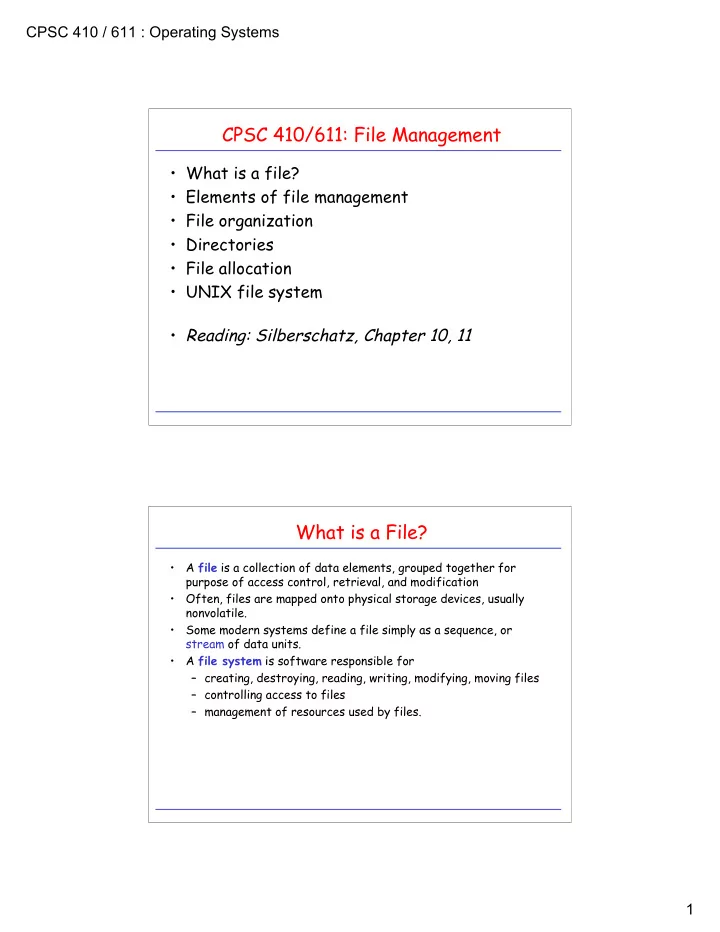
CPSC 410 / 611 : Operating Systems CPSC 410/611: File Management What is a file? Elements of file management File organization Directories File allocation UNIX file system Reading: Silberschatz, Chapter 10, 11


slide-1
SLIDE 1

CPSC 410 / 611 : Operating Systems 1

CPSC 410/611: File Management

  • What is a file?
  • Elements of file management
  • File organization
  • Directories
  • File allocation
  • UNIX file system
  • Reading: Silberschatz, Chapter 10, 11

What is a File?

  • A file is a collection of data elements, grouped together for

purpose of access control, retrieval, and modification

  • Often, files are mapped onto physical storage devices, usually

nonvolatile.

  • Some modern systems define a file simply as a sequence, or

stream of data units.

  • A file system is software responsible for

– creating, destroying, reading, writing, modifying, moving files – controlling access to files – management of resources used by files.

slide-2
SLIDE 2

CPSC 410 / 611 : Operating Systems 2

The Logical View of File Management

user

  • directory management
  • access control
  • access method

records file structure physical blocks in memory physical blocks on disk

  • blocking
  • disk scheduling
  • file allocation

Logical Organization of a File

  • A file is perceived as an ordered collection of records, R0, R1, ...,

Rn.

  • A record is a contiguous block of information transferred during

a logical read/write operation.

  • Records can be of fixed or variable length.
  • Organizations:

– Pile – Sequential File – Indexed Sequential File – Indexed File – Direct/Hashed File

slide-3
SLIDE 3

CPSC 410 / 611 : Operating Systems 3

Pile

  • Variable-length records
  • Chronological order
  • Random access to record by

search of whole file.

  • What about modifying records?

Pile File

Sequential File

  • Fixed-format records
  • Records often stored in order
  • f key field.
  • Good for applications that

process all records.

  • No adequate support for random

access.

  • What about adding new record?
  • Separate pile file keeps log file
  • r transaction file.

key field

Sequential File

slide-4
SLIDE 4

CPSC 410 / 611 : Operating Systems 4

Indexed Sequential File

  • Similar to sequential file,

with two additions. – Index to file supports random access. – Overflow file indexed from main file.

  • Record is added by

appending it to overflow file and providing link from predecessor.

index

main file

  • verflow file

Indexed Sequential File

Indexed File

  • Multiple indexes
  • Variable-length records
  • Exhaustive index vs. partial

index

index index partial index

slide-5
SLIDE 5

CPSC 410 / 611 : Operating Systems 5

File Management

  • What is a file?
  • Elements of file management
  • File organization
  • Directories
  • File allocation
  • UNIX file system

user

  • directory management
  • access control
  • access method

records file structure physical blocks in memory physical blocks on disk

  • blocking
  • disk scheduling
  • file allocation

Directories

  • Large amounts of data: Partition and structure for easier access.
  • High-level structure:

– partitions in MS-DOS – minidisks in MVS/VM – file systems in UNIX.

  • Directories: Map file name to directory entry (basically a symbol

table).

  • Operations on directories:

– search for file – create/delete file – rename file

slide-6
SLIDE 6

CPSC 410 / 611 : Operating Systems 6

Directory Structures

  • Single-level directory:
  • Problems:
  • limited-length file names
  • multiple users

directory file

user3 user4 user2 user1

  • Path names
  • Location of system files
  • special directory
  • search path

master directory user directories file

Two-Level Directories

slide-7
SLIDE 7

CPSC 410 / 611 : Operating Systems 7

  • create subdirectories
  • current directory
  • path names: complete vs. relative

xterm xmh xman xinit ... include demo bin

  • penw

netsc mail bin pub bin user cp ls count find xmt gdb gcc ... user3 user2 user1

Tree-Structured Directories Generalized Tree Structures

  • Links: File name that, when referred, affects file to which it was
  • linked. (hard links, symbolic links)
  • Problems:
  • consistency, deletion
  • Why links to directories only allowed for system managers?

– share directories and files – keep them easily accessible xterm xmh xman xinit ... incl demo bin netsc

  • pwin

mail bin pub bin user cp ls count find xmt gdb gcc ... user3 user2 user1 xman xinit

slide-8
SLIDE 8

CPSC 410 / 611 : Operating Systems 8

  • Open file system call: cache information about file in kernel

memory: – location of file on disk – file pointer for read/write – blocking information

  • Single-user system:
  • Multi-user system:

Bookkeeping

process open-file table file1 file2 file pos file pos system open-file table

  • pen cnt
  • pen cnt

file pos ... ... file pos

  • pen-file table

file1 file2 file pos file location file location file pos

File System Architecture: Virtual File System

system call layer (file system interface) virtual file system layer (v-nodes) local UNIX file system (i-nodes)

Example: Linux Virtual File System (VFS)

  • Provides generic file-system interface

(separates from implementation)

  • Provides support for network-wide identifiers

for files (needed for network file systems). Objects in VFS:

  • inode objects (individual files)
  • fi

file objects (open files)

  • superblock objects (file systems)
  • dentry objects (individual directory entries)
slide-9
SLIDE 9

CPSC 410 / 611 : Operating Systems 9

File System Architecture: Virtual File System

system call layer (file system interface) virtual file system layer (v-nodes) local UNIX file system (i-nodes)

Example: Linux Virtual File System (VFS)

  • Provides generic file-system interface

(separates from implementation)

  • Provides support for network-wide identifiers

for files (needed for network file systems). Objects in VFS:

  • inode objects (individual files)
  • fi

file objects (open files)

  • superblock objects (file systems)
  • dentry objects (individual directory entries)

NFS client (r-nodes)

RPC client stub

File System Architecture: Virtual File System

system call layer (file system interface) virtual file system layer (v-nodes) local UNIX file system (i-nodes)

Example: Linux Virtual File System (VFS)

  • Provides generic file-system interface

(separates from implementation)

  • Provides support for network-wide identifiers

for files (needed for network file systems). Objects in VFS:

  • inode objects (individual files)
  • fi

file objects (open files)

  • superblock objects (file systems)
  • dentry objects (individual directory entries)

Flash Memory File system

slide-10
SLIDE 10

CPSC 410 / 611 : Operating Systems 10

File Management

  • What is a file?
  • Elements of file management
  • File organization
  • Directories
  • File allocation
  • UNIX file system

user

  • directory management
  • access control
  • access method

records file structure physical blocks in memory physical blocks on disk

  • blocking
  • disk scheduling
  • file allocation

Allocation Methods

  • File systems manage disk resources
  • Must allocate space so that

– space on disk utilized effectively – file can be accessed quickly

  • Typical allocation methods:

– contiguous – linked – indexed

  • Suitability of particular method depends on

– storage device technology – access/usage patterns

slide-11
SLIDE 11

CPSC 410 / 611 : Operating Systems 11

file start length

Contiguous Allocation

  • Logical file mapped onto a sequence of adjacent

physical blocks.

  • Advantages:

– minimizes head movements – simplicity of both sequential and direct access. – Particularly applicable to applications where entire files are scanned.

  • Disadvantages:

– Inserting/Deleting records, or changing length of records difficult. – Size of file must be known a priori. (Solution: copy file to larger hole if exceeds allocated size.) – External fragmentation – Pre-allocation causes internal fragmentation

1 2 3 4 5 6 7 8 9 10 11 12 13 14 15 16 17 18 19 20 21 22 23 24 25 26 27 file1 5 file2 10 2 file3 16 10 file start end

Linked Allocation

  • Scatter logical blocks throughout secondary

storage.

  • Link each block to next one by forward pointer.
  • May need a backward pointer for backspacing.
  • Advantages:

– blocks can be easily inserted or deleted – no upper limit on file size necessary a priori – size of individual records can easily change over time.

  • Disadvantages:

– direct access difficult and expensive – overhead required for pointers in blocks – reliability

1 2 3 4 5 6 7 8 9 10 11 12 13 14 15 16 17 18 19 20 21 22 23 24 25 26 27

file 1 9 23 … … … … … …

slide-12
SLIDE 12

CPSC 410 / 611 : Operating Systems 12

Variations of Linked Allocation

  • Maintain all pointers as a separate linked list, preferably in main

memory.

file start end 1 2 3 4 5 6 7 8 9 10 11 12 13 14 15 16 17 18 19 20 21 22 23 24 25 26 27 file1 9 23 ... ... ... ... ... ... 24 10

  • 1

10 26 16 9 16 10 23 26 24

  • Example: File-Allocation Tables (FAT)

in MS-DOS, OS/2.

file index block

Indexed Allocation

  • Keep all pointers to blocks in one location:

index block (one index block per file)

1 2 3 4 5 6 7 8 9 10 11 12 13 14 15 16 17 18 19 20 21 22 23 24 25 26 27 file1 7 ... ... ... ...

9 16 24 26 10 23 -1 -1 -1

  • Advantages:

– supports direct access – no external fragmentation – therefore: combines best of continuous and linked allocation.

  • Disadvantages:

– internal fragmentation in index blocks

  • Problem:

– what is a good size for index block? – fragmentation vs. file length

slide-13
SLIDE 13

CPSC 410 / 611 : Operating Systems 13

Solutions for the Index-Block-Size Dilemma

  • Linked index blocks:
  • Multilevel index scheme:

Index Block Scheme in UNIX

single indirect double indirect triple indirect

9 10 11 12 direct

slide-14
SLIDE 14

CPSC 410 / 611 : Operating Systems 14

UNIX (System V) Allocation Scheme

367 9156 8 11

Example: block size: 1kB access byte offset 9000 access byte offset 350000

367 808 331 3333 816 3333 331 75 9156

Free Space Management

  • Must keep track where unused blocks are.
  • Can keep information for free space management in

unused blocks.

  • Bit vector:
  • Linked list: Each free block contains pointer to next

free block.

  • Variations:
  • Grouping: Each block has more than on pointer to

empty blocks.

  • Counting: Keep pointer of first free block and

number of contiguous free blocks following it.

free used #1 #2 used #3 used #4 free #5 used #6 free #7 free #8 ... used #