Autonomous Intelligent Robotics Instructor: Shiqi Zhang - - PowerPoint PPT Presentation

autonomous intelligent robotics
SMART_READER_LITE
LIVE PREVIEW

Autonomous Intelligent Robotics Instructor: Shiqi Zhang - - PowerPoint PPT Presentation

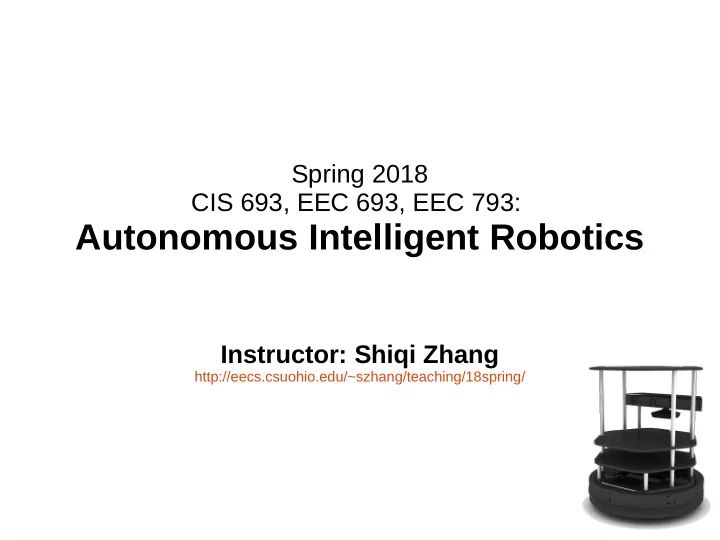
Spring 2018 CIS 693, EEC 693, EEC 793: Autonomous Intelligent Robotics Instructor: Shiqi Zhang http://eecs.csuohio.edu/~szhang/teaching/18spring/ The gap between HRI and AI What is AI? The theory and development of computer systems

slide-1
SLIDE 1

Spring 2018 CIS 693, EEC 693, EEC 793:

Autonomous Intelligent Robotics

Instructor: Shiqi Zhang

http://eecs.csuohio.edu/~szhang/teaching/18spring/

slide-2
SLIDE 2

The gap between HRI and AI

  • What is AI?

– The theory and development of computer systems

able to perform tasks that normally require human intelligence, such as visual perception, speech recognition, decision-making, and translation between languages.

In Xiaodan Liu's reading

slide-3
SLIDE 3

The gap between HRI and AI

  • What is HRI

Goodrich, M.A. and Schultz, A.C., 2007. Human-robot interaction: a survey. Foundations and trends in human-computer interaction, 1(3), pp.203-275.

slide-4
SLIDE 4

The gap between HRI and AI

AI: Search and optimization Statistical models Pure machine learning Non-robotics applications HRI: Human Psychology Social robotics Human-robot collaboration Reasoning Planning Computer Vision Natural Language

slide-5
SLIDE 5
slide-6
SLIDE 6

2D → 3D → Real world

slide-7
SLIDE 7

“turtlesim” package

  • turtlesim is a tool made for teaching ROS and

ROS packages.

  • “rosrun turtlesim turtlesim_node”
slide-8
SLIDE 8

turtlesim topics

  • /turtle1/cmd_vel
  • /turtle1/color_sensor
  • /turtle1/pose
slide-9
SLIDE 9

Roll, Pitch, Yaw

http://www.ros.org/reps/rep-0103.html

slide-10
SLIDE 10

turtlesim services

  • /clear

– Clears the turtlesim background and sets the color to the value of the background

parameters.

  • /kill

– Kills a turtle by name.

  • /reset
  • /spawn

– Spawns a turtle at (x, y, theta) and returns the name of the turtle. Also will take

name for argument but will fail if a duplicate name.

  • /turtle1/set_pen
  • /turtle1/teleport_absolute
  • /turtle1/teleport_relative

http://wiki.ros.org/turtlesim#turtlesim_node

slide-11
SLIDE 11

How to kill a turtle?

slide-12
SLIDE 12

Two turtles: hunter and runner

  • Create two turtles

– Runner: randomly selects

linear and angular velocities

– Hunter: keep moving toward

the runner

– When the runner-hunter

distance is smaller than 1.0, kill the runner and generate a new one at a randomly selected position

slide-13
SLIDE 13

How to implement it?

slide-14
SLIDE 14

Main control loop

slide-15
SLIDE 15

rqt_graph: nodes and topics

slide-16
SLIDE 16
  • /hunter/cmd_vel

– Type: geometry_msgs/Twist – http://docs.ros.org/api/geometry_msgs/html/msg/Twi

st.html

slide-17
SLIDE 17

What you will learn from turtlesim

  • Create your own ROS package
  • Compile your own package (if you use C++)
  • Publish messages to topics in program
  • Submit service requests in program
  • roslaunch
slide-18
SLIDE 18

This Friday Meeting in the classroom (not lab)

slide-19
SLIDE 19

Assignment 2 is available now

  • http://eecs.csuohio.edu/~szhang/teaching/18sp

ring/assignments/assign2.pdf