Arrays Arrays can be defined/initialized using arr=(1 2 3) Elements - - PowerPoint PPT Presentation

arrays
SMART_READER_LITE
LIVE PREVIEW

Arrays Arrays can be defined/initialized using arr=(1 2 3) Elements - - PowerPoint PPT Presentation

Arrays Arrays can be defined/initialized using arr=(1 2 3) Elements can be set using square bracket notation, e.g. arr[0]=$x, and can use variables for indices, e.g arr[$i]=$x Look up elements using syntax ${arr[$i]} To get the size


slide-1
SLIDE 1

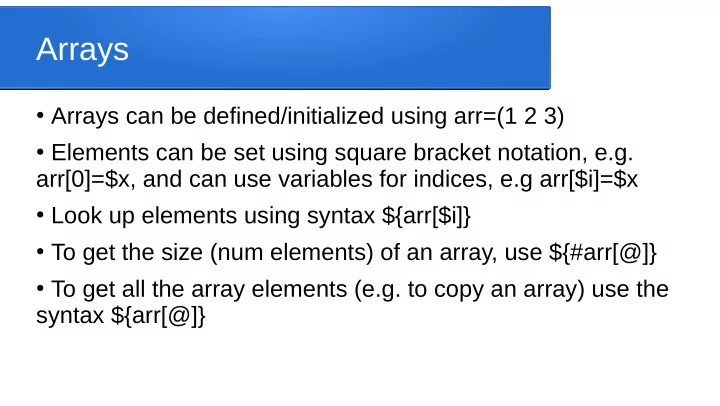
Arrays

  • Arrays can be defined/initialized using arr=(1 2 3)
  • Elements can be set using square bracket notation, e.g.

arr[0]=$x, and can use variables for indices, e.g arr[$i]=$x

  • Look up elements using syntax ${arr[$i]}
  • To get the size (num elements) of an array, use ${#arr[@]}
  • To get all the array elements (e.g. to copy an array) use the

syntax ${arr[@]}

slide-2
SLIDE 2

Iteration example, C style

  • Create and iterate through an array, C style

arr=(10 20 hello 30) size=${#arr[@]} for (( i=0; i<$size; i++ )) ; do elem=${arr[$i]} Echo “array element $i is $elem” done

slide-3
SLIDE 3

Iteration example, “in” style

  • Can also use for ... in to iterate through elements, e.g.

for val in “${arr[@]}; do echo “$val” done

  • Can delete elements or entire array using unset, e.g.

unset(arr[3]), unset(arr), etc