Architectural Simulation What is an architectural simulator? - - PowerPoint PPT Presentation

architectural simulation
SMART_READER_LITE
LIVE PREVIEW

Architectural Simulation What is an architectural simulator? - - PowerPoint PPT Presentation

Architectural Simulation What is an architectural simulator? SimpleScalar Primer A tool that mimics the behavior of a computing device Program outputs Processor Program CSE 471, Spring 2006 Simulator Processor Metrics Program


slide-1
SLIDE 1

SimpleScalar Primer

CSE 471, Spring 2006

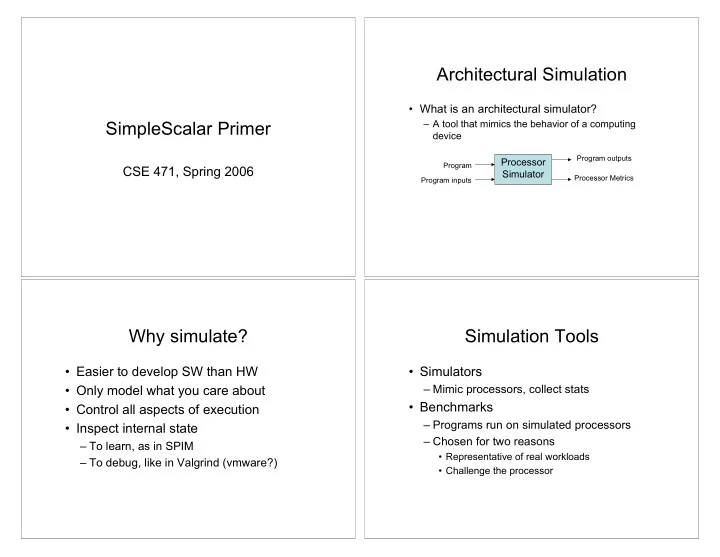
Architectural Simulation

  • What is an architectural simulator?

– A tool that mimics the behavior of a computing device Processor Simulator

Program Program inputs Program outputs Processor Metrics

Why simulate?

  • Easier to develop SW than HW
  • Only model what you care about
  • Control all aspects of execution
  • Inspect internal state

– To learn, as in SPIM – To debug, like in Valgrind (vmware?)

Simulation Tools

  • Simulators

– Mimic processors, collect stats

  • Benchmarks

– Programs run on simulated processors – Chosen for two reasons

  • Representative of real workloads
  • Challenge the processor
slide-2
SLIDE 2

SimpleScalar Toolset

  • Consists of

– Several simulators – Compilation tools

  • We’ll use

– Mostly just one simulator, sim-outorder – Maybe some compilation tools

SimpleScalar Architecture

  • PISA Instruction Set

– RISC, Like MIPS

  • Simulated Processor Pipeline

Instructions flow this way

SPEC95 Benchmarks

  • Benchmarks are programs run when

measuring system performance

  • SPEC95 benchmarks are good for

measuring processor performance

  • We’ll use 4 of them with SimpleScalar

The Benchmarks

  • Compress

– A data compressor

  • Cc1

– A C compiler

  • Go

– AI program that plays the game of GO

  • Perl

– A perl program interpreter

slide-3
SLIDE 3

Finding the Tools

  • Any instructional Linux machine

– /cse/courses/cse471/06sp/simplescalar – More details on course web

Running the Simulator

sim-outorder <sim-params> program <prg-params> Example: Running $ sim-outorder -redir:sim HelloWorld.dat HelloWorld.ss Prints “Hello, world!” and produces HelloWorld.dat HelloWorld.dat contains metrics generated by the simulator while it ran HelloWorld.ss

Simulator Parameters

  • Most describe the simulated processor

– E.g., how many ALUs, what size caches – See docs on course web

  • Some control simulator output

– -redir:sim FILE puts metrics into FILE – -redir:prog FILE puts program output in FILE – -dumpconfig FILE prints config options to FILE – -config FILE reads config options from FILE

Caveat Simulator

  • sim-outorder is slow

– Around 4000 times slower than a real machine

  • Plan ahead

– Simulations in this class might take an hour

slide-4
SLIDE 4

Section Today

  • Go to one of the instructional labs
  • Try to use the simulator
  • I’ll be in 006 from 2:30 to 3:20 if you

have questions