Variables in Variables are always initialized Haskell test n = - - PowerPoint PPT Presentation

variables in
SMART_READER_LITE
LIVE PREVIEW

Variables in Variables are always initialized Haskell test n = - - PowerPoint PPT Presentation

New variables with "let" declaration, lifetime inside the declaration Variables in Variables are always initialized Haskell test n = let k = fact n in [1..k] Other ways exist, for example "inverted" where


slide-1
SLIDE 1

52

Variables in Haskell

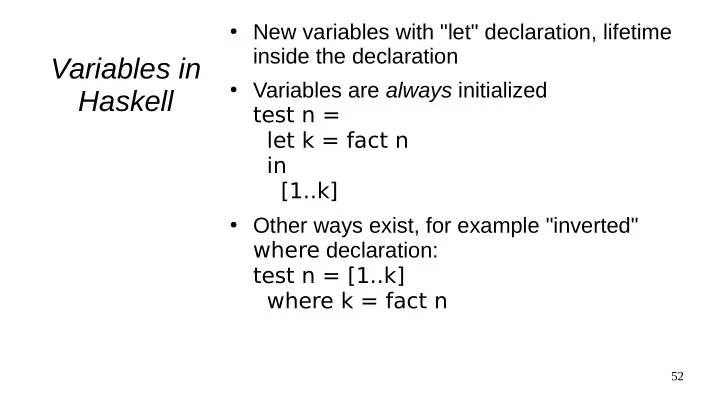
  • New variables with "let" declaration, lifetime

inside the declaration

  • Variables are always initialized

test n = let k = fact n in [1..k]

  • Other ways exist, for example "inverted"

where declaration: test n = [1..k] where k = fact n

slide-2
SLIDE 2

53

Haskell tuples

  • No reference parameters, all results in the

return value

  • Multiple return values using tuples, which

contain an arbitrary number of values (of different types) division x y = ( x div y, x mod y )

  • A tuples allows initialization of multiple

variables let (result, remainder) = division 10 4 in ...

  • Tuples also in many other languages (C+

+11, Python...)

slide-3
SLIDE 3

54

Sharing data

  • Only possible, because data is

guaranteed not to change

  • Example: a list: orig = [A, B, C, D]

A B C D

  • rig
slide-4
SLIDE 4

55

Sharing data

  • A new item is "added" to beginning: a

new list is returned

  • newlist = (X : orig) ([X, A, B, C,

D])

A B C D X

  • rig

newlist

slide-5
SLIDE 5

56

Sharing data

  • A new item is "added" in the middle:
  • newlist2 = (take 2 orig) ++ [Y] ++

(drop 2 orig) ([ A, B, Y, C, D])

A B C D

  • rig

newlist2

Y

slide-6
SLIDE 6

57

Effects of laziness

  • Infinite computation possible (prevents

concurrent evaluation) noreturn x = maximum [x..] choose T rue x y = x choose False x y = y choose (1<3) 3 (noreturn 5) 3 ➜ 4 choose (4<3) 3 (noreturn 5) ... ➜ 4

  • Recursive variable definitions
  • nes = 1:ones

nums = 0:[a+1 | a <- nums] fibo = 1:1:[a+b | (a,b) <- zip fibo (tail fibo)]

slide-7
SLIDE 7

58

Implementing lazy evaluation

  • value of each expression is a "thunk"

describing the function & parameters: x = 3; a = [f(x), g(x)] ; b = head a

a x 3 b f(x) = 2*x g(x) = x+3 head: take 1st variable value thunk function

slide-8
SLIDE 8

59

Implementing lazy evaluation

  • "execution" of functions only happen

when the value of its return value is required: print b;

a x 3 b f(x) = 2*x g(x) = x+3 head: take 1st

slide-9
SLIDE 9

60

Implementing lazy evaluation

  • Note! We didn't calculate the whole a

to get the result!: print b;

a 6 x 3 b f(x) = 2*x g(x) = x+3 head: take 1st