Understand proper HD video equipment Cameras Storage - - PDF document

understand proper hd video equipment
SMART_READER_LITE
LIVE PREVIEW

Understand proper HD video equipment Cameras Storage - - PDF document

5/17/10 Keith McDaniel GoHD May 4, 2010 Understand proper HD video equipment Cameras Storage SoFware Learn the basic ways to edit


slide-1
SLIDE 1

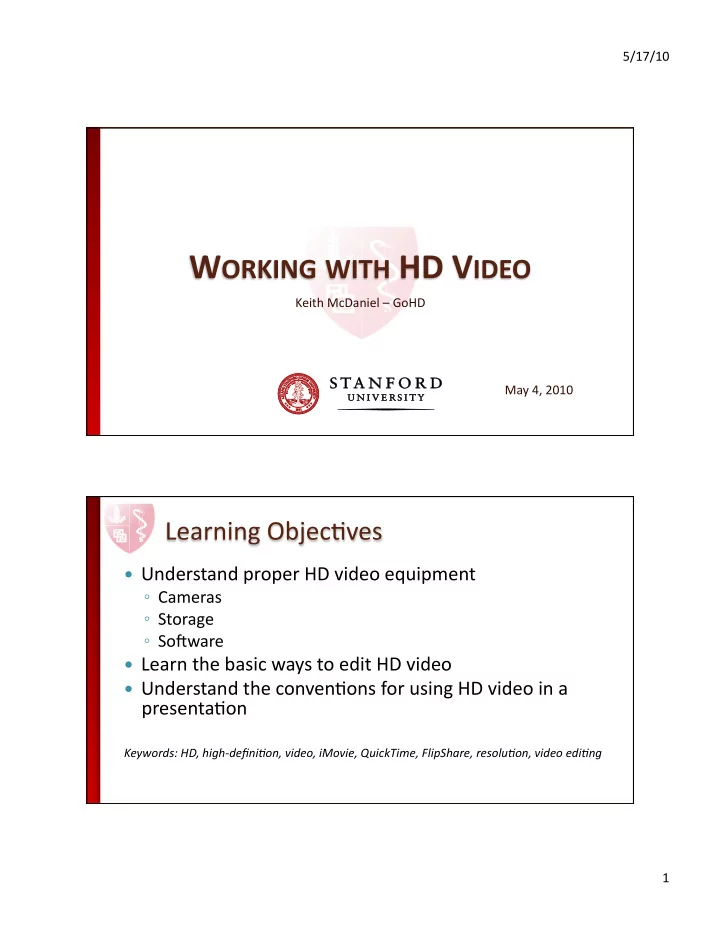
5/17/10 ¡ 1 ¡ Keith ¡McDaniel ¡– ¡GoHD ¡ May ¡4, ¡2010 ¡

 Understand ¡proper ¡HD ¡video ¡equipment ¡

  • Cameras ¡
  • Storage ¡
  • SoFware ¡

 Learn ¡the ¡basic ¡ways ¡to ¡edit ¡HD ¡video ¡  Understand ¡the ¡convenJons ¡for ¡using ¡HD ¡video ¡in ¡a ¡

presentaJon ¡

Keywords: ¡HD, ¡high-­‑defini4on, ¡video, ¡iMovie, ¡QuickTime, ¡FlipShare, ¡resolu4on, ¡video ¡edi4ng ¡ ¡

slide-2
SLIDE 2

5/17/10 ¡ 2 ¡

 ResoluJon: ¡HD ¡vs. ¡SD ¡

  • HD: ¡1080i/p ¡and ¡720p ¡
  • SD: ¡480p ¡

 Lord ¡of ¡The ¡Rings ¡  Video ¡Comparison ¡  Overview ¡of ¡Equipment ¡  ExporJng/Versioning ¡– ¡why? ¡  Video ¡EdiJng ¡  HD ¡Video ¡in ¡a ¡PresentaJon ¡

slide-3
SLIDE 3

5/17/10 ¡ 3 ¡

 Cameras ¡  Storage ¡  SoFware ¡  The ¡“first-­‑hand” ¡source ¡  “Future-­‑proof” ¡quality ¡  Source ¡content ¡can ¡be ¡used ¡many ¡ways ¡  “Garbage” ¡footage ¡can ¡oFen ¡be ¡useful ¡

slide-4
SLIDE 4

5/17/10 ¡ 4 ¡

 Pros ¡

  • Comes ¡with ¡the ¡Flip ¡camera ¡(Mac/Windows) ¡
  • Keeps ¡source ¡content/Allows ¡versioning ¡

 Cons ¡

  • Only ¡allows ¡trimming ¡for ¡ediJng ¡
  • Single ¡export ¡format ¡
  • PrimiJve ¡organizaJon ¡

 Pros ¡

  • CompaJble ¡on ¡both ¡Mac ¡and ¡Windows ¡
  • Allows ¡for ¡ediJng ¡of ¡specific ¡video/audio ¡qualiJes ¡
  • Many ¡export ¡formats ¡

 Cons ¡

  • No ¡built-­‑in ¡organizaJon/versioning ¡
  • Steeper ¡learning ¡curve ¡
slide-5
SLIDE 5

5/17/10 ¡ 5 ¡

 Pros ¡

  • Highly-­‑structured ¡import/edit/export ¡process ¡
  • Great ¡built-­‑in ¡organizaJon/versioning ¡
  • Helpful ¡features ¡(skimming, ¡favorites) ¡during ¡ediJng ¡

 Cons ¡

  • Highly-­‑structured ¡import/edit/export ¡process ¡
  • Limited ¡formats ¡during ¡export ¡

 Exit ¡your ¡PowerPoint ¡to ¡play ¡video ¡

  • On ¡the ¡computer ¡
  • On ¡the ¡web ¡

 Special ¡consideraJons ¡for ¡HD ¡

slide-6
SLIDE 6

5/17/10 ¡ 6 ¡

 ExporJng/Versioning ¡– ¡why? ¡  Video ¡EdiJng ¡

  • FlipShare ¡
  • QuickTime ¡Pro ¡
  • iMovie ¡

 HD ¡Video ¡in ¡a ¡PresentaJon ¡