Reading CPSC 111, Intro to Computation Jan-Apr 2006 This week: - - PDF document

reading
SMART_READER_LITE
LIVE PREVIEW

Reading CPSC 111, Intro to Computation Jan-Apr 2006 This week: - - PDF document

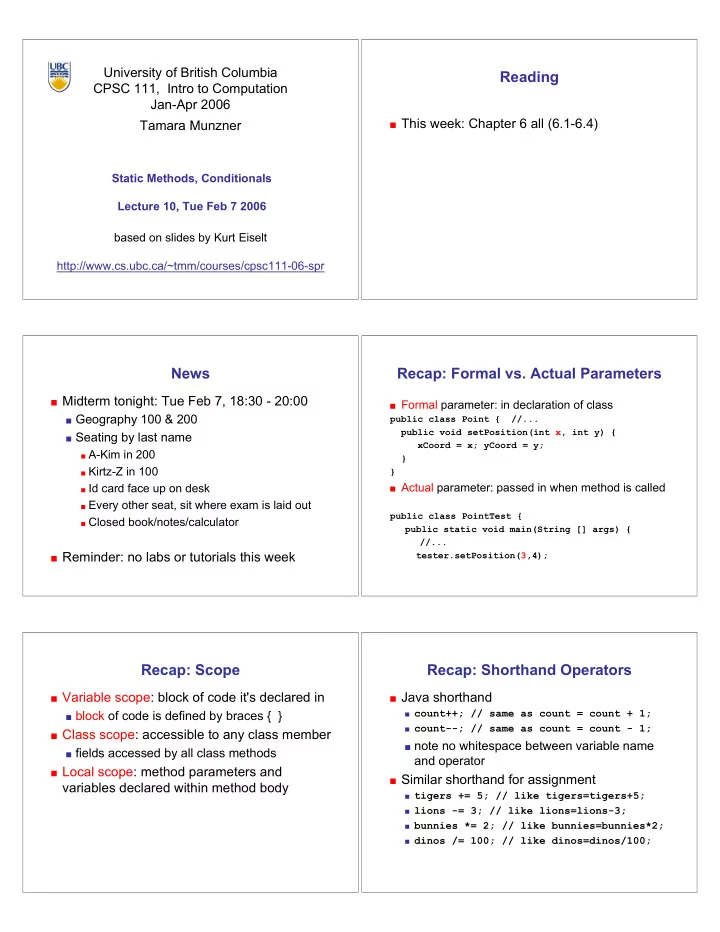
University of British Columbia Reading CPSC 111, Intro to Computation Jan-Apr 2006 This week: Chapter 6 all (6.1-6.4) Tamara Munzner Static Methods, Conditionals Lecture 10, Tue Feb 7 2006 based on slides by Kurt Eiselt


slide-1
SLIDE 1

University of British Columbia CPSC 111, Intro to Computation Jan-Apr 2006 Tamara Munzner

Static Methods, Conditionals Lecture 10, Tue Feb 7 2006 http://www.cs.ubc.ca/~tmm/courses/cpsc111-06-spr based on slides by Kurt Eiselt

Reading

This week: Chapter 6 all (6.1-6.4)

News

Midterm tonight: Tue Feb 7, 18:30 - 20:00

Geography 100 & 200 Seating by last name

A-Kim in 200 Kirtz-Z in 100 Id card face up on desk Every other seat, sit where exam is laid out Closed book/notes/calculator

Reminder: no labs or tutorials this week

Recap: Formal vs. Actual Parameters

Formal parameter: in declaration of class

public class Point { //... public void setPosition(int x, int y) { xCoord = x; yCoord = y; } }

Actual parameter: passed in when method is called

public class PointTest { public static void main(String [] args) { //... tester.setPosition(3,4);

Recap: Scope

Variable scope: block of code it's declared in

block of code is defined by braces { }

Class scope: accessible to any class member

fields accessed by all class methods

Local scope: method parameters and

variables declared within method body

Recap: Shorthand Operators

Java shorthand

count++; // same as count = count + 1; count--; // same as count = count - 1;

note no whitespace between variable name

and operator

Similar shorthand for assignment

tigers += 5; // like tigers=tigers+5; lions -= 3; // like lions=lions-3; bunnies *= 2; // like bunnies=bunnies*2; dinos /= 100; // like dinos=dinos/100;

slide-2
SLIDE 2

Recap: Data Conversion

Math in Java: it depends! int a = 1 / 3; // a is 0

double b = 1 / 3; // b is 0.0 int c = 1.0 / 3.0; // Java’s not happy double d = 1.0 / 3.0; // d is 0.333333333

Recap: Data Conversion

Casting: explicit data conversion Widening: conversion from one data type to another

type with equal or greater amount of space to store value

widening conversions safer because don’t lose

information (except for roundoff)

Java will do widening conversions automatically

Narrowing: conversion from one type to another

type with less space to store value

important information may be lost Java will not do narrowing conversions automatically

Recap: Automatic Conversion

Done implicitly if widening Assignment conversion: converted because value

  • f one type assigned to variable of other type

double b = 1 / 3;

Promotion: converted because expression contains

mixed types

int hours_worked = 40; double pay_rate = 5.25; double total_pay = hours_worked * pay_rate;

Recap: Static Variables

Static variable shared among all instances of

class

"belongs" to class, not instances

  • nly one copy of static variable for all objects
  • f class

thus changing value of static variable in one

  • bject changes it for all others objects too!

Memory space for a static variable

established first time containing class is referenced in program

Recap: Static Methods

Static method "belongs" to the class itself

not to objects that are instances of class aka class method

Do not have to instantiate object of class in

  • rder to invoke static method of that class

Can use class name instead of object name

to invoke static method

Recap: Static Example

public class Giraffe { private static int numGiraffes; private double neckLength; public Giraffe(double neckLength) { this.neckLength = neckLength; numGiraffes++; } public void sayHowTall() { System.out.println("Neck is " + neckLength); } public static int getGiraffeCount() { return numGiraffes; } }

slide-3
SLIDE 3

Static Example

public class Giraffe { private static int numGiraffes; private double neckLength; public Giraffe(double neckLength) { this.neckLength = neckLength; numGiraffes++; } public void sayHowTall() { System.out.println("Neck is " + neckLength); } public return numGiraffes; }static int getGiraffeCount() { }

using this implicit parameter to disambiguate scope

Calling Static Method Example

public class UseGiraffes { public static void main (String[] args) { System.out.println("Total Giraffes: " + Giraffe.getGiraffeCount()); Giraffe fred = new Giraffe(200); Giraffe bobby = new Giraffe(220); Giraffe ethel = new Giraffe(190); Giraffe hortense = new Giraffe(250); System.out.println("Total Giraffes: " + Giraffe.getGiraffeCount()); } }

Note that Giraffe is class name, not object name!

at first line haven’t created any Giraffe objects yet

Static Methods

Static methods do not operate in context of

particular object

cannot reference instance variables because they

exist only in an instance of a class

compiler will give error if static method attempts to

use nonstatic variable

Static method can reference static variables

because static variables exist independent of specific

  • bjects

Static Methods

public class UseGiraffes { public static void main (String[] args) { System.out.println("Total Giraffes: " + Giraffe.getGiraffeCount()); Giraffe fred = new Giraffe(200); Giraffe bobby = new Giraffe(220); Giraffe ethel = new Giraffe(190); Giraffe hortense = new Giraffe(250); System.out.println("Total Giraffes: " + Giraffe.getGiraffeCount()); } }

Now you know what all these words mean

main method can access only static or local variables

Static Methods in java.Math

Java provides you with many pre-existing static methods Package java.lang.Math is part of basic Java environment

you can use static methods provided by Math class examples:

> Math.sqrt(36) 6.0 > Math.sin(90) 0.8939966636005579 > Math.sin(Math.toRadians(90)) 1.0 > Math.max(54,70) 70 > Math.round(3.14159) 3 > Math.random() 0.7843919693319797 > Math.random() 0.4253202368928023 > Math.pow(2,3) 8.0 > Math.pow(3,2) 9.0 > Math.log(1000) 6.907755278982137 > Math.log10(1000) 3.0

Objectives

Understand how static methods work Understand how to use conditionals Understand how boolean operators work

slide-4
SLIDE 4

Conditional Statement

Boolean expression: test that returns true or

false

Conditional statement: choose which

statement will be executed next based on boolean expression

Example if (age < 20) System.out.println("Really, you look like you are " + (age + 5) + ".");

Conditional Example

import java.util.Scanner; public class Feelgood { public static void main (String[] args) { int age; Scanner scan = new Scanner (System.in); System.out.println ("Enter your age: "); age = scan.nextInt(); if (age < 20) System.out.println("Really, you look like you " + "are " + (age + 5) + "."); System.out.println ("You don't look a day over " + (age - 10) + "!"); } }

Conditional Example

import java.util.Scanner; public class Feelgood { public static void main (String[] args) { int age; Scanner scan = new Scanner (System.in); System.out.println ("Enter your age: "); age = scan.nextInt(); if (age < 20) System.out.println("Really, you look like you " + "are " + (age + 5) + "."); if (age >= 20) System.out.println ("You don't look a day over " + (age - 10) + "!"); } }

Conditional Example

import java.util.Scanner; public class Feelgood { public static void main (String[] args) { int age; Scanner scan = new Scanner (System.in); System.out.println ("Enter your age: "); age = scan.nextInt(); if (age < 20) System.out.println("Really, you look like you " + "are " + (age + 5) + "."); else System.out.println ("You don't look a day over " + (age - 10) + "!"); } }

Conditional In Depth

Within method, statements usually executed top to

bottom

  • ne after the other

Change control flow with conditional statement

if (age < 20) System.out.println("Really, you look like you are " + (age + 5) + ".");

Choice hinges on evaluation of boolean operator

Boolean Expressions

Boolean expression: test which returns either true

  • r false when evaluated

aka conditional

Consists of operands and operators, like arithmetic

expression

but operators only return true or false when applied

to operands

Two different kinds of operators

relational

sometime split into relational and equality

logical

slide-5
SLIDE 5

Relational Operators

Tests two values (operands) Operators

== equal

returns true if they are equal, false otherwise note: do not confuse this with =

!= not equal

returns true if they are not equal, false otherwise

< less than <= less than or equal to > greater than >= greater than or equal to

Equality Example

int a = 3; int b = 6; int c = 10; if (a == b) System.out.println(“these two values are equal”); if ((b - a) == a) System.out.println(“b is the same as a”); if (a != b) System.out.println(“nope!”);

Note we can use arithmetic operator inside boolean

expression

Logical Operators

Way to combine results from relational operators into single

test

AND, OR, and NOT in terms from math or philosophy class Operators

&& logical AND || logical OR ! logical NOT

Logical AND

Logical AND of values a and b evaluates to

true if both a and b are true false otherwise

a b a && b false false false false true false true false false true true true

Logical OR

Logical OR of values a and b evaluates to

true if either a or b are true true if both are true false otherwise

a b a || b false false false false true true true false true true true true

Logical NOT

Logical NOT of value a evaluates to

true if a is false false if a is true

a ! a false true true false

slide-6
SLIDE 6

int a = 3; int b = 6; int c = 10; if ((b > a) && (c == 10)) System.out.println(“this should print”); if (!(b > a)) System.out.println(“this should not print”); if !(b > a) System.out.println(“what happened?”);

Logical Operator Examples Logical Operator Examples

is (!(b > a)) the same as

(a > b) (a >= b) (b < a)

Questions?