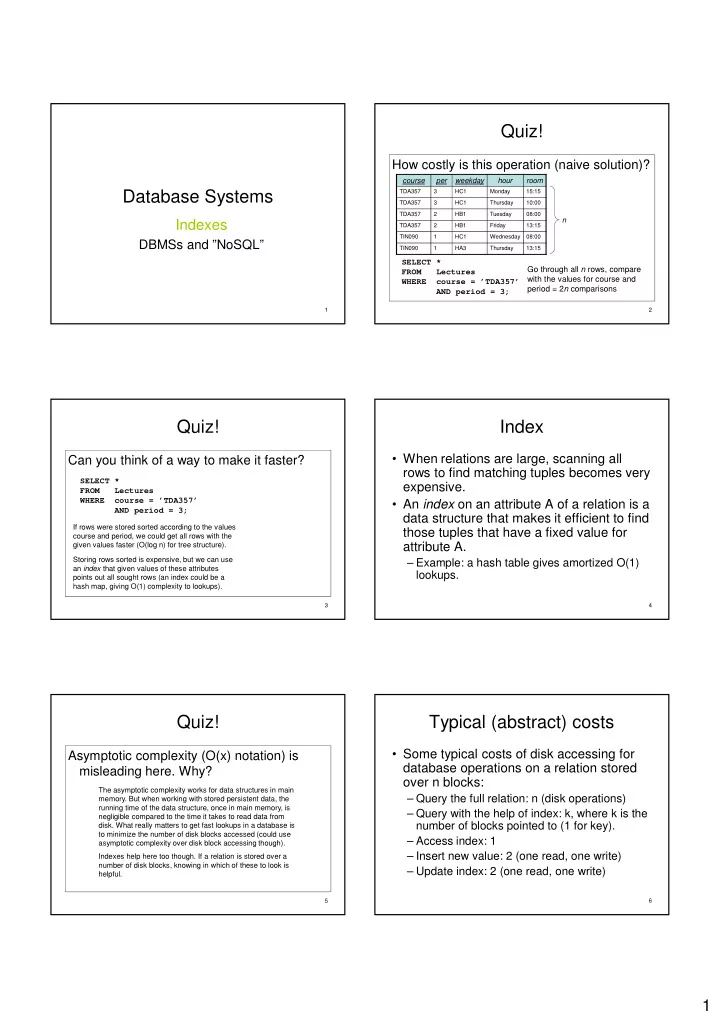

1
Database Systems
Indexes
DBMSs and ”NoSQL”
1
Quiz!
How costly is this operation (naive solution)?
SELECT * FROM Lectures WHERE course = ’TDA357’ AND period = 3;
course per weekday hour room
TDA357 3 HC1 Monday 15:15 TDA357 3 HC1 Thursday 10:00 TDA357 2 HB1 Tuesday 08:00 TDA357 2 HB1 Friday 13:15 TIN090 1 HC1 Wednesday 08:00 TIN090 1 HA3 Thursday 13:15
n
Go through all n rows, compare with the values for course and period = 2n comparisons
2
Quiz!
Can you think of a way to make it faster?
SELECT * FROM Lectures WHERE course = ’TDA357’ AND period = 3;
If rows were stored sorted according to the values course and period, we could get all rows with the given values faster (O(log n) for tree structure). Storing rows sorted is expensive, but we can use an index that given values of these attributes points out all sought rows (an index could be a hash map, giving O(1) complexity to lookups).
3
Index
- When relations are large, scanning all
rows to find matching tuples becomes very expensive.
- An index on an attribute A of a relation is a
data structure that makes it efficient to find those tuples that have a fixed value for attribute A.
– Example: a hash table gives amortized O(1) lookups.
4
Quiz!
Asymptotic complexity (O(x) notation) is misleading here. Why?
The asymptotic complexity works for data structures in main
- memory. But when working with stored persistent data, the
running time of the data structure, once in main memory, is negligible compared to the time it takes to read data from
- disk. What really matters to get fast lookups in a database is
to minimize the number of disk blocks accessed (could use asymptotic complexity over disk block accessing though). Indexes help here too though. If a relation is stored over a number of disk blocks, knowing in which of these to look is helpful.
5
Typical (abstract) costs
- Some typical costs of disk accessing for
database operations on a relation stored
- ver n blocks:
– Query the full relation: n (disk operations) – Query with the help of index: k, where k is the number of blocks pointed to (1 for key). – Access index: 1 – Insert new value: 2 (one read, one write) – Update index: 2 (one read, one write)
6