Progress <progress value="22" - - PowerPoint PPT Presentation

progress
SMART_READER_LITE
LIVE PREVIEW

Progress <progress value="22" - - PowerPoint PPT Presentation

Progress <progress value="22" max="100"></progress> CS 142 Lecture Notes: HTML5 Slide 1 Web Storage localStorage.setItem("state", "California"); localStorage.getItem("state");


slide-1
SLIDE 1

<progress value="22" max="100"></progress>

CS 142 Lecture Notes: HTML5 Slide 1
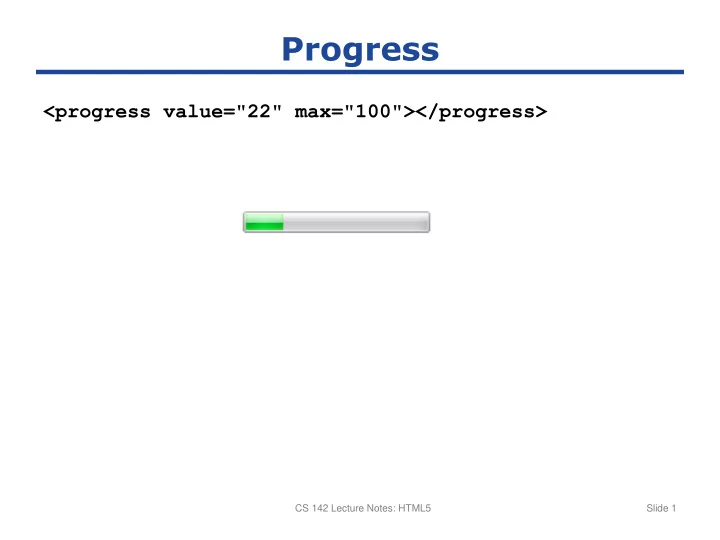
Progress

slide-2
SLIDE 2

localStorage.setItem("state", "California"); localStorage.getItem("state"); localStorage.removeItem("state"); localStorage.state = "Missouri";

CS 142 Lecture Notes: HTML5 Slide 2

Web Storage

slide-3
SLIDE 3
  • Mark elements draggable:

<img draggable="true">

  • New events:
  • ondragstart: when user “picks” up object to drag
  • ondragover: when user drags object over an HTML element
  • ondrop: when user drops object
  • Passing information from source to target:
  • One or more type-value pairs
  • In ondragstart handler:

event.dataTransfer.setData(type, value);

  • In ondragover and ondrop handlers:

var value = event.dataTransfer.getData(type);

CS 142 Lecture Notes: HTML5 Slide 3

Drag and Drop

slide-4
SLIDE 4

CS 142 Lecture Notes: HTML5 Slide 4

slide-5
SLIDE 5

<canvas id="canvas1"> Your browser doesn’t support canvases </canvas> var canvas = document.getElementById("canvas1"); var context = canvas.getContext("2d"); context.strokeStyle = "#ff0000"; context.lineWidth = 8; context.beginPath(); context.moveTo(50, 100); context.lineTo(200, 100); context.lineTo(200, 50); context.lineTo(150, 50); context.lineTo(150, 150); context.stroke();

CS 142 Lecture Notes: HTML5 Slide 5

Simple Canvas Example

100 50

slide-6
SLIDE 6

CS 142 Lecture Notes: HTML5 Slide 6

More Complex Canvas Example