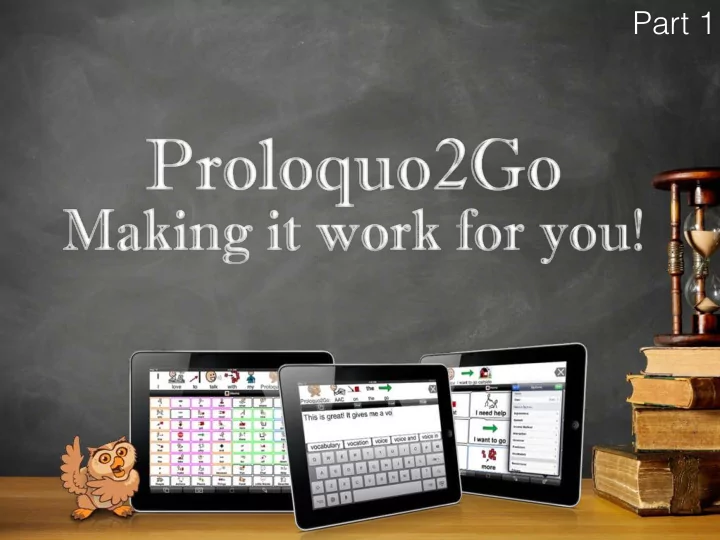
Part 1 Amanda Hartmann Inclusive Technology Consultant (Speech - - PowerPoint PPT Presentation

part 1 amanda hartmann
SMART_READER_LITE
LIVE PREVIEW

Part 1 Amanda Hartmann Inclusive Technology Consultant (Speech - - PowerPoint PPT Presentation

Part 1 Amanda Hartmann Inclusive Technology Consultant (Speech Pathologist) Access our website for resources http://bit.ly/spectronicsp2go Key tips for today See then do We will all learn at different rates Can you help someone? Drip feed


slide-1
SLIDE 1

Part 1

slide-2
SLIDE 2

Amanda Hartmann

Inclusive Technology Consultant (Speech Pathologist)

slide-3
SLIDE 3

http://bit.ly/spectronicsp2go

Access our website for resources

slide-4
SLIDE 4

Key tips for today

See then do We will all learn at different rates Drip feed Can you help someone?

slide-5
SLIDE 5

Communication

slide-6
SLIDE 6

Alternative and augmentative communication (AAC)

Augmentative communication is the use of materials or techniques that supplement existing verbal abilities. Alternative communication is communication methods used by a person without any verbal ability. (Vanderheiden and Yoder, 1986)

slide-7
SLIDE 7
slide-8
SLIDE 8
slide-9
SLIDE 9
slide-10
SLIDE 10

What?

Signing, symbols, iPad, computers, communication devices

slide-11
SLIDE 11
slide-12
SLIDE 12

When?

No age prerequisite As speech is developing To support speech that is hard to understand When no speech has developed

slide-13
SLIDE 13
slide-14
SLIDE 14

Where?

  • Everywhere. Anywhere.
slide-15
SLIDE 15
slide-16
SLIDE 16
slide-17
SLIDE 17

Who?

  • Everyone. Anyone.
slide-18
SLIDE 18
slide-19
SLIDE 19

AAC on iPads

slide-20
SLIDE 20

PROS

AAC on iPads

Multifunctional Motivating Affordable Information Portable "Normal"

slide-21
SLIDE 21

CONS

AAC on iPads

Volume Durability Accessibility Not dedicated Support and training Discoverability

slide-22
SLIDE 22

VOCABULARY

slide-23
SLIDE 23

Engaging Interactive Fun Motivating Purposeful

slide-24
SLIDE 24

Basic/interactive vocabulary

slide-25
SLIDE 25
slide-26
SLIDE 26
slide-27
SLIDE 27
slide-28
SLIDE 28

Core vocabulary

slide-29
SLIDE 29
slide-30
SLIDE 30

Blank vocabulary

Start from scratch

slide-31
SLIDE 31
slide-32
SLIDE 32

Proloquo2Go......Let's go

slide-33
SLIDE 33

Part 1

Guided Access Overview of Toolbars, Users, Appearance and Speech

slide-34
SLIDE 34

Guided Access

slide-35
SLIDE 35

Guided Access

slide-36
SLIDE 36

Overview of Toolbars, Users, Appearance and Speech

slide-37
SLIDE 37

Toolbars

slide-38
SLIDE 38

Grid - Recent - Typing

slide-39
SLIDE 39

Recents

slide-40
SLIDE 40

Typing

slide-41
SLIDE 41

Grid keyboard

slide-42
SLIDE 42

Options menu (the cogs)

slide-43
SLIDE 43

Options - Users

slide-44
SLIDE 44

Options - Appearance

slide-45
SLIDE 45

Options - Speech