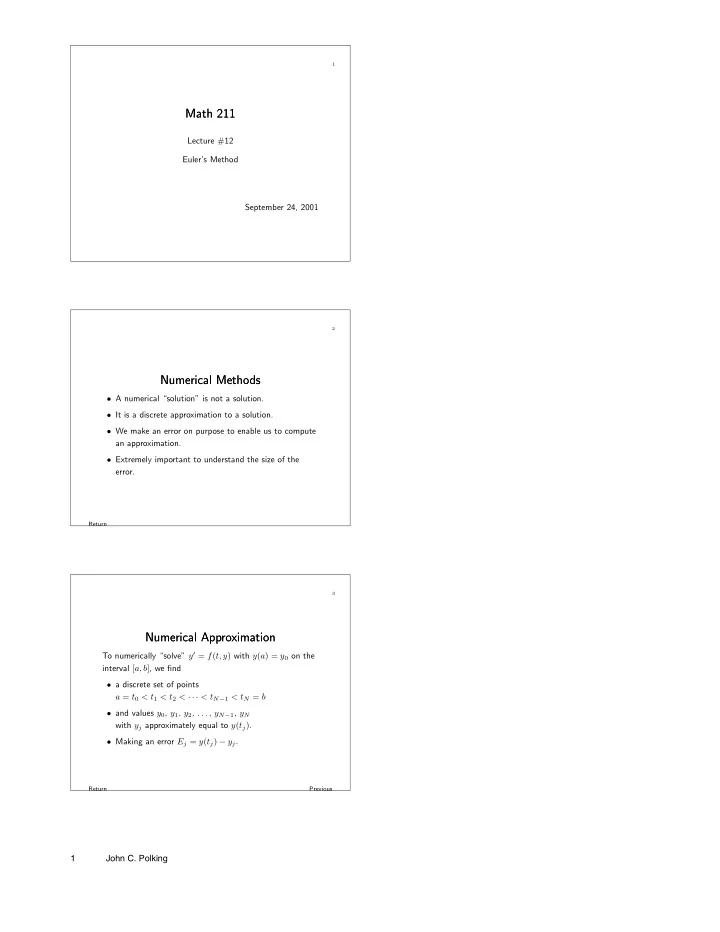
Math 211 Math 211 Lecture #12 Eulers Method September 24, 2001 2 - - PDF document

math 211 math 211
SMART_READER_LITE
LIVE PREVIEW

Math 211 Math 211 Lecture #12 Eulers Method September 24, 2001 2 - - PDF document

1 Math 211 Math 211 Lecture #12 Eulers Method September 24, 2001 2 Numerical Methods Numerical Methods A numerical solution is not a solution. It is a discrete approximation to a solution. We make an error on purpose to


slide-1
SLIDE 1

1

Math 211 Math 211

Lecture #12 Euler’s Method September 24, 2001

Return

2

Numerical Methods Numerical Methods

  • A numerical “solution” is not a solution.
  • It is a discrete approximation to a solution.
  • We make an error on purpose to enable us to compute

an approximation.

  • Extremely important to understand the size of the

error.

Return Previous

3

Numerical Approximation Numerical Approximation

To numerically “solve” y′ = f(t, y) with y(a) = y0 on the interval [a, b], we find

  • a discrete set of points

a = t0 < t1 < t2 < · · · < tN−1 < tN = b

  • and values y0, y1, y2, . . . , yN−1, yN

with yj approximately equal to y(tj).

  • Making an error Ej = y(tj) − yj.

1 John C. Polking

slide-2
SLIDE 2

4

Types of Solvers Types of Solvers

  • We will discuss four solvers

Euler’s method, second order Runge-Kutta, fourth order Runge-Kutta, and ode45.

  • Everything works for first order systems almost without

change.

Return

5

Euler’s Method Euler’s Method

  • Solve (approximately)

y′ = f(t, y) with y(a) = y0

  • n the interval [a, b].
  • Discrete set of values of t.

t0 = a, fixed step size h = (b − a)/N. t1 = t0 + h, t2 = t1 + h = t0 + 2h, etc, tN = a + Nh = b

Return Numerical methods Time steps

6

Euler’s Method – First Step Euler’s Method – First Step

  • At each step approximate the solution curve by the

tangent line.

  • First step:

y(t0 + h) ≈ y(t0) + y′(t0)h.

t1 = t0 + h

y(t1) ≈ y0 + f(t0, y0)h. Set y1 = y0 + f(t0, y0)h,

so y(t1) ≈ y1. 2 John C. Polking

slide-3
SLIDE 3

Return Numerical methods Time steps

7

Euler’s Method – Second Step Euler’s Method – Second Step

  • At each step use the tangent line.
  • Second step – start at (t1, y1).

New solution ˜

y with initial value ˜ y(t1) = y1.

˜

y(t) ≈ ˜ y(t1) + ˜ y′(t1)(t − t1), t2 = t1 + h

˜

y(t2) ≈ y1 + f(t1, y1)h.

Set y2 = y1 + f(t1, y1)h,

so y(t2) ≈ ˜ y(t2) ≈ y2.

Return Numerical methods Time steps

8

Euler’s Method – Algorithm Euler’s Method – Algorithm

Input t0 and y0. for k = 1 to N set yk = yk−1 + f(tk−1, yk−1)h tk = tk−1 + h Thus, y1 = y0 + f(t0, y0)h and t1 = t0 + h y2 = y1 + f(t1, y1)h and t2 = t1 + h y3 = y2 + f(t2, y2)h and t3 = t2 + h etc.

Return

9

MATLAB routine eulerdemo.m MATLAB routine eulerdemo.m

  • Demonstrates truncation error.
  • Demonstrates how truncation error can propagate

exponentially.

  • Demonstrates how the total error is the sum of

propagated truncation errors. 3 John C. Polking

slide-4
SLIDE 4

Return

10

Error Analysis – First Step Error Analysis – First Step

  • Euler’s approximation

y1 = y0 + f(t0, y0)h; t1 = t0 + h

  • Taylor’s theorem

y(t1) = y(t0 + h) = y(t0) + y′(t0)h + R(h) |R(h)| ≤ Ch2

  • y(t1) − y1 = R(h)

Return

11

Error Analysis Error Analysis

  • The truncation error at each step is the same as the

Taylor remainder, and |R(h)| ≤ Ch2.

  • There are N = (b − a)/h steps. Truncation error can

grow exponentially. Maximum error ≤ C

  • eL(b−a) − 1
  • h,

where C & L are constants that depend on f.

Return

12

Error Analysis Error Analysis

Maximum error ≤ C

  • eL(b−a) − 1
  • h,

where C & L are constants that depend on f.

  • Good news: the error decreases as h decreases.
  • Bad news: the error can get exponentially large as the

length of the interval [i.e., b-a] increases. 4 John C. Polking

slide-5
SLIDE 5

Return Algorithm

13

MATLAB routine eul.m MATLAB routine eul.m

Syntax: [t,y] = eul(derfile,[t0, tf], y0, h);

  • derfile - derivative m-file defining the equation.
  • t0 - initial time; tf - final time.
  • y0 - initial value.
  • h - step size.

Return

14

Derivative m-file Derivative m-file

The derivative m-file describes the differential equation.

  • Example: y′ = y2 − t
  • Derivative m-file:

function ypr = george(t,y) ypr = y^2 - t;

  • Save as george.m.

Return

15

Use of eul.m Use of eul.m

  • Solve y′ = y2 − t.
  • Use the derivative m-file george.m.
  • Use t0 = 0, tf = 10, y0 = 0.5, and several step sizes.
  • Syntax: [t,y] = eul(′george′,[0,10],0.5,h);

5 John C. Polking

slide-6
SLIDE 6

Return Derivative m-file Batch file

16

Experimental Error Analysis Experimental Error Analysis

  • IVP y′ = cos(t)/(2y − 2)

with y(0) = 3

  • Exact solution: y(t) = 1 + √4 + sin t.
  • Solve using Euler’s method and compare with the exact

solution.

  • Do this for several step sizes.

Experimental analysis Return

17

Derivative m-file ben.m Derivative m-file ben.m

function yprime = ben(t,y) yprime = cos(t)/(2*y-2);

Return Experimental analysis Good news

18

M-file batch.m M-file batch.m

[teuler,yeuler]=eul(’ben’,[0,3],3,h); t=0:0.05:3; y=1+sqrt(4+sin(t)); plot(t,y,teuler,yeuler,’o’) legend(’Exact’,’Euler’) shg z=1+sqrt(4+sin(teuler)); maxerror=max(abs(z-yeuler)) 6 John C. Polking