Iterators Iterator Methods Iterator ix = x.iterator(); constructs - - PDF document

iterators iterator methods
SMART_READER_LITE
LIVE PREVIEW

Iterators Iterator Methods Iterator ix = x.iterator(); constructs - - PDF document

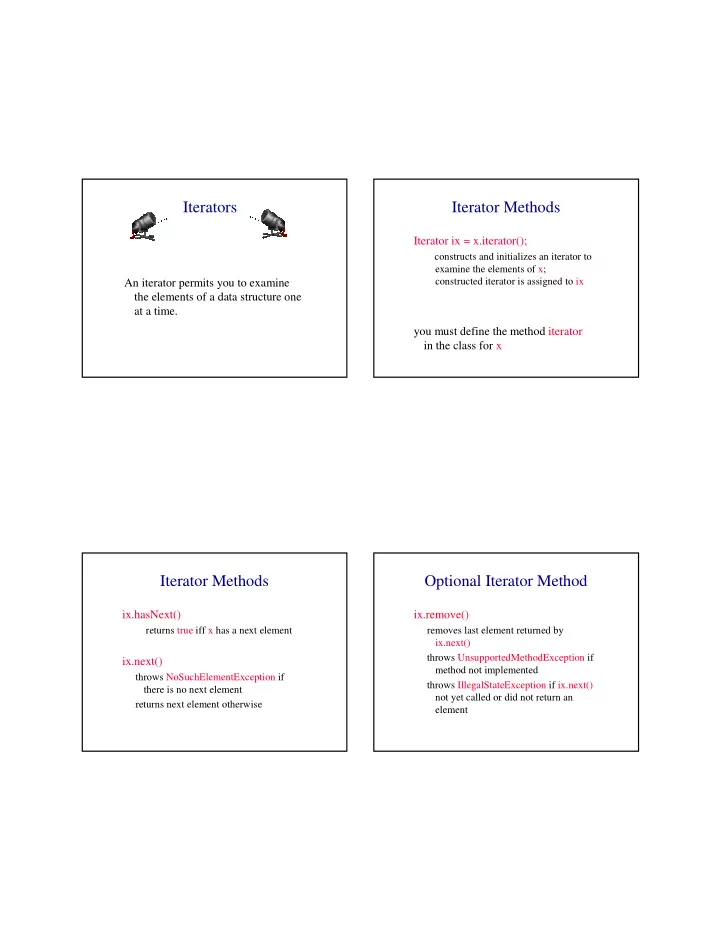
Iterators Iterator Methods Iterator ix = x.iterator(); constructs and initializes an iterator to examine the elements of x; constructed iterator is assigned to ix An iterator permits you to examine the elements of a data structure one at a


slide-1
SLIDE 1

Iterators

An iterator permits you to examine the elements of a data structure one at a time.

Iterator Methods

Iterator ix = x.iterator();

constructs and initializes an iterator to examine the elements of x; constructed iterator is assigned to ix

you must define the method iterator in the class for x

Iterator Methods

ix.hasNext()

returns true iff x has a next element

ix.next()

throws NoSuchElementException if there is no next element returns next element otherwise

Optional Iterator Method

ix.remove()

removes last element returned by ix.next() throws UnsupportedMethodException if method not implemented throws IllegalStateException if ix.next() not yet called or did not return an element

slide-2
SLIDE 2

Using An Iterator

Iterator ix = x.iterator(); while (ix.hasNext()) examine(ix.next()); vs for (int i = 0; i < x.size(); i++) examine(x.get(i));

Merits Of An Iterator

  • it is often possible to implement the

method next so that its complexity is less than that of get

  • many data structures do not have a

get by index method

  • iterators provide a uniform way to

sequence through the elements of a data structure

Java’s Array Linear List Class

java.util.ArrayList Cadillac version of our ArrayLinearListWithIterator

Linked Representation

  • list elements are stored, in memory,

in an arbitrary order

  • explicit information (called a link)

is used to go from one element to the next

slide-3
SLIDE 3

Memory Layout

a b c d e c a e d b

A linked representation uses an arbitrary layout. Layout of L = (a,b,c,d,e) using an array representation.

Linked Representation

pointer (or link) in e is null

c a e d b

use a variable firstNode to get to the first element a

firstNode

Normal Way To Draw A Linked List

link or pointer field of node data field of node

a b c d e

null

firstNode

Chain

  • A chain is a linked list in which each node

represents one element.

  • There is a link or pointer from one element to

the next.

  • The last node has a null pointer.

a b c d e

null

firstNode

slide-4
SLIDE 4

Node Representation

package dataStructures; class ChainNode { // package visible data members Object element; ChainNode next; // constructors come here }

next element

Constructors Of ChainNode

ChainNode() {}

null null null element next element

ChainNode(Object element) {this.element = element;} ChainNode(Object element, ChainNode next) {this.element = element; this.next = next;}

get(0)

checkIndex(0); desiredNode = firstNode; // gets you to first node return desiredNode.element; a b c d e

null

firstNode

get(1)

checkIndex(1); desiredNode = firstNode.next; // gets you to second node return desiredNode.element; a b c d e

null

firstNode

slide-5
SLIDE 5

get(2)

checkIndex(2); desiredNode = firstNode.next.next; // gets you to third node return desiredNode.element; a b c d e

null

firstNode

get(5)

checkIndex(5); // throws exception desiredNode = firstNode.next.next.next.next.next; // desiredNode = null return desiredNode.element; // null.element a b c d e

null

firstNode

NullPointerException

desiredNode = firstNode.next.next.next.next.next.next; // gets the computer mad // you get a NullPointerException a b c d e

null

firstNode

Remove An Element

remove(0)

a b c d e

null

firstNode

firstNode = firstNode.next;

slide-6
SLIDE 6

a b d e

null

firstNode c

remove(2)

first get to node just before node to be removed

cc

beforeNode = firstNode.next;

b beforeNode

remove(2)

now change pointer in beforeNode beforeNode.next = beforeNode.next.next;

beforeNode a b c d e

null

firstNode

add(0,’f’)

a b c d e

null

firstNode

f

newNode Step 1: get a node, set its data and link fields ChainNode newNode = new ChainNode(new Character(‘f’), firstNode);

add(0,’f’)

a b c d e

null

firstNode

f

newNode Step 2: update firstNode firstNode = newNode;

slide-7
SLIDE 7

One-Step add(0,’f’)

a b c d e

null

firstNode

f

newNode firstNode = new ChainNode( new Character(‘f’), firstNode);

add(3,’f’)

  • first find node whose index is 2

a b c d e

null

firstNode f newNode beforeNode c

  • next create a node and set its data and link fields

ChainNode newNode = new ChainNode(new Character(‘f’), beforeNode.next);

  • finally link beforeNode to newNode

beforeNode.next = newNode;

Two-Step add(3,’f’)

beforeNode = firstNode.next.next; beforeNode.next = new ChainNode(new Character(‘f’), beforeNode.next);

a b c d e

null

firstNode f newNode beforeNode c