SLIDE 1
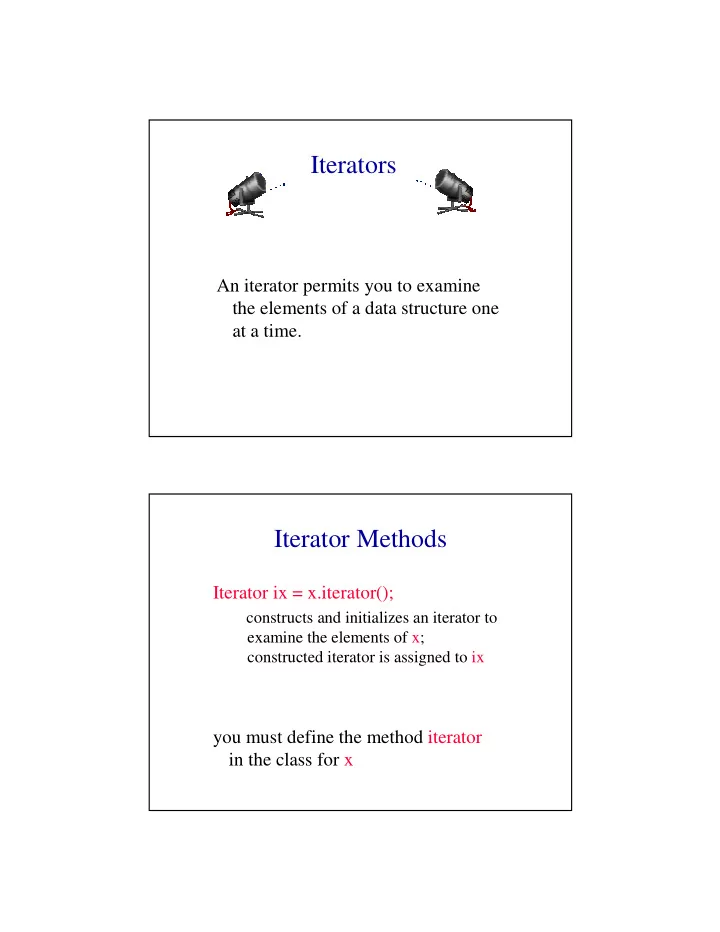
Iterators An iterator permits you to examine the elements of a data - - PDF document
Iterators An iterator permits you to examine the elements of a data structure one at a time. Iterator Methods Iterator ix = x.iterator(); constructs and initializes an iterator to examine the elements of x; constructed iterator is assigned
SLIDE 2
SLIDE 3
Using An Iterator
Iterator ix = x.iterator(); while (ix.hasNext()) examine(ix.next()); vs for (int i = 0; i < x.size(); i++) examine(x.get(i));
Merits Of An Iterator
- it is often possible to implement the
method next so that its complexity is less than that of get
- many data structures do not have a
get by index method
- iterators provide a uniform way to
sequence through the elements of a data structure
SLIDE 4
Java’s Array Linear List Class
java.util.ArrayList Cadillac version of our ArrayLinearListWithIterator
Linked Representation
- list elements are stored, in memory,
in an arbitrary order
- explicit information (called a link)
is used to go from one element to the next
SLIDE 5
Memory Layout
a b c d e c a e d b
A linked representation uses an arbitrary layout. Layout of L = (a,b,c,d,e) using an array representation.
Linked Representation
pointer (or link) in e is null
c a e d b
use a variable firstNode to get to the first element a
firstNode
SLIDE 6
Normal Way To Draw A Linked List
link or pointer field of node data field of node
a b c d e
null
firstNode
Chain
- A chain is a linked list in which each node
represents one element.
- There is a link or pointer from one element to
the next.
- The last node has a null pointer.
a b c d e
null
firstNode
SLIDE 7
Node Representation
package dataStructures; class ChainNode { // package visible data members Object element; ChainNode next; // constructors come here }
next element
Constructors Of ChainNode
ChainNode() {}
null null null element next element
ChainNode(Object element) {this.element = element;} ChainNode(Object element, ChainNode next) {this.element = element; this.next = next;}
SLIDE 8
get(0)
checkIndex(0); desiredNode = firstNode; // gets you to first node return desiredNode.element; a b c d e
null
firstNode
get(1)
checkIndex(1); desiredNode = firstNode.next; // gets you to second node return desiredNode.element; a b c d e
null
firstNode
SLIDE 9
get(2)
checkIndex(2); desiredNode = firstNode.next.next; // gets you to third node return desiredNode.element; a b c d e
null
firstNode
get(5)
checkIndex(5); // throws exception desiredNode = firstNode.next.next.next.next.next; // desiredNode = null return desiredNode.element; // null.element a b c d e
null
firstNode
SLIDE 10
NullPointerException
desiredNode = firstNode.next.next.next.next.next.next; // gets the computer mad // you get a NullPointerException a b c d e
null
firstNode
Remove An Element
remove(0)
a b c d e
null
firstNode
firstNode = firstNode.next;
SLIDE 11
a b d e
null
firstNode c
remove(2)
first get to node just before node to be removed
cc
beforeNode = firstNode.next;
b beforeNode
remove(2)
now change pointer in beforeNode beforeNode.next = beforeNode.next.next;
beforeNode a b c d e
null
firstNode
SLIDE 12
add(0,’f’)
a b c d e
null
firstNode
f
newNode Step 1: get a node, set its data and link fields ChainNode newNode = new ChainNode(new Character(‘f’), firstNode);
add(0,’f’)
a b c d e
null
firstNode
f
newNode Step 2: update firstNode firstNode = newNode;
SLIDE 13
One-Step add(0,’f’)
a b c d e
null
firstNode
f
newNode firstNode = new ChainNode( new Character(‘f’), firstNode);
add(3,’f’)
- first find node whose index is 2
a b c d e
null
firstNode f newNode beforeNode c
- next create a node and set its data and link fields
ChainNode newNode = new ChainNode(new Character(‘f’), beforeNode.next);
- finally link beforeNode to newNode
beforeNode.next = newNode;
SLIDE 14
Two-Step add(3,’f’)
beforeNode = firstNode.next.next; beforeNode.next = new ChainNode(new Character(‘f’), beforeNode.next);
a b c d e
null