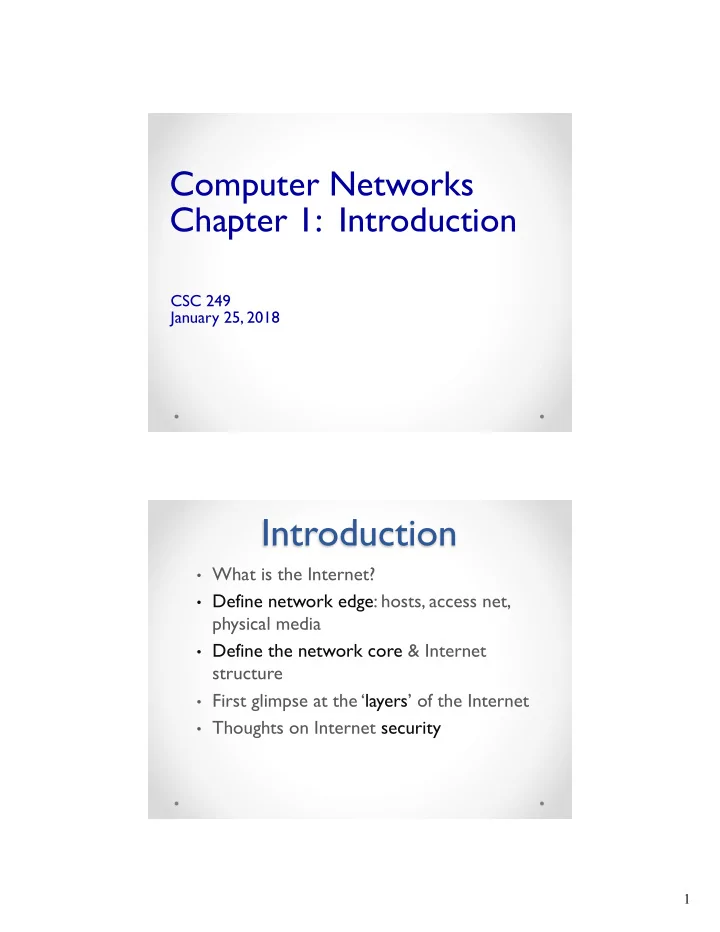
Introduction What is the Internet? Define network edge: hosts, - - PDF document

introduction
SMART_READER_LITE
LIVE PREVIEW

Introduction What is the Internet? Define network edge: hosts, - - PDF document

Computer Networks Chapter 1: Introduction CSC 249 January 25, 2018 Introduction What is the Internet? Define network edge: hosts, access net, physical media Define the network core & Internet structure First glimpse at the


slide-1
SLIDE 1

1

Computer Networks Chapter 1: Introduction

CSC 249 January 25, 2018

Introduction

  • What is the Internet?
  • Define network edge: hosts, access net,

physical media

  • Define the network core & Internet

structure

  • First glimpse at the ‘layers’ of the Internet
  • Thoughts on Internet security
slide-2
SLIDE 2

2

Basic Network Questions

v What are some basic questions you have

for this course?

What Are Applications We Use?

1. 2. 3. 4. 5. 6. 7. 8. 9. 10.

slide-3
SLIDE 3

3

What are (core) Internet Tasks?

1. 2. 3. 4. 5. 6. 7. 8. 9. 10.

How Organize (Group) These Tasks?

1. 2. 3. 4. 5.

slide-4
SLIDE 4

4

Network Structure:

1) network edge: hosts = clients and servers 2) access networks, physical media: wired, wireless communication links 3) network core:

§ interconnected routers § network of networks

mobile network global ISP regional ISP home network institutional network

Network Edge Host: sends packets of data

To send information: v The host starts the application message v Breaks the message into packets, of length L bits v Transmits the packet into the Internet, to the correct destination

R: link transmission rate

host

1 2

two packets, L bits each

slide-5
SLIDE 5

5

  • A ‘mesh’ of

interconnected routers

The network core

Internet structure: network of networks

access net access net access net access net access net access net access net access net access net access net

… … … … …

… …

… … … connecting each access ISP to each other directly requires too many connections

Mt. Holyoke Hamp- shire North- ampton Smith College Amherst College UMass

Question: given millions of access ISPs, how to connect them together?

slide-6
SLIDE 6

6

access net access net access net access net access net access net access net access net access net

… … … … …

global ISP

Mt. Holyoke Hamp- shire North- ampton Smith College Amherst College UMass access net

Internet structure: network of networks

access net access net access net access net access net access net access net access net access net access net

… … … … …

ISP B ISP A ISP C

Mt. Holyoke Hamp- shire North- ampton Smith College Amherst College UMass

Internet structure: network of networks

slide-7
SLIDE 7

7

access net access net access net access net access net access net access net access net access net access net

… … … … …

ISP B ISP A ISP C

Mt. Holyoke Hamp- shire North- ampton Smith College Amherst College UMass

Internet structure: network of networks

slide-8
SLIDE 8

8

* Internet protocol stack (layers) *

  • Layer 1 (doll 1) – application:
  • web browsing, email
  • Layer 2 – transport: data transfer
  • Layer 3 – network: routing from

source to destination

  • Layer 4 – link: single hop data

transfer

  • Layer 5 – physical: (electrical

signals)

application transport network link physical

slide-9
SLIDE 9

9

17

Four sources of packet delay

A B

propagation transmission nodal processing queueing

We will return to these concepts throughout the semester.

18

Caravan analogy

  • Car ~ bit; caravan ~ packet
  • Toll booth takes 8 sec to service car

(processing time)

  • Cars “propagate” at 100 km/hr
  • Q: How long until the caravan is lined

up before 2nd toll booth?

toll booth toll booth ten-car caravan 100 km 100 km

slide-10
SLIDE 10

10

20

Four sources of packet delay

  • 1. nodal processing

v Read & interpret packet

header

v Error checking v Determine which output

link to use

A B

propagation transmission nodal processing queueing

  • 2. queuing

v Time waiting at a router for

transmission

v Depends on congestion level

  • f router (how many packets

are already in the router RAM)

21

Queuing Delay & Packet Loss

  • A queue, a “buffer” in a router (a portion of

memory), has finite capacity

  • A packet arriving to a full queue is dropped

(aka lost)

  • A lost packet may be retransmitted, or not à

Reliability

A B

packet being transmitted packet arriving to full buffer is lost buffer (waiting area)

slide-11
SLIDE 11

11

22

  • 3. Transmission delay:
  • R = link bandwidth (bps)
  • L = packet length (bits)
  • time to send bits into

link = L/R

  • 4. Propagation delay:
  • d = length of physical link
  • s = propagation speed in

medium (~2x10⁸ m/sec)

  • propagation delay = d/s

A B

propagation transmission nodal processing queueing

Note: s and R are very different quantities!

Four sources of packet delay

23

Packet Switching: store-and-forward

  • It takes L/R seconds to

transmit (push out) a packet of L bits on to a link at R bps

  • Store and Forward:

entire packet must arrive at router before it will be transmitted

  • n to the next link
  • delay = 3L/R

(assuming zero propagation delay) Example:

  • L = 7.5 Mbits
  • R = 1.5 Mbps
  • transmission delay = ?

15 seconds

R R R L

slide-12
SLIDE 12

12

Moving Fast Through Lines!

  • http://blog.mrmeyer.com/2009/what-i-

would-do-with-this-groceries/

  • Still Image
  • http://blog.mrmeyer.com/2009/good-

morning-america/

  • Video (4’ 30”)

24 25

Nodal packet delay

  • dproc = processing delay
  • typically a few microsecs or less
  • dqueue = queuing delay
  • depends on congestion
  • dtrans = transmission delay
  • = L/R, significant for low-speed links
  • dprop = propagation delay
  • a few microsecs to hundreds of msecs
  • = d/s

prop trans queue proc nodal

d d d d d + + + =

slide-13
SLIDE 13

13

Chapter 1 – what to read

  • Read through entire chapter, but…
  • Section 1.3
  • Emphasize 1.3.1 over 1.3.2
  • Section 1.4 – Delay, Loss
  • Know this in detail, including the calculations
  • … In order to really know the various sources
  • f delay, and some causes of packet loss
  • Section 1.5 – the Layers
  • We will spend all semester on these layers
  • Be sure to start internalizing this structure

26

Summary

  • Review
  • New terms and definitions, including
  • Message; packet; frame; bit …
  • Begin internalizing “the layers”
  • How do the layers communicate with

each other?

  • How do they work together to become the

Internet?

  • What are the sources of delay?
  • How do we determine and/or calculate

these?

27

slide-14
SLIDE 14

14

Course Administration

  • Current events discussions
  • Net Neutrality – semester project
  • Security issues
  • Privacy of our personal data
  • Reliability of the Internet
  • The future of the internet
  • Course webpage
  • www.science.smith.edu/~jcardell/Courses/CSC249
  • Course objectives
  • Grading
  • * Schedule *

Course Assignments

  • Homework problems from text plus one

programming assignment (Python)

  • Homework due on THURSDAY at start of class
  • Self-corrected
  • Wireshark labs (packet sniffer)
  • Also due Thursday mornings
  • Self-corrected
  • Project – Net Neutrality
  • Participation
  • Mid-term exam (in-class)
  • Final exam (take home)
slide-15
SLIDE 15

15

Homework

  • Self-grading on a scale of 0 to 3
  • Attempt every problem
  • Full credit for attempting and then self-

correcting with identifying conceptual errors

2-30 2-31

slide-16
SLIDE 16

16

2-32

Wireshark Labs

  • Wireshark, a packet sniffer, is on the

Macs on the 2nd floor computer room, Ford Hall (though buggy…)

  • It is free to download and put on your
  • wn computer
  • Make sure it will open for you before the

first lab assignment is due.

slide-17
SLIDE 17

17

2-34

Net Neutrality Project

  • Semester long investigation of the issues

surrounding net neutrality.

  • Start reading now, for homework 2
  • Readings posted on the course webpage
  • And/or your own readings
  • Objective will be to understand
  • Benefits and drawbacks in terms of:
  • Technical understanding and issues
  • Concerns for industry, consumers, politicians

2-35

slide-18
SLIDE 18

18

Introduction: summary

  • Internet overview
  • Network structure: network edge,

core, access network

  • Defining a protocol?
  • Performance: loss, delay,

throughput

  • Read in chapter, and we will use

throughout the semester

  • Layering, service models
  • Security & Privacy